Computer Components
Explore Computer Components by subcategory and find the deals you are looking for.
Subcategories
Products · Computer Components
3 active deals
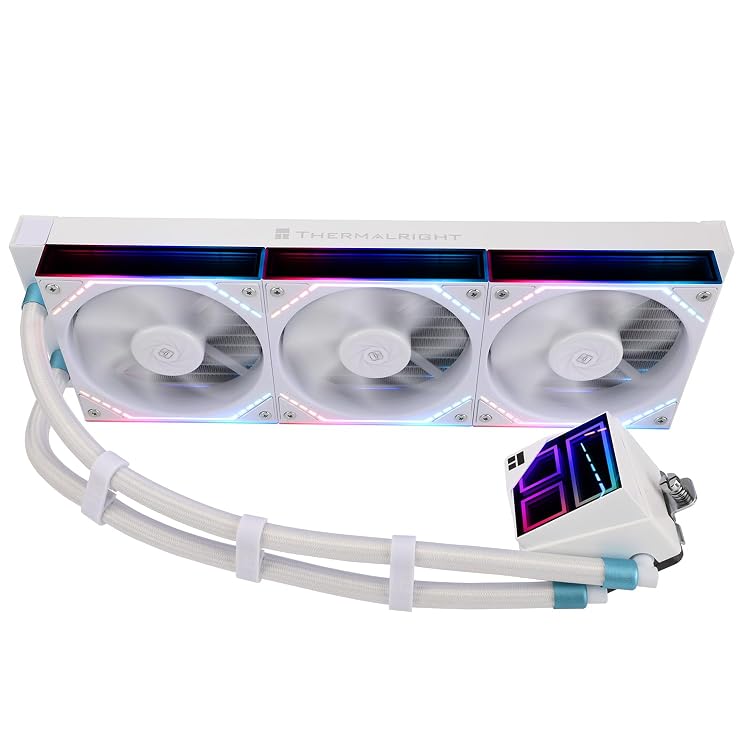
Thermalright Frozen Infinity 360 White FI360 WHITE AIO CPU Cooler
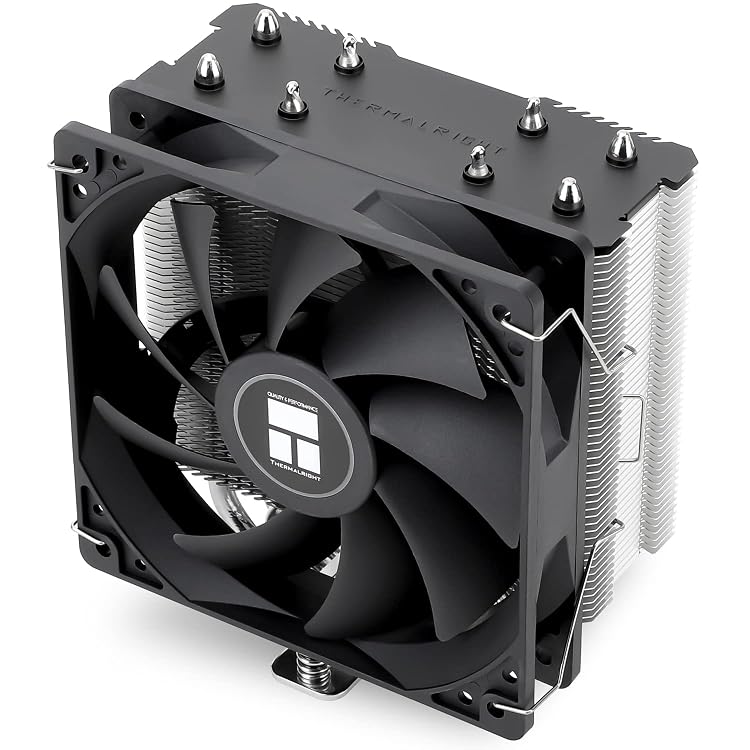
Thermalright Assassin X120 Refined SE CPU Air Cooler, 4 Heat Pipes
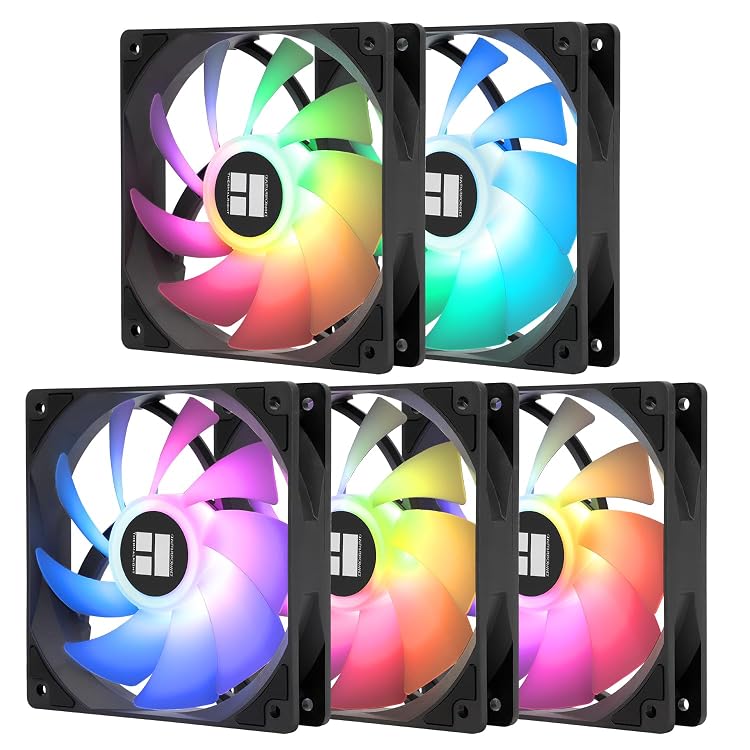
Thermalright TL-C12C-S X5-D2 120 mm ARGB PWM Fan 5-Pack
Computer components: choose an upgrade the whole system can use
A component should solve a specific limitation or complete a build. Choosing every part in isolation often produces an expensive list rather than a balanced computer. Before shopping for processors, graphics cards or memory, write down the problem you want to fix and which existing parts you intend to keep.
Choose the part that addresses the problem
If the computer becomes sluggish with several applications open, check RAM usage first. If a game needs a lower resolution to run well, the graphics card deserves investigation; if reducing resolution barely changes the result, the restriction may lie elsewhere. For calculation or rendering work, look for evidence from your actual application. A new motherboard adds connections and compatibility, but does not automatically stand in for a more capable processor in demanding tasks.
Treat processor, motherboard and memory as a set
Verify the combination using exact model numbers. A matching socket is not enough: the motherboard may require a particular firmware version to recognise the CPU. RAM generation and module type must suit the board, and error-correction features need explicit support. When replacing an older platform, include any memory or CPU cooler you can no longer reuse in the cost. One apparently cheap component can force you to purchase two more before the upgrade works.
Check space, electrical supply and heat removal
Compare graphics-card and cooler dimensions with the case's actual clearances, accounting for fans or radiators occupying the same space. The power supply needs suitable capacity and connectors, not merely a large wattage figure. Check its format and cable lengths too. More expensive cooling cannot fix an obstructed air intake. For a substantial performance upgrade, consider the case, power supply and cooling together before spending the entire budget on the main chip alone.
Plan assembly, checks and later changes
Separate essential requirements from provisions for hypothetical upgrades. Paying for numerous slots you will never use can take money away from the part currently limiting your work. Keep compatibility documentation, return terms and details of included accessories; missing screws, brackets or cables can delay assembly. Allow for technical help if you lack experience. After changing parts, verify detection, stability and temperatures with local tools before considering the upgrade finished and ready for normal use.