Electronics
Explore Electronics by subcategory and find the deals you are looking for.
Subcategories
Products · Electronics
14 active deals
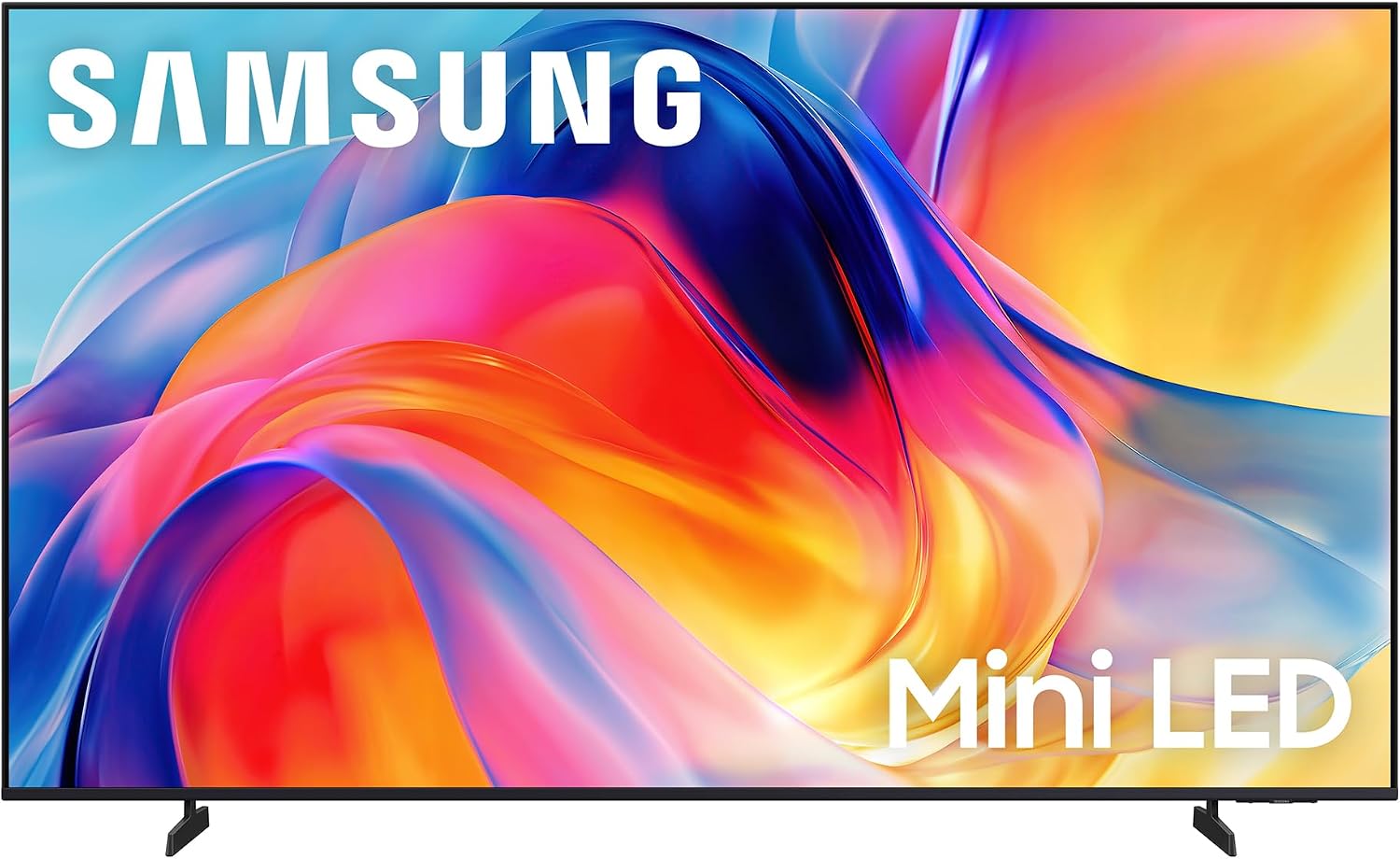
Samsung 65-Inch M70H Series 4K Smart TV
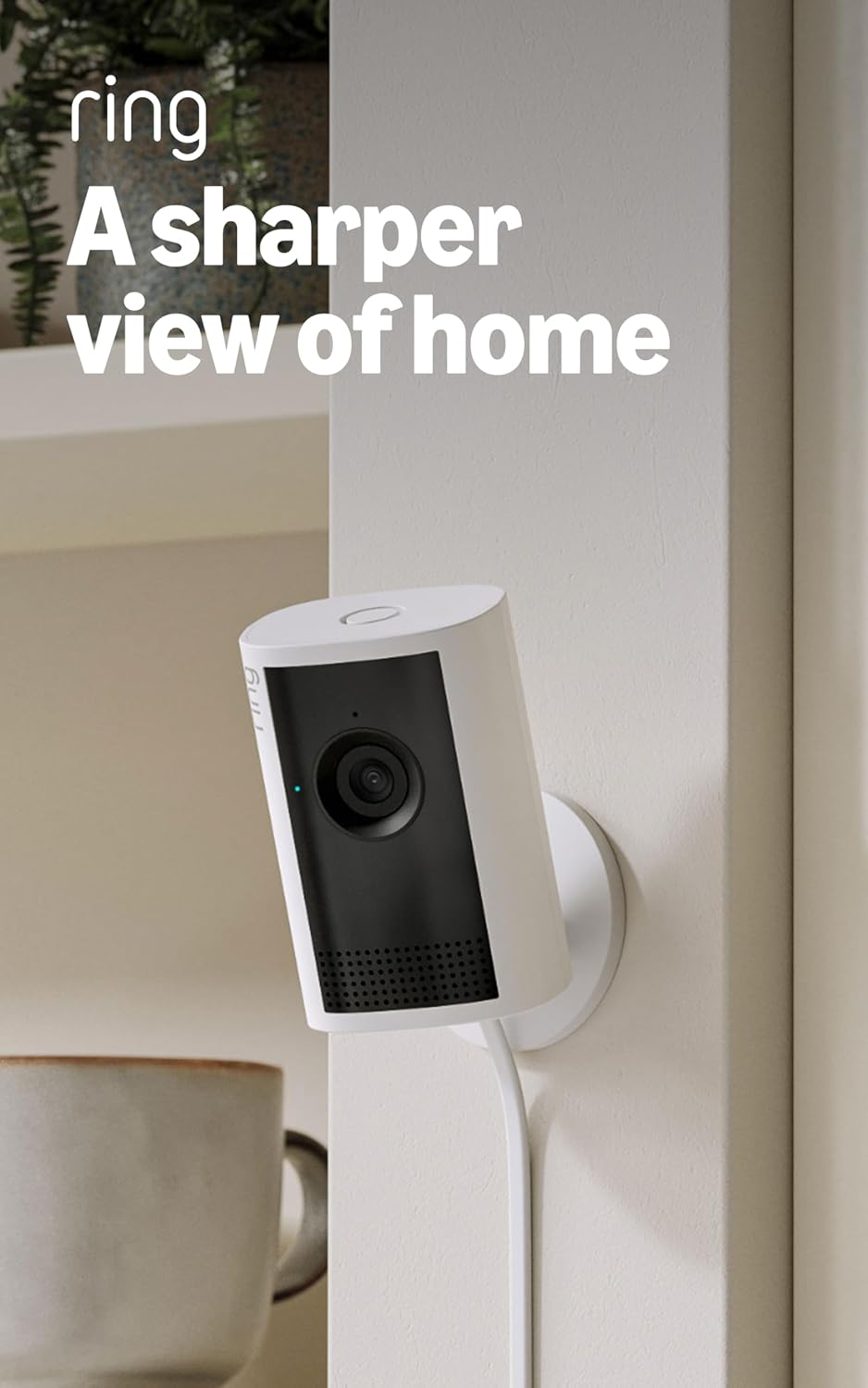
Ring Indoor Cam 2K Plug-In Security Camera
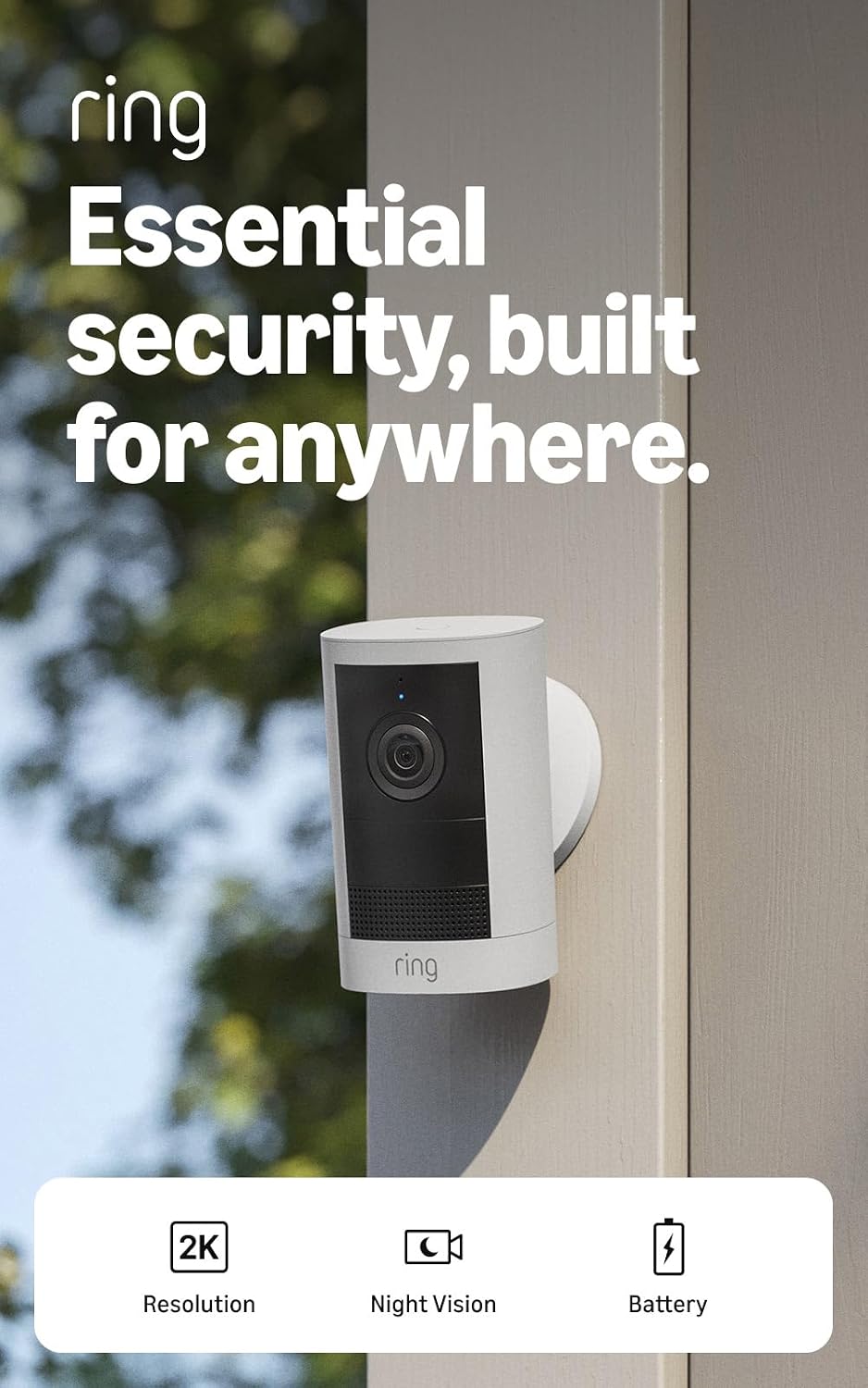
Ring Outdoor Cam 2K Battery
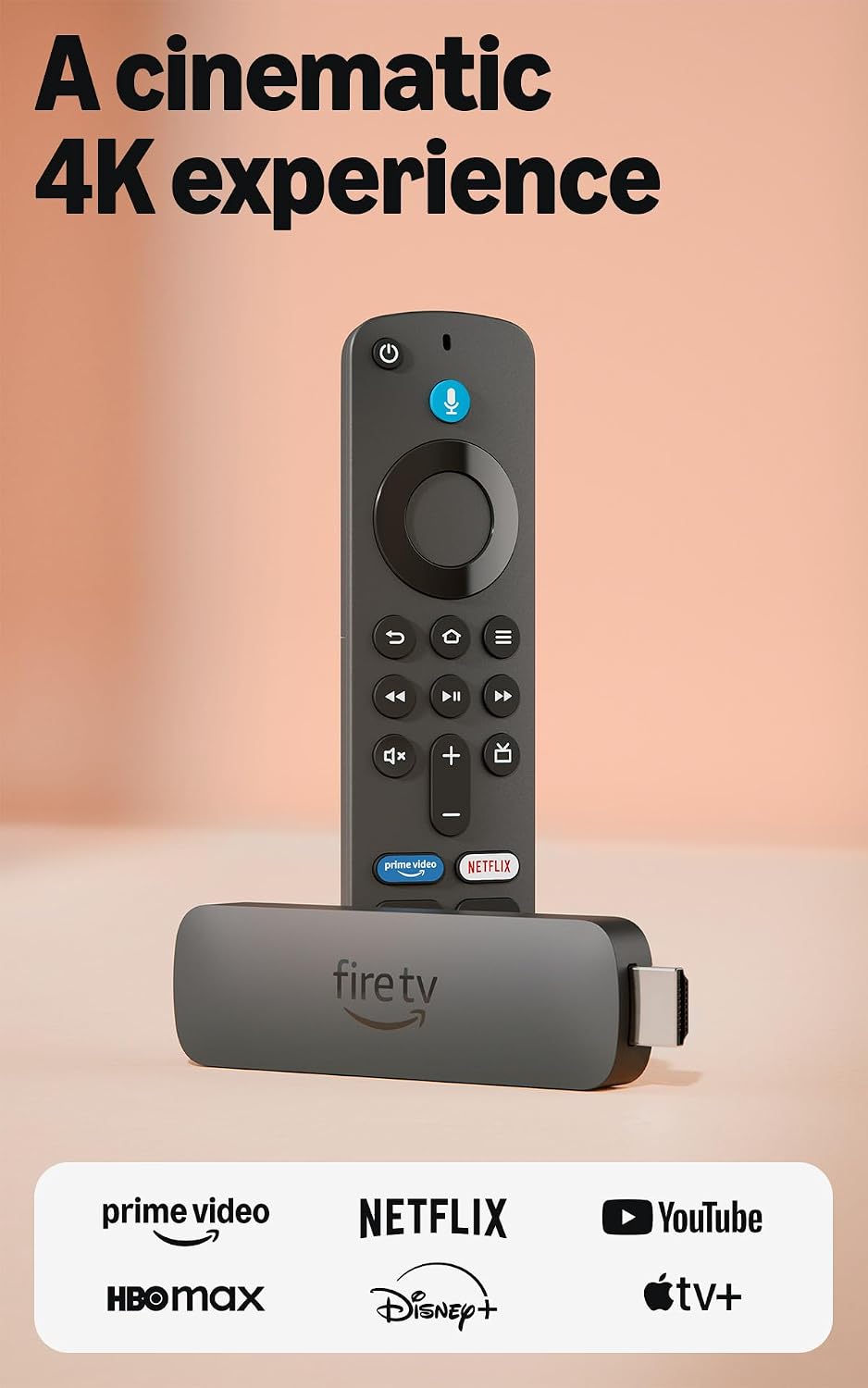
Amazon Fire TV Stick 4K Plus
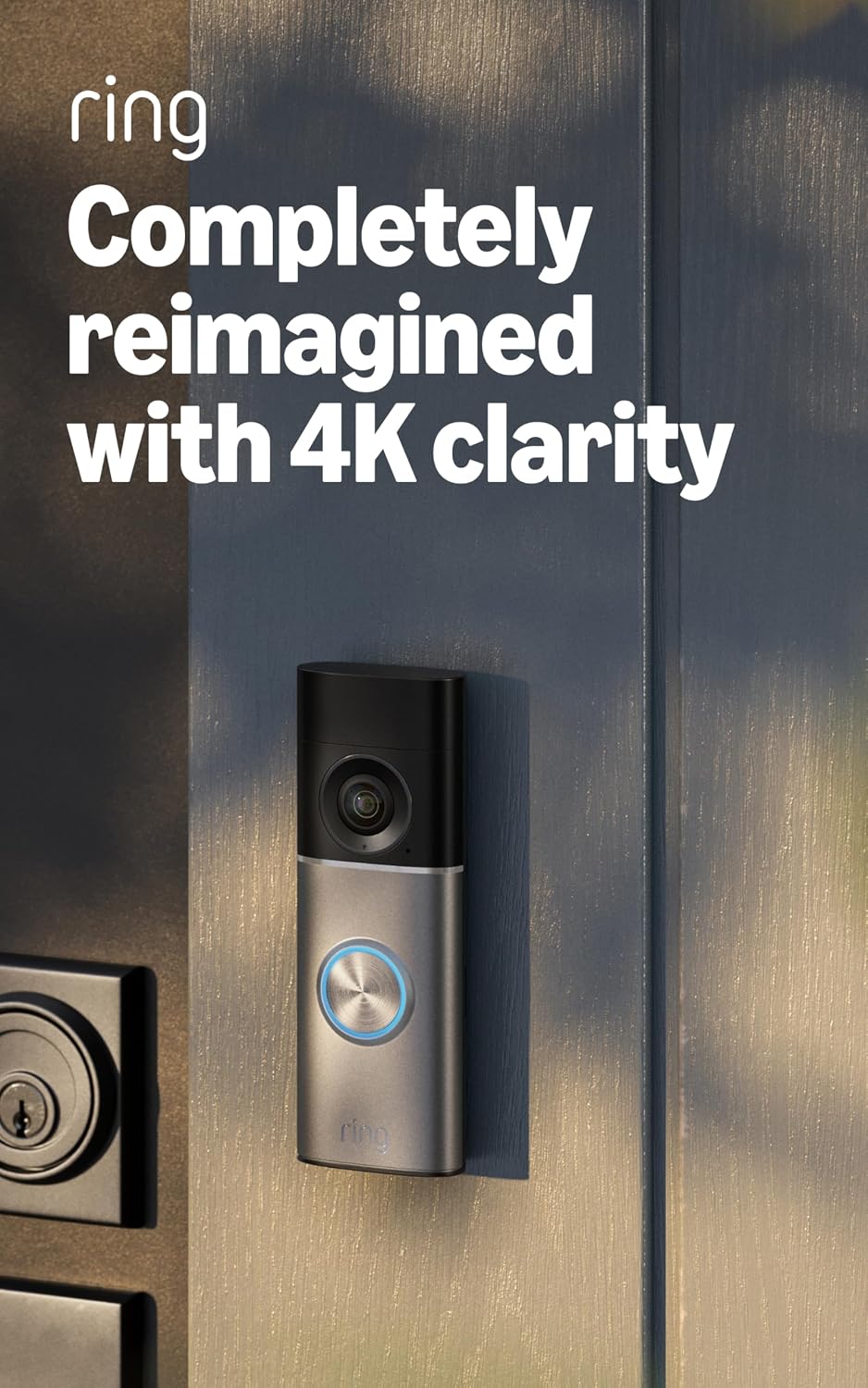
Ring Wired Doorbell 4K Pro (Deep Silver)
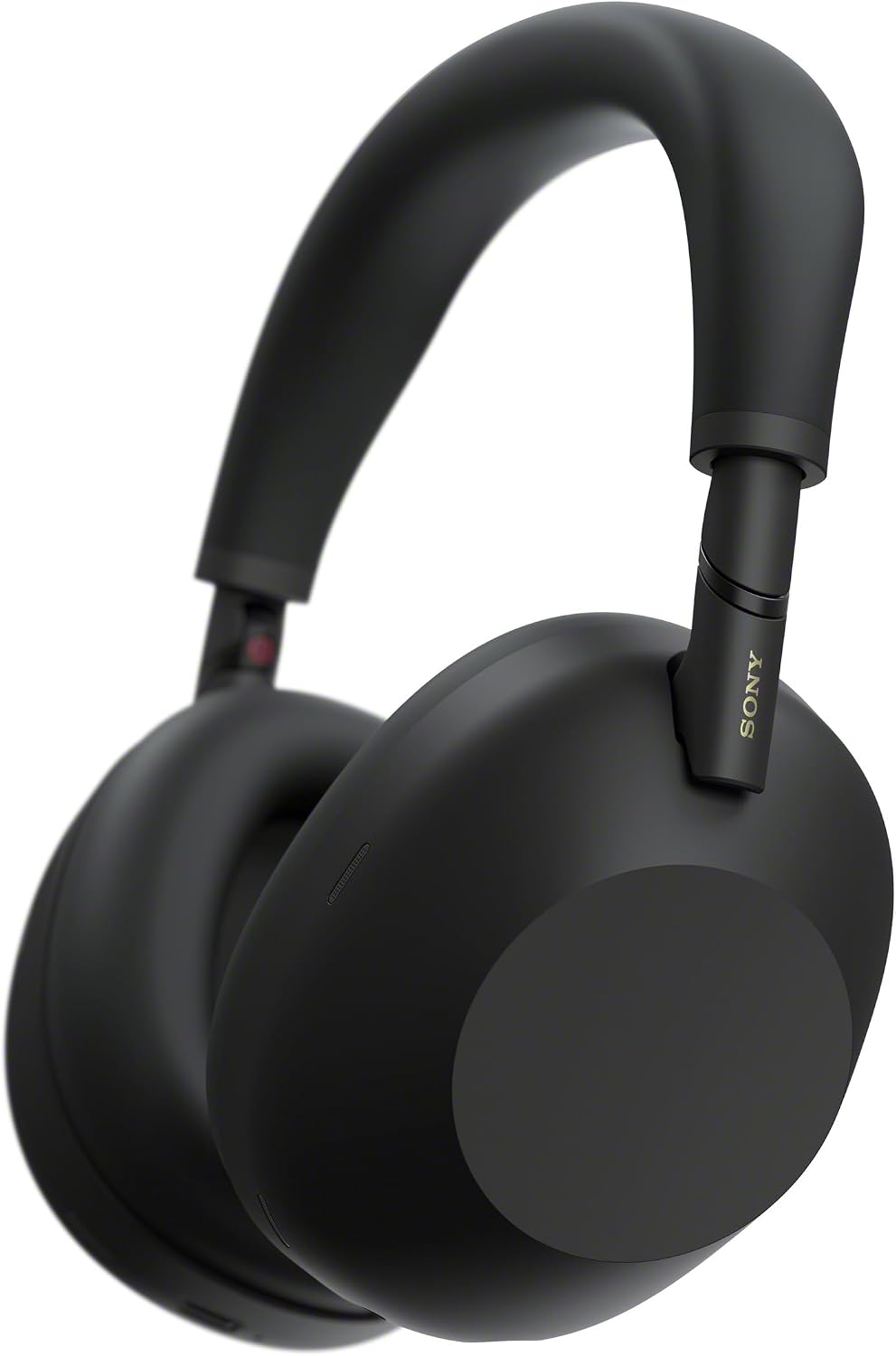
Sony WH-1000XM6 Wireless Over-Ear Headphones
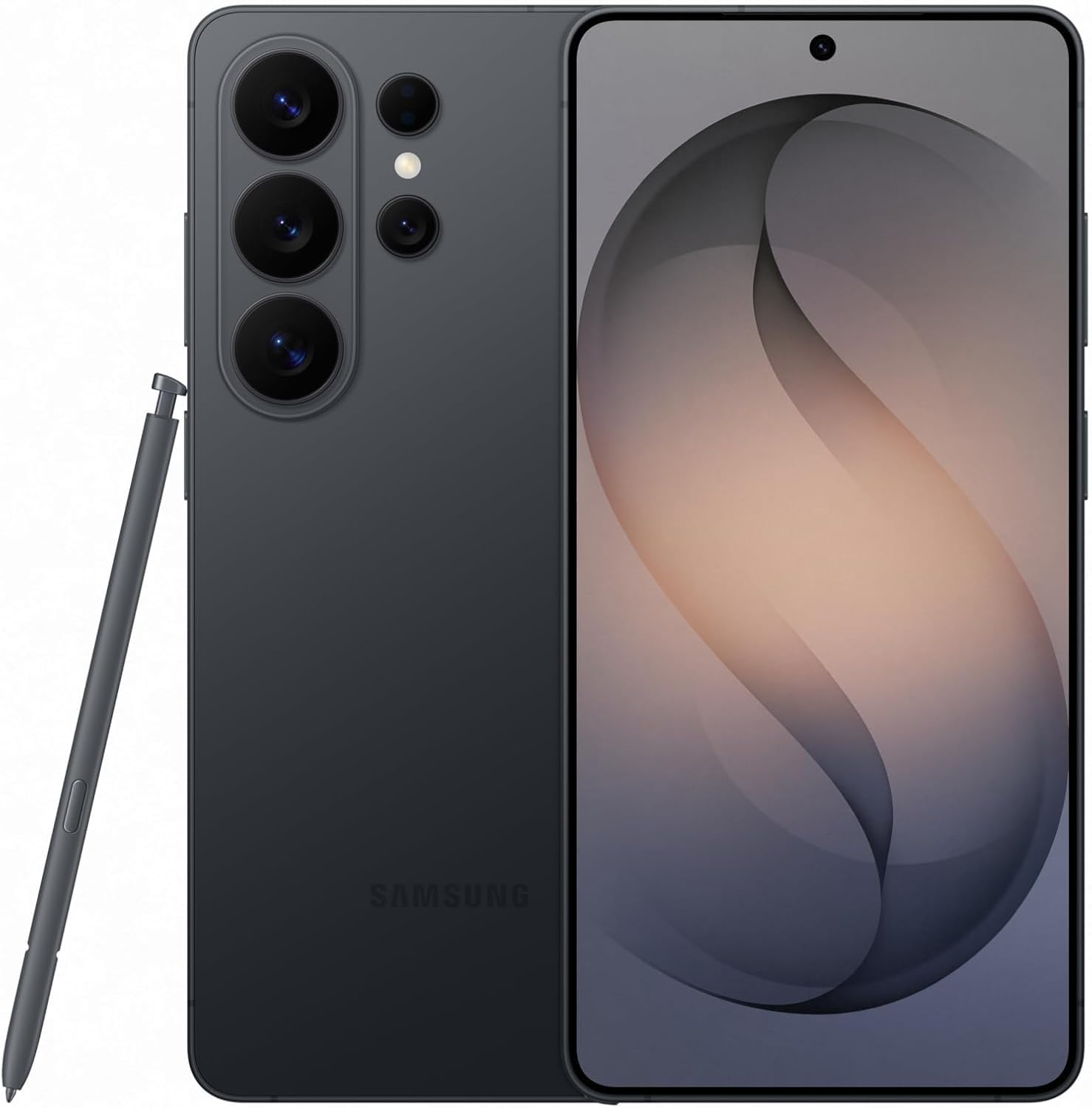
Samsung Galaxy S26 Ultra 512GB Unlocked Smartphone
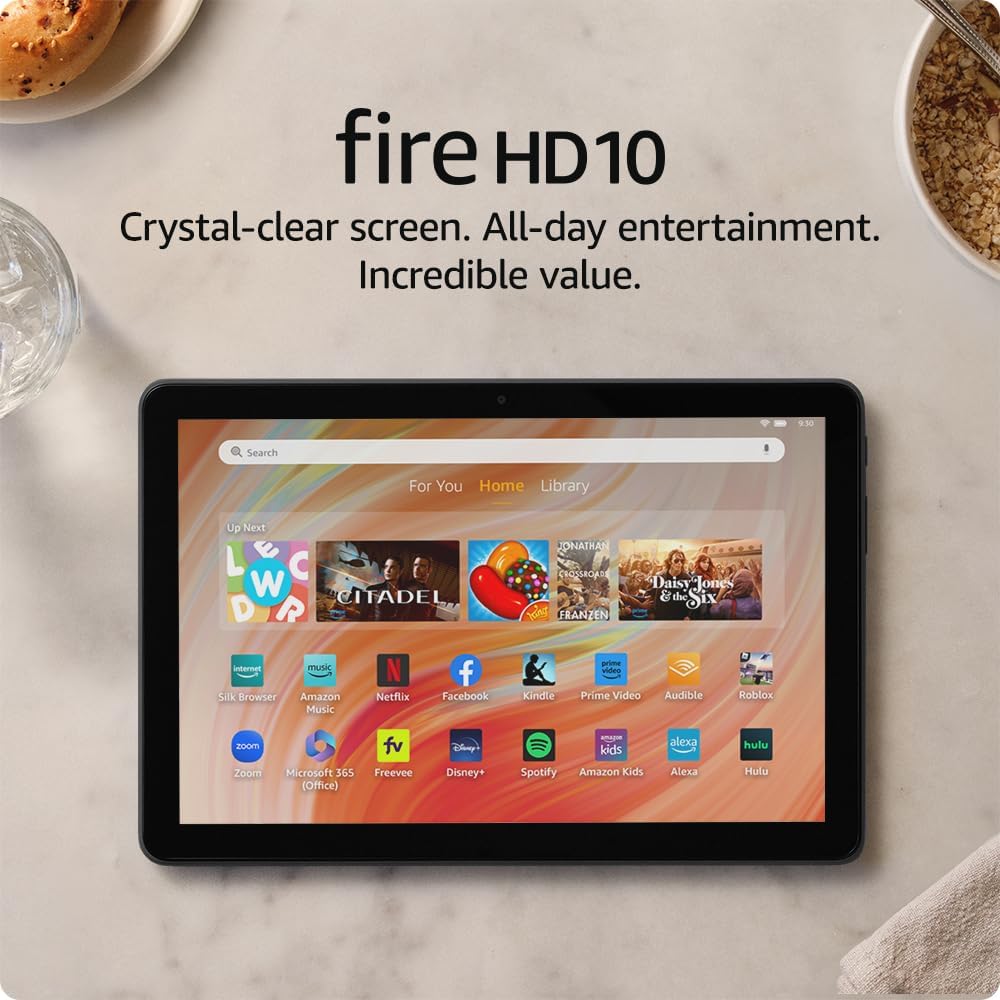
Amazon Fire HD 10 (Like-New Refurbished), 10.1-inch 1080p, 32 GB
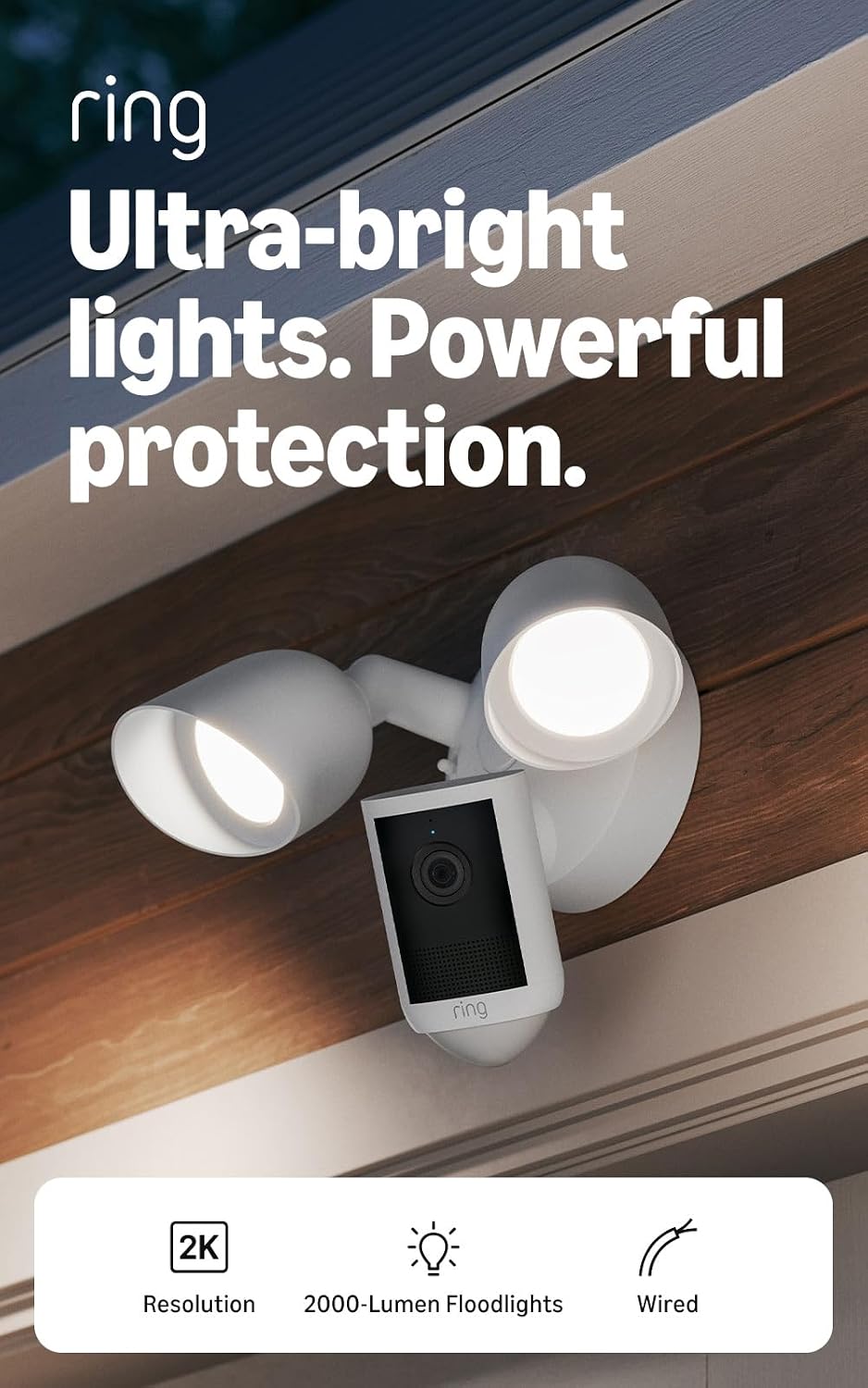
Ring Floodlight Cam 2K Wired
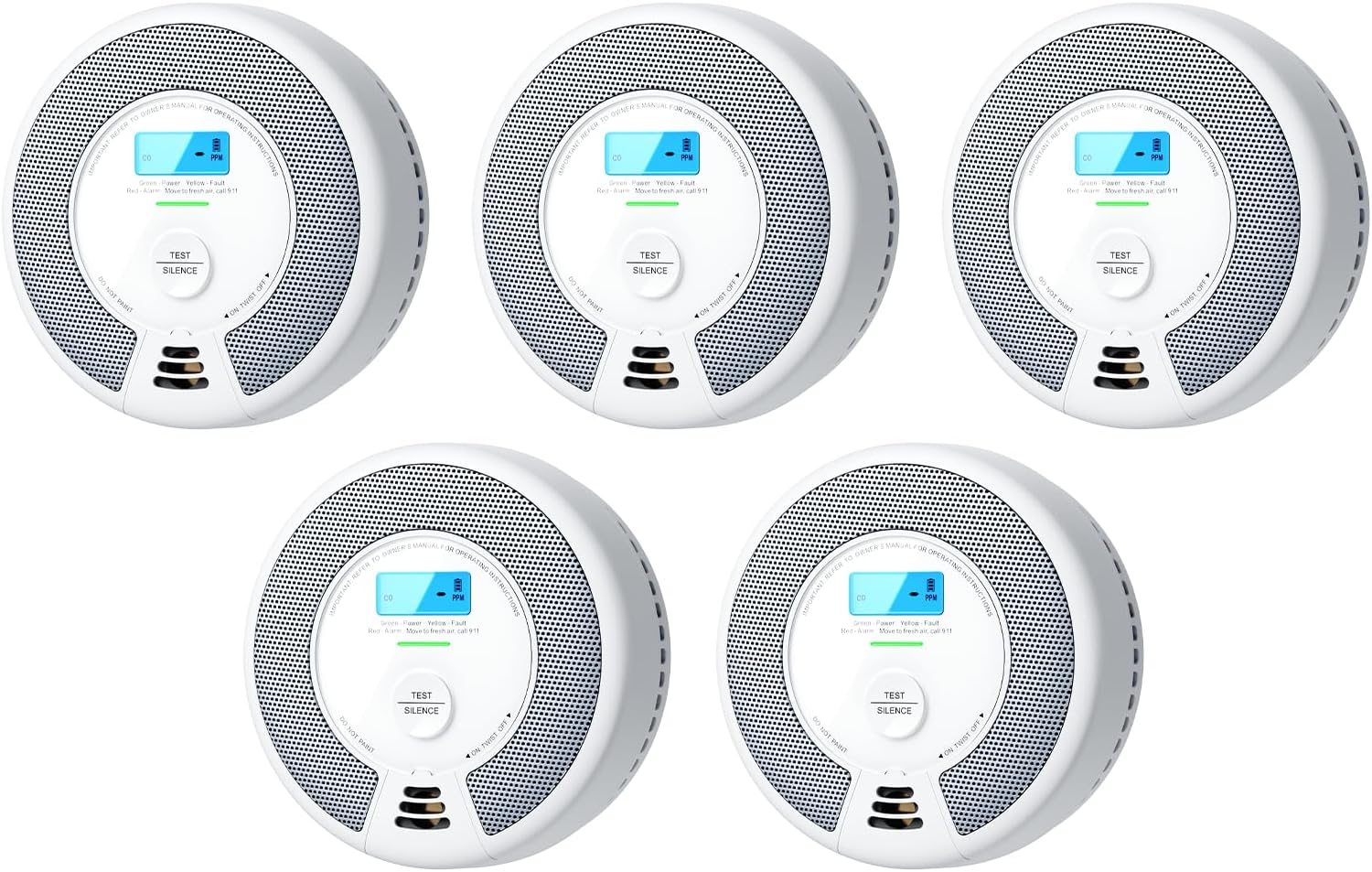
X-Sense SC07 Smoke and CO Detector, 5-Pack
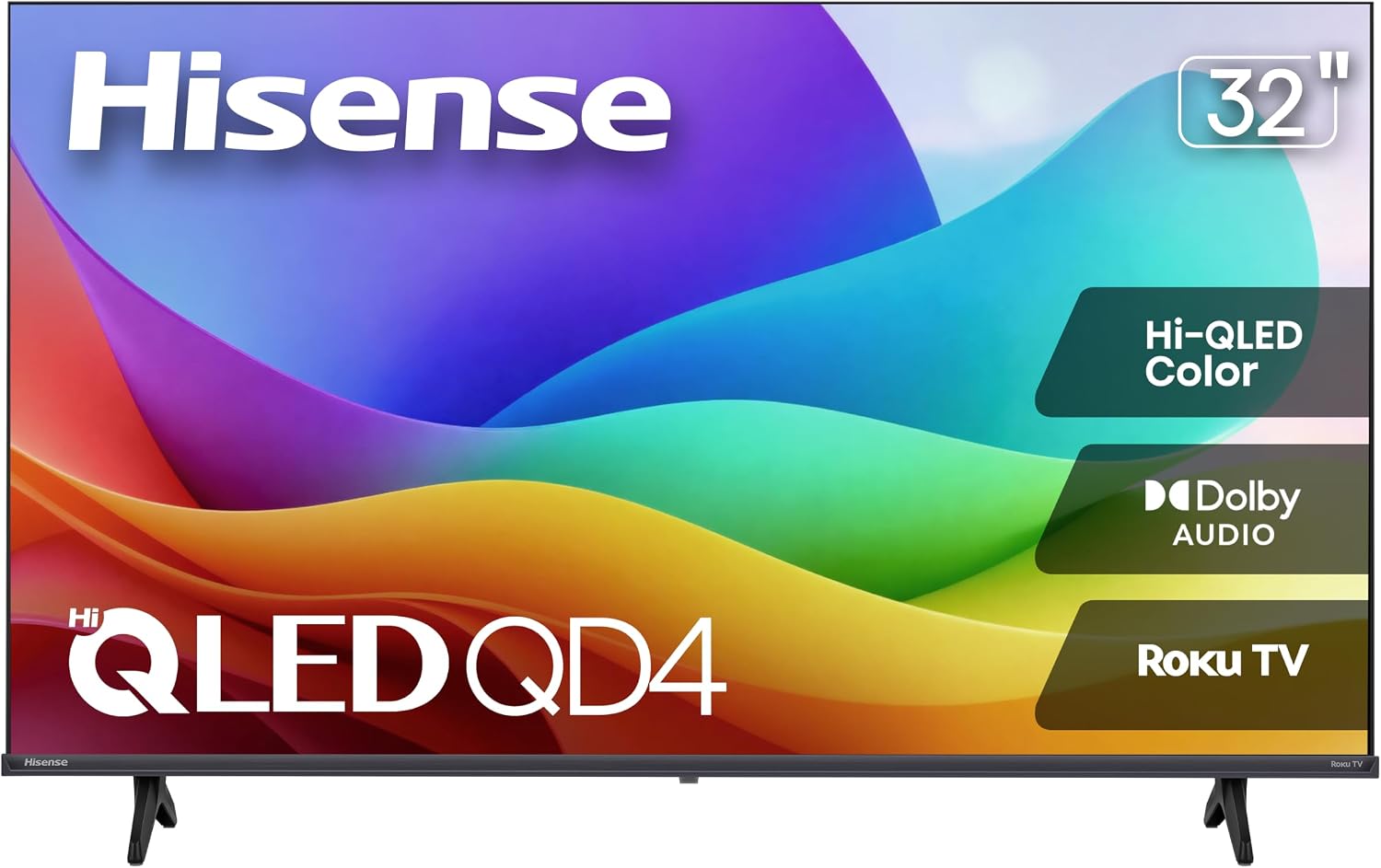
Hisense 32QD4HSR 32-Inch Roku Hi-QLED TV, 720p
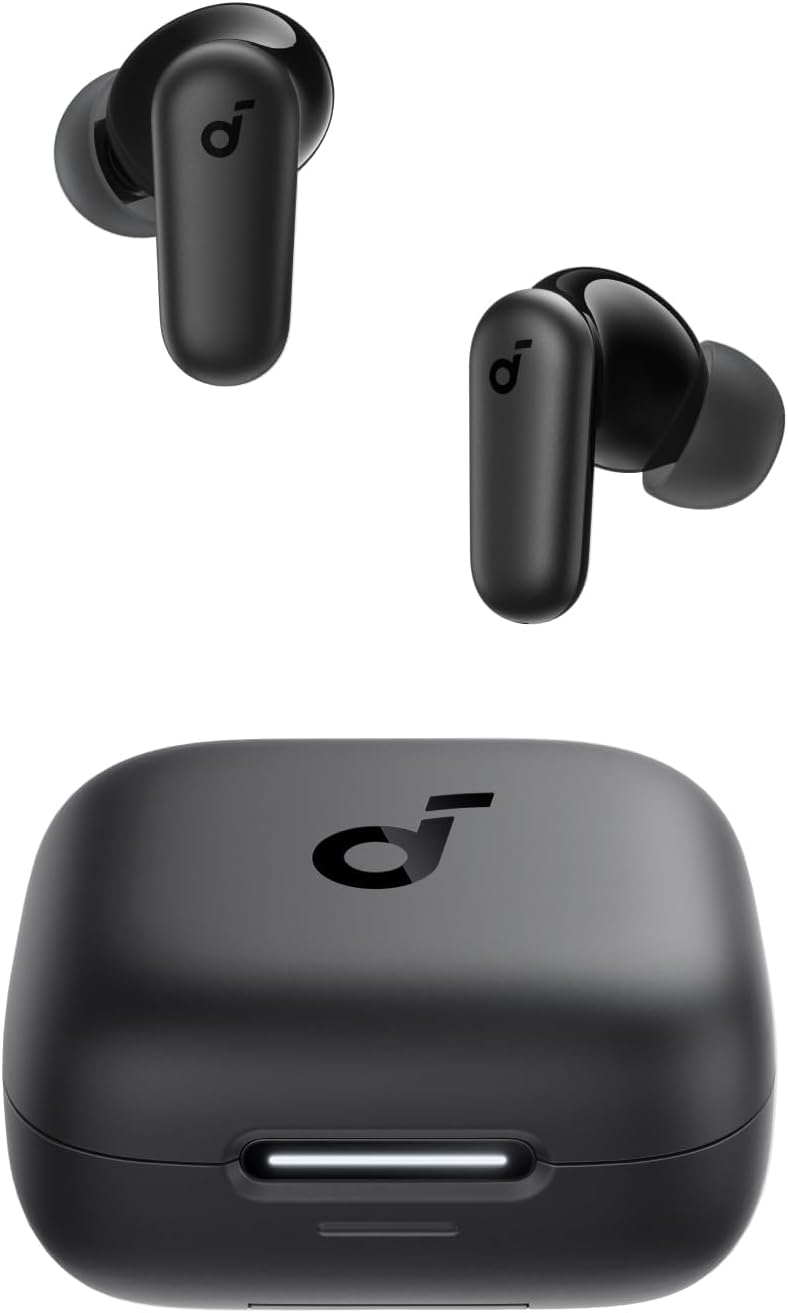
Soundcore P30i ANC Earbuds with Phone-Stand Case
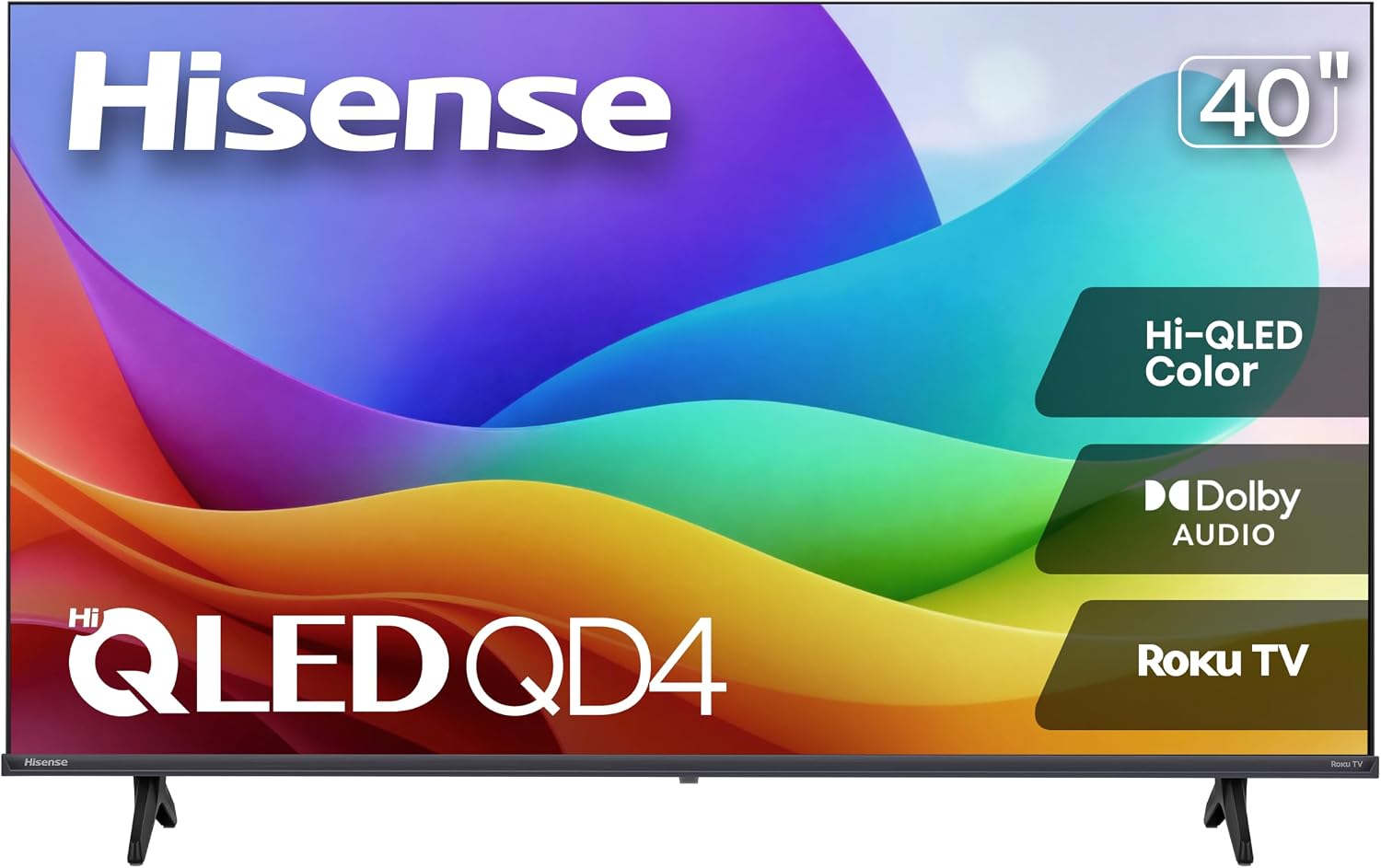
Hisense QD4SR 40-Inch 1080p Roku TV
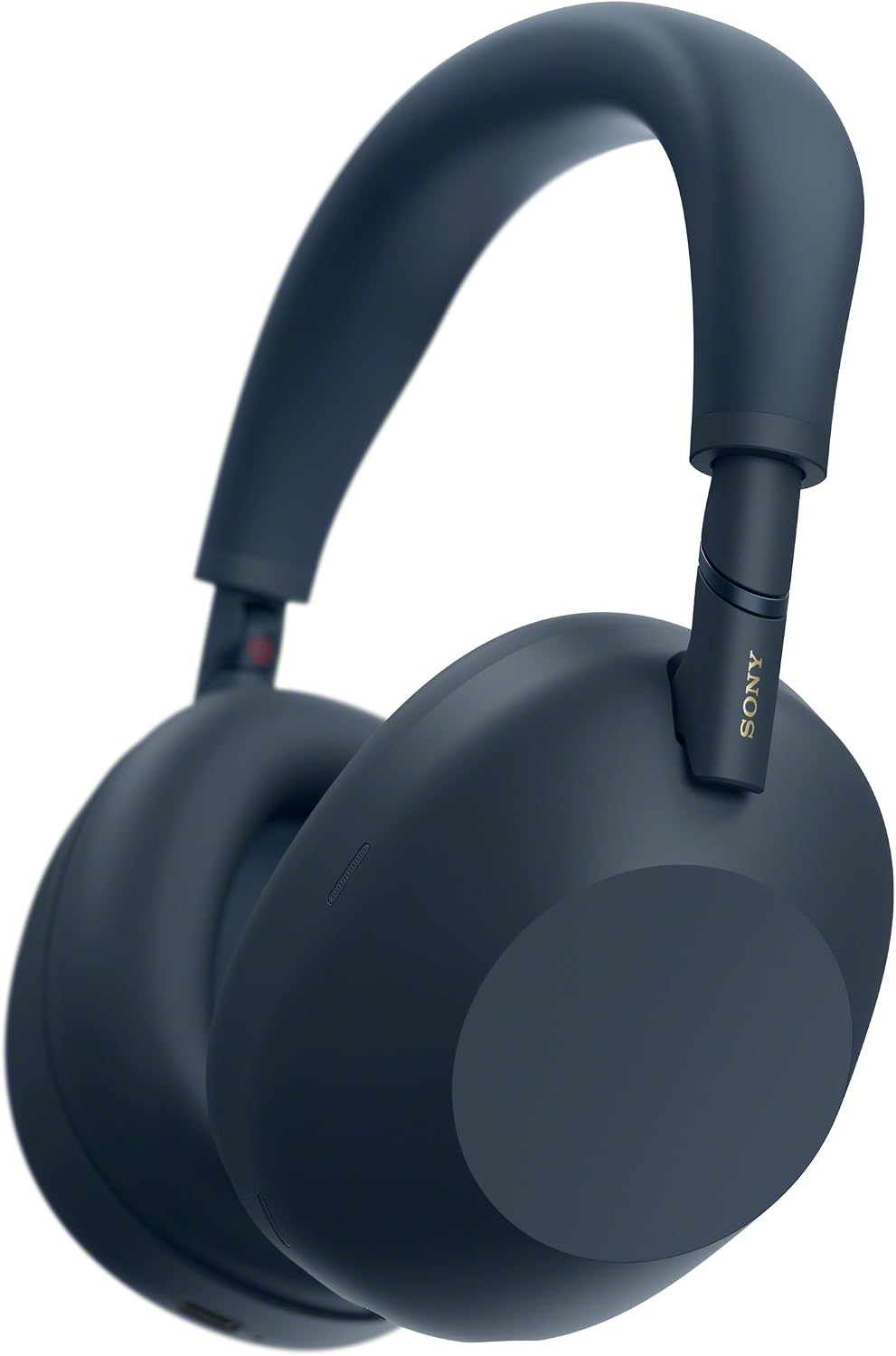
Sony WH-1000XM6 Midnight Blue Wireless Over-Ear Headphones
Top deals in Electronics
Big discounts across a variety of models and stores.
Ring Indoor Cam 2K Plug-In Security Camera
Amazon Fire HD 10 (Like-New Refurbished), 10.1-inch 1080p, 32 GB
Soundcore P30i ANC Earbuds with Phone-Stand Case
Ring Outdoor Cam 2K Battery
Ring Floodlight Cam 2K Wired
Hisense 32QD4HSR 32-Inch Roku Hi-QLED TV, 720p
Amazon Fire TV Stick 4K Plus
Ring Wired Doorbell 4K Pro (Deep Silver)
Samsung Galaxy S26 Ultra 512GB Unlocked Smartphone
Sony WH-1000XM6 Wireless Over-Ear Headphones
How to choose electronics for your needs and the devices you already own
An excellent TV can be a poor match for your console. A powerful laptop can be awkward to use away from home. A good purchase is not about collecting features, but about meeting a need without creating new problems.
Priorities differ across phones, TVs, audio equipment, consoles and computers. Separate what improves everyday use from what you would only benefit from after upgrading other devices as well.
Your main use determines where extra spending makes sense
For watching series from the sofa, the right screen size, reflections and clear dialogue may matter more than the TV's processor. For gaming, screen responsiveness and compatibility with the console become important instead. A valuable feature in one situation may add little in the other.
For a study or work computer, the keyboard, battery life and ease of connecting a monitor often matter more than dedicated graphics. For audio, headphones with a good microphone and multipoint connectivity may serve meetings better than a pair focused on music playback with an extensive range of codecs.
Choose a screen for viewing distance, motion and surroundings
With TVs, a larger screen can make a more noticeable difference than a higher resolution when you sit far away. Contrast and deep blacks matter for films in a dark room. In a bright living room, reflections may do more to impair visibility. If several people sit off to the sides, maintaining colour and contrast at those angles matters too.
A native refresh rate of 120 Hz can display more distinct frames than 60 Hz, but advertised motion interpolation is not equivalent to that capability. On monitors, a high refresh rate helps cursor movement and gaming. For documents, text clarity and comfortable scaling matter more. On phones, consider screen size and ease of handling as well.
Performance: identify the component that limits your task
For browsing, office applications and video calls, a computer with 16 GB of RAM usually provides reasonable headroom. Large projects, virtual machines or demanding editing work can justify 32 GB or more. Dedicated graphics deserve attention for games and applications that use them, but add power consumption and can increase weight, noise and cooling requirements.
Two laptops with the same processor do not necessarily maintain the same performance during a long export: cooling and power limits make a difference. Nor should you compare a phone's RAM capacity with a PC's as if they were equivalent. With consoles, prioritise available games and their graphics modes over a single processing-power figure.
Compatibility depends on the whole chain, not one label
Bluetooth headphones may work with your phone yet fail to connect directly to a console. For gaming, a wireless link through a compatible adapter can offer more predictable responsiveness. Multipoint connectivity is useful for switching calls between a computer and phone, although simultaneous operation depends on the model.
On a soundbar, eARC helps carry higher-bandwidth audio formats, but the TV, soundbar and connections must support the format you intend to use. A surround-sound logo alone does not guarantee the entire chain. Similarly, an advanced Bluetooth codec is only used when both the source device and the headphones support it.
Connections that actually do what you expect
USB-C describes a connector, not all its functions. On a laptop, a port may support charging, data transfer and video output, or only some of those tasks. Using a dock with two monitors requires computer compatibility, sufficient bandwidth and operating-system support. Having a cable that fits is not enough.
For gaming at 4K and 120 Hz, the console or PC, the specific TV port and the cable must all support that combination. An advertised HDMI version without further detail does not settle the question. For networking, Ethernet can provide more stable downloads and gaming. A newer Wi-Fi standard will not fix poor coverage on its own.
Updates and useful life beyond the first day
On phones, remaining software support can matter more than a small speed increase: advertised support periods usually run from launch, not from your purchase. For computers, compatibility with current operating-system versions and the ability to upgrade memory or replace storage help distinguish a useful deal from a machine that is difficult to maintain.
A TV with good picture quality can remain useful even when its apps become outdated: a compatible external streaming device separates the screen from the platform. With connected speakers, however, losing an app or service can affect core functions. It is worth knowing what will still work without an account, subscription or internet connection.
Compare exact variants and the cost of the complete setup
A realistic budget includes what your setup needs: a laptop dock, a suitable TV mount, another controller or compatible console storage. Online gaming may require a subscription depending on the platform and title. Do not automatically add a soundbar: for news and occasional viewing, it may not offer enough benefit.
When comparing deals, identify the exact variant: the same product name can cover different screens, graphics, memory-upgrade options or operating systems. Keyboard layout and included accessories also matter. If a refurbished unit is available, its condition and warranty coverage are part of the comparison. A larger bundle is only worthwhile if you will use its components.