Laptops
Products · Laptops
4 active deals
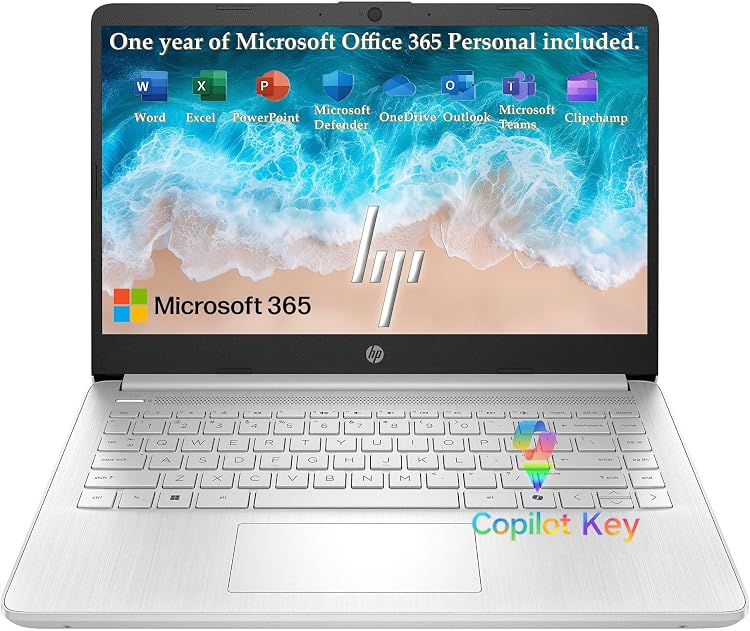
HP Laptop PC 14, Intel N150, 4GB RAM, 512GB listed storage
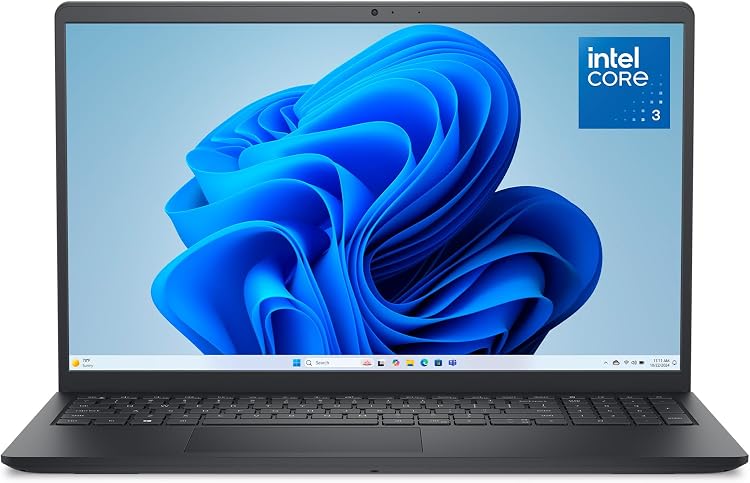
Dell 15 DC15250 Laptop, 15.6-inch FHD, Intel Core 3 100U, 8GB RAM

HP UltraBook 14-inch Laptop, Intel N150, 4GB RAM, 128GB SSD
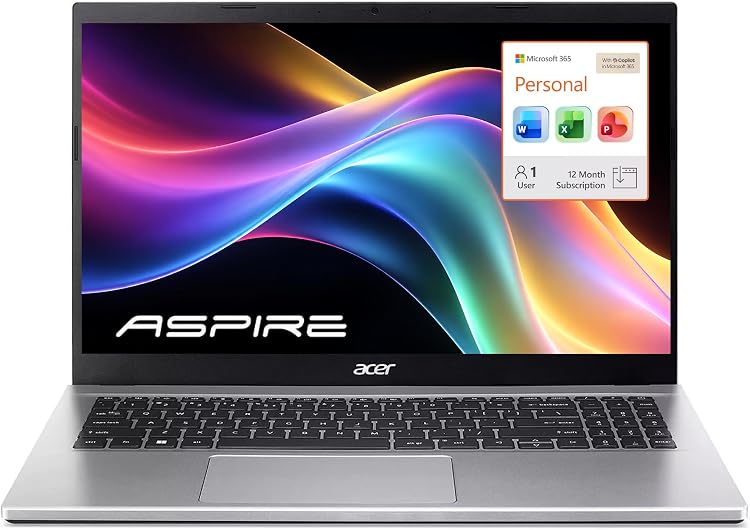
Acer Aspire Lite 15 (AL15), 15.6-inch, 16GB RAM, 256GB SSD
How to choose a laptop for the way you use it
A laptop for taking to class calls for different priorities from one used for gaming while plugged in. Focus on your daily tasks: paying for power you rarely use can mean extra weight, noise and a bulky charger.
Before comparing offers, establish which applications you need and how long you will work away from a power outlet. Then compare complete configurations: the same product name can cover different screens, memory capacities and batteries.
Office work, study and travel: size and total weight
For documents, video calls and plenty of browser tabs, 16 GB of RAM and a 512 GB SSD make a balanced starting point. A 14-inch laptop is easier to carry. 15–16 inches provide more room for spreadsheets and several windows, but take up more desk and bag space.
When travelling, the weight of the whole setup matters, not just the advertised laptop weight. Add the charger, cable and adapters: a gaming laptop's power supply can wipe out any advantage of a lightweight chassis. A convertible is worthwhile for handwritten notes with a stylus. If you only type, it adds complexity without a clear benefit.
Display: working space, brightness and useful colour
For reading and work, a 1920 × 1200 IPS panel offers good sharpness at 14 inches and more usable height than 1920 × 1080. Around 300 nits is usually enough indoors. Near windows, 400 nits or more and a matte finish help, although they do not guarantee comfortable viewing in sunlight.
For photography, look for coverage close to 100% sRGB and documented colour accuracy: displaying a wide gamut does not mean displaying it correctly. OLED delivers deep blacks, although many models have glossy finishes and use more power with white backgrounds than dark ones. For gaming, 120–165 Hz is useful if the GPU delivers enough frames. Response time matters too.
Processor and cooling: more than a label
Core i5, Core i7 or Ryzen 7 alone do not tell you the performance. The full model, generation and power class matter: U suffixes generally target mobility, while H/HX target higher performance. These are not exact equivalents across brands or generations.
For office work, a recent mid-range processor usually avoids the extra cost of higher-end models. When compiling code or exporting video for minutes at a time, cooling and power limits determine sustained performance. A powerful chip in a very thin chassis can be noisy without maintaining its advantage. Look for assessments of that configuration, not just the processor.
RAM and SSD: capacity now and room to upgrade
8 GB leaves little headroom for demanding multitasking. 16 GB is a reasonable baseline, while 32 GB is useful for virtual machines, large projects or frequent editing. If the RAM is soldered, choose enough for the laptop's expected working life. With memory slots, establish how many remain free and the maximum supported capacity.
Integrated graphics share memory and can lose performance with a lower-bandwidth configuration. For storage, a 512 GB SSD suits documents and cloud-based work. 1 TB leaves room for games and audiovisual files. A second M.2 slot makes expansion easier, but not all slots accept the same drive lengths or types.
Graphics for gaming, editing and 3D work
Integrated graphics are enough for office work, video playback and light editing. Gaming results depend heavily on the title and resolution. For demanding games, 3D work or GPU-accelerated effects, dedicated graphics make sense. The name alone is not enough: configured power, cooling and video memory change what the GPU can do.
Gaming at 1080p is less demanding than at 1440p. 6–8 GB of graphics memory can restrict textures and large projects, depending on the workload. For editing, establish which GPUs and formats your software accelerates. An excellent screen does not make up for slow exports, and an expensive GPU does not improve every task.
Battery life, charging, keyboard and connections
Advertised battery life does not necessarily reflect video calls, high brightness or gaming. Compare measurements using similar tasks and settings. Wh indicates stored energy, not guaranteed hours. A larger battery can also add weight. For travel, what matters is whether it covers your actual working day. For gaming, plan to plug in: battery operation limits runtime and often performance.
USB-C does not guarantee charging, video output or a particular data speed. To use a compact charger or dock, you need compatible functions and enough power. Some gaming laptops reduce performance when powered through USB-C. Also consider HDMI, USB-A and an SD reader to suit your accessories, alongside keyboard travel, layout and whether there is a numeric keypad.
Operating system and exact configuration
The operating system must support your programs, peripherals and games. On Windows on ARM, compatibility and emulation can affect particular applications or drivers. Linux requires attention to support for Wi-Fi, sleep and other components. A laptop without an installed operating system means adding installation and, where applicable, a licence.
When comparing variants, match the exact product code against the included CPU, RAM, SSD, GPU, display, battery, keyboard and operating system. A product-family specification does not confirm those details. Paying more is worthwhile for an improvement you will use or cannot upgrade later, not for a higher-tier name paired with less memory or a worse screen.