Video Games
Explore Video Games by subcategory and find the deals you are looking for.
Subcategories
Products · Video Games
23 active deals
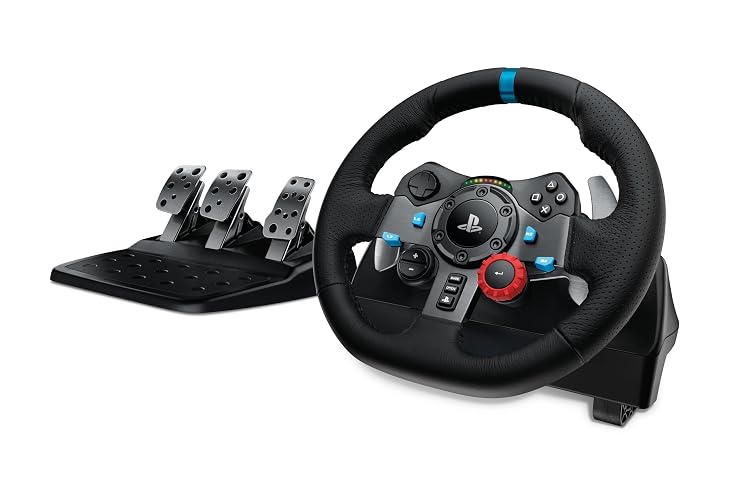
Logitech G29 Driving Force Racing Wheel and Pedals
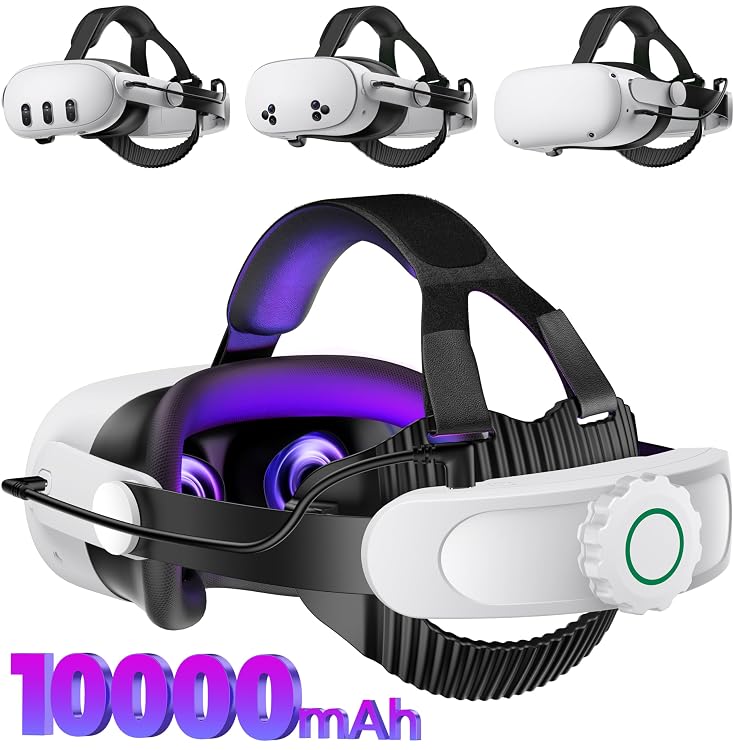
AXYBCOOL MV1001 10,000mAh Battery Head Strap for Meta Quest 2/3/3S
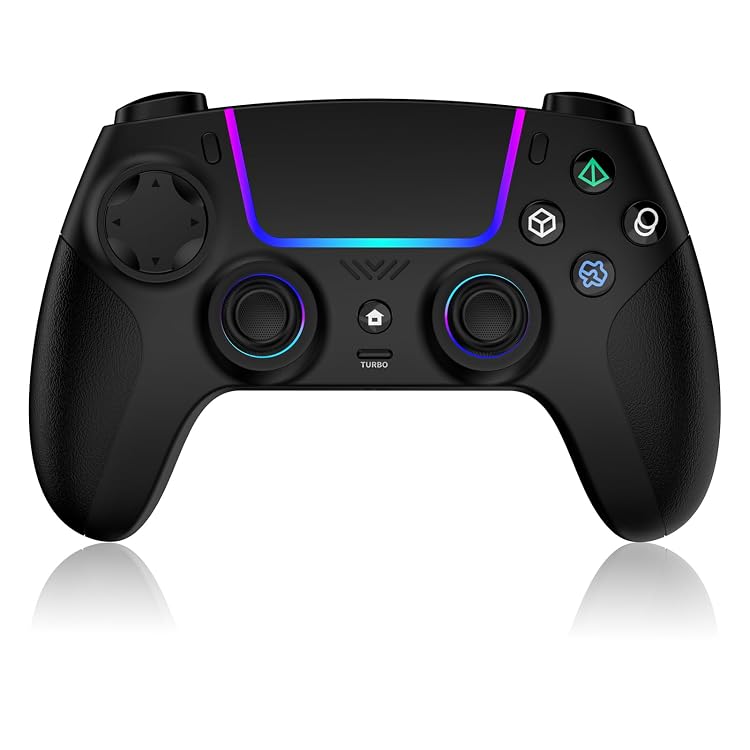
VidPPluing Wireless Game Controller with RGB Lighting and Programmable Back Buttons
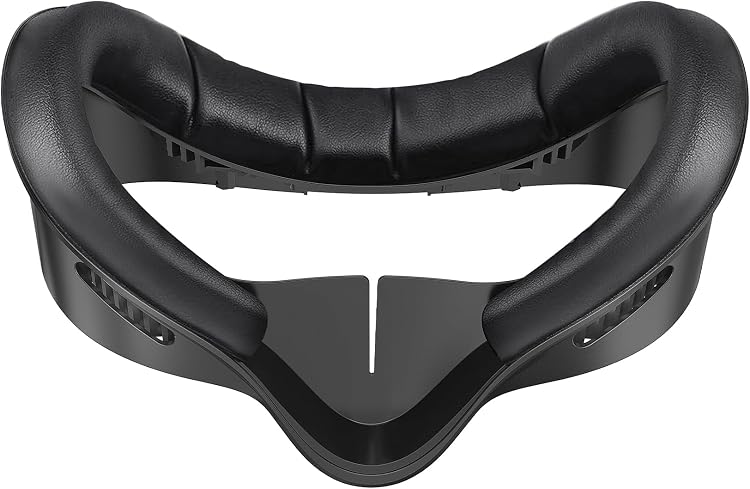
VZNEK Quest 3S PU Leather Face Cover Pad
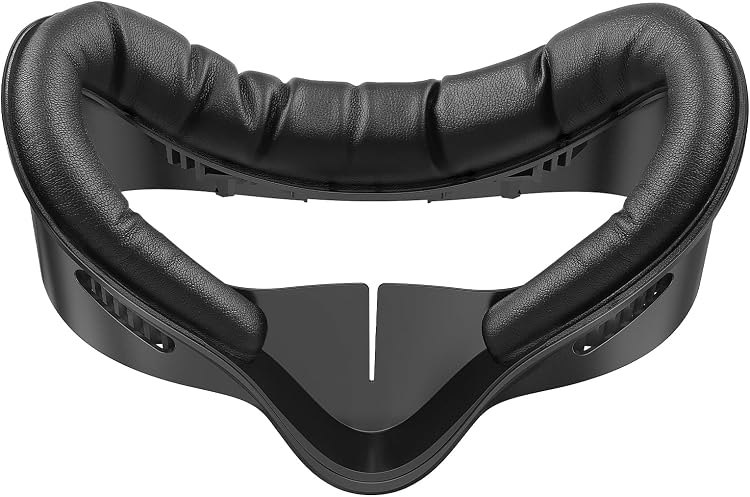
AMZDM Meta Quest 3S Face Cover with PU Leather Foam Cushion
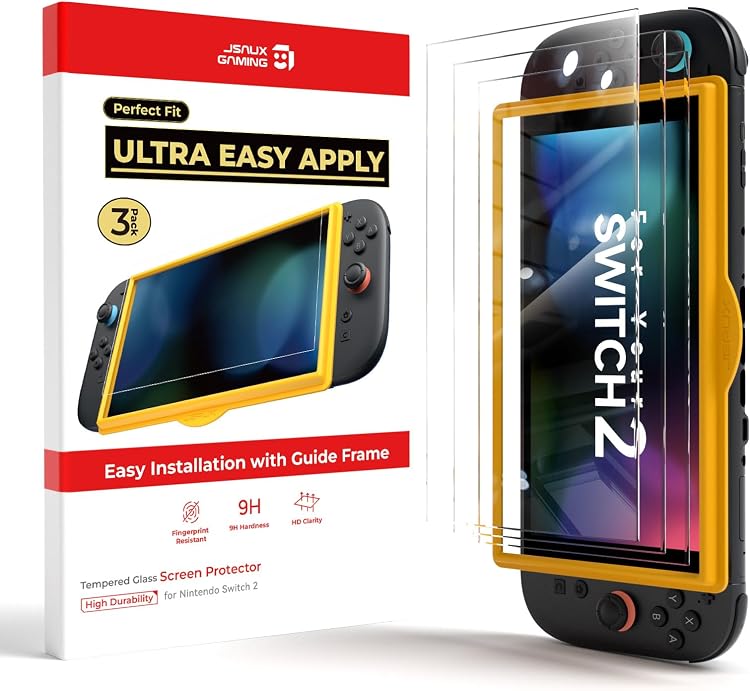
JSAUX 3-Pack Tempered Glass Screen Protector for Nintendo Switch 2
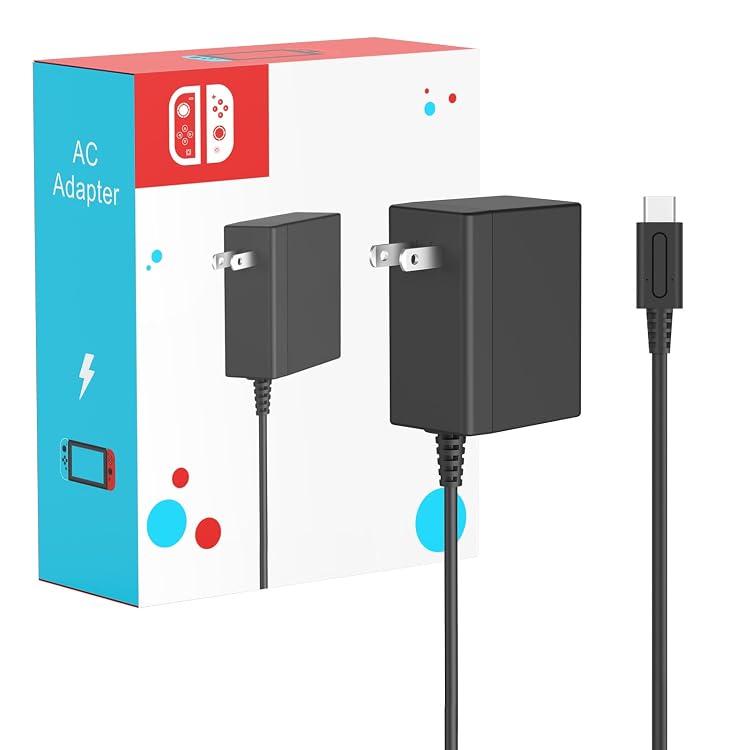
MARSDOCK 45W USB-C Charger for Nintendo Switch
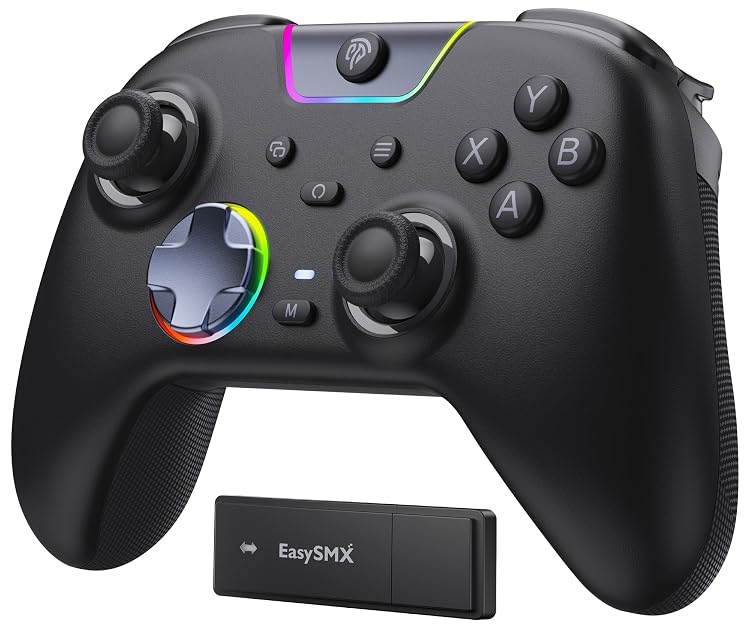
EasySMX X05Pro Wireless Gaming Controller
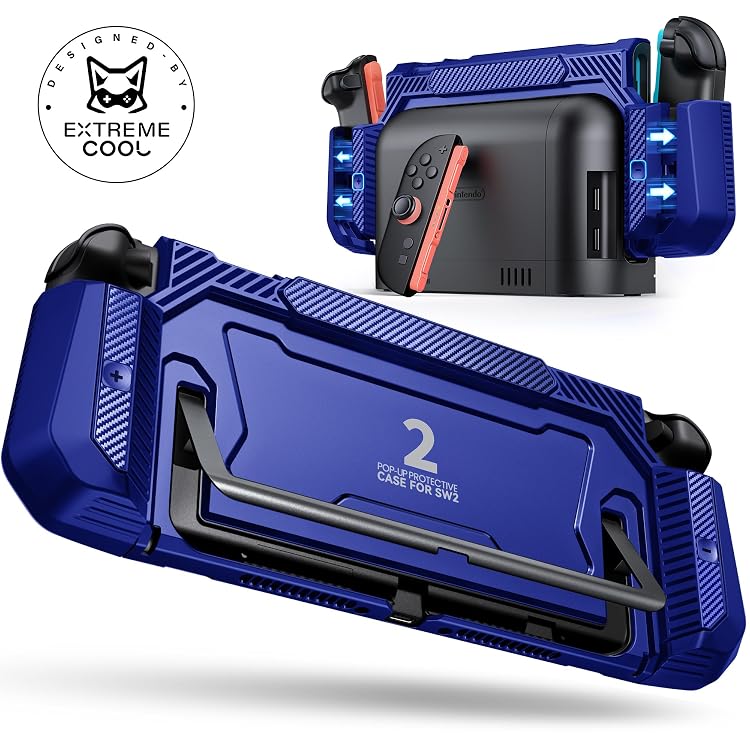
NinABXY Switch 2 Dockable Protective Case
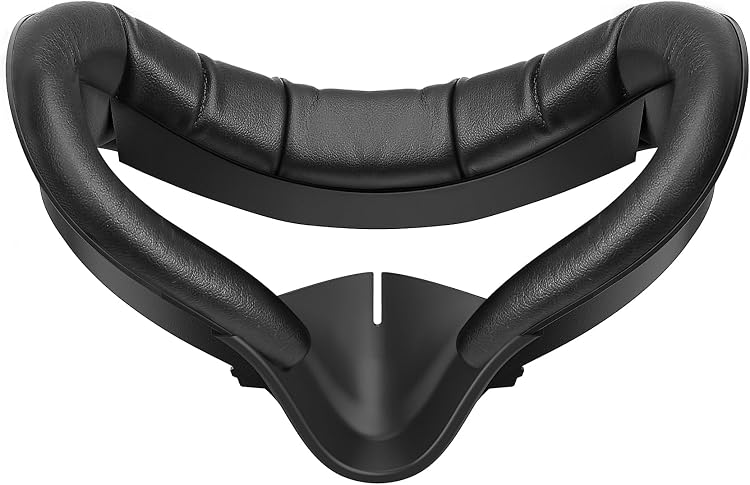
AMZDM FPL2-B Quest 2 PU Leather Face Cushion
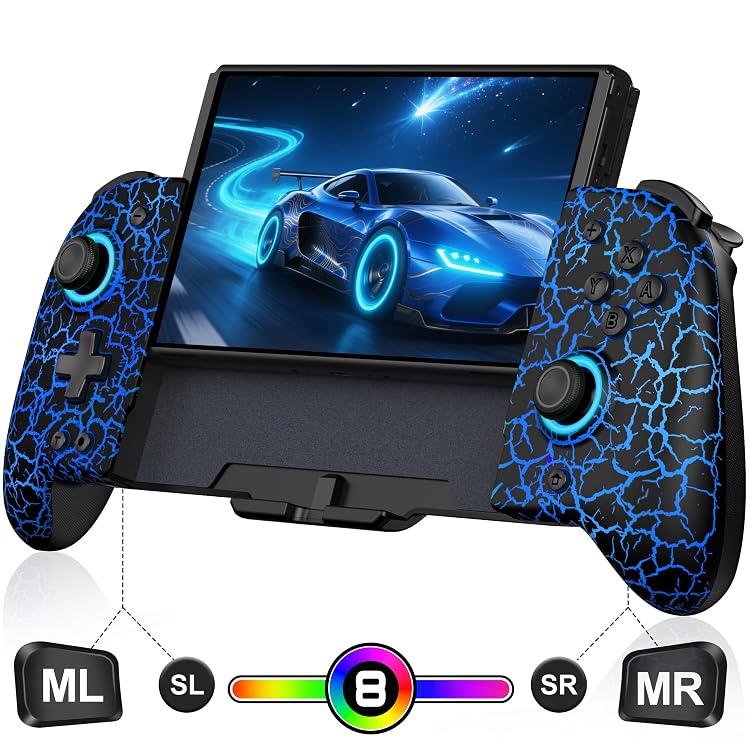
Spican Hall Effect Wireless Switch Controller
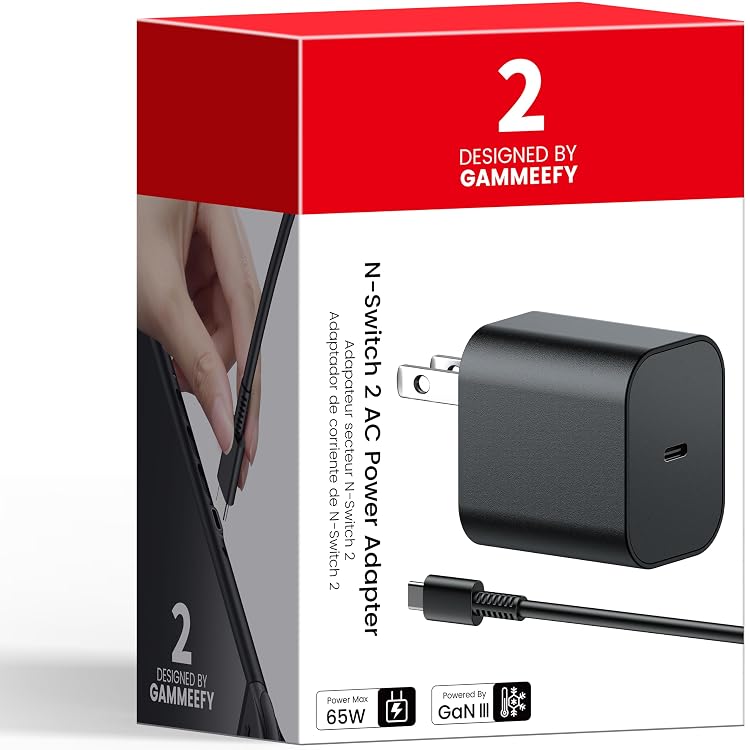
GammeefyPro 65W GaN3 USB-C Charger with 2 m Cable
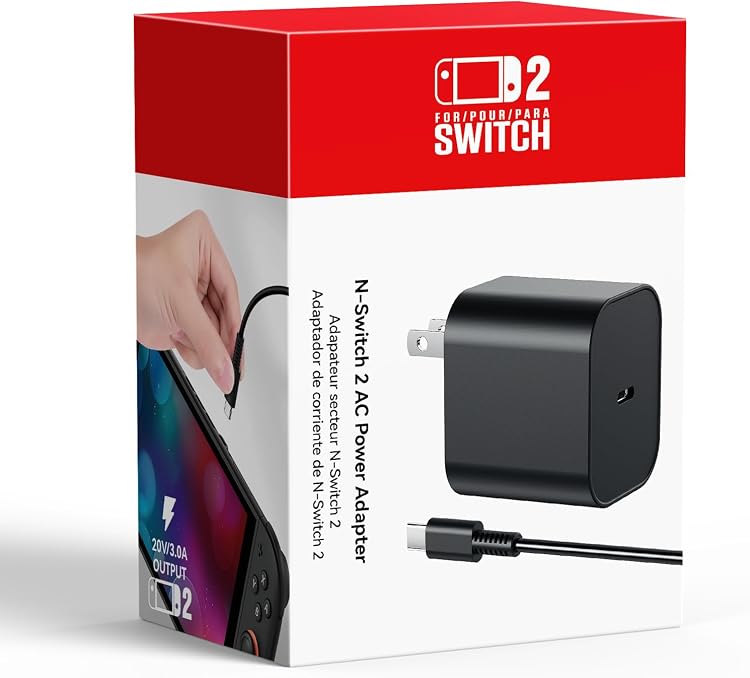
KOVA 60W USB-C Charger with 6.6FT/2M Cable
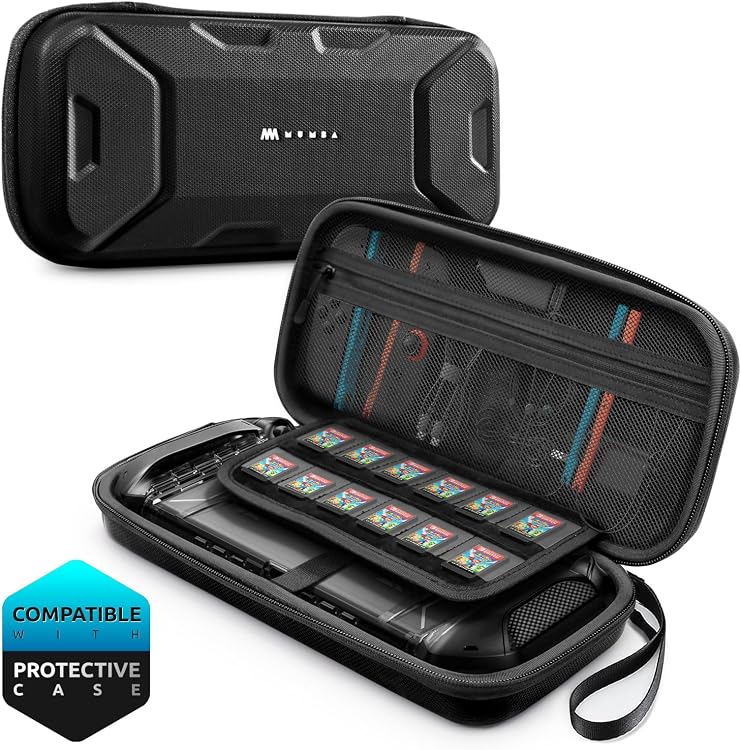
Mumba Nintendo Switch 2 Hard-Shell Carrying Case, 12 Game Slots
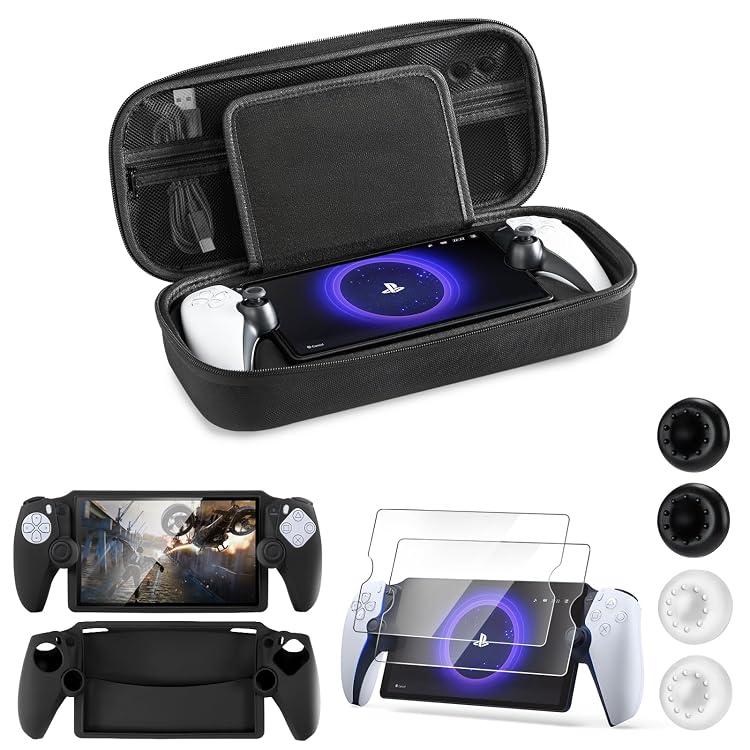
CoBak Hard Carrying Case for PlayStation Portal
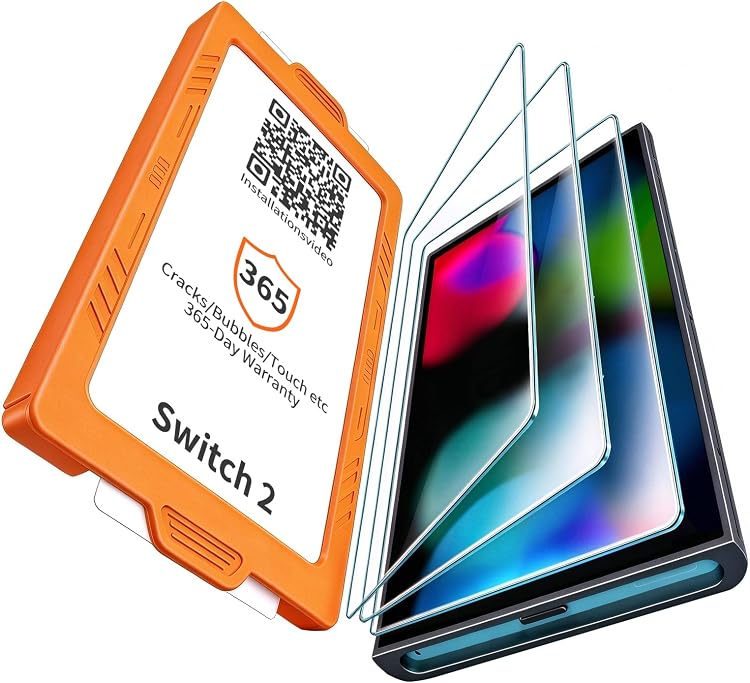
Arshek Switch 2 7.9-Inch Tempered Glass Screen Protector, 3-Pack
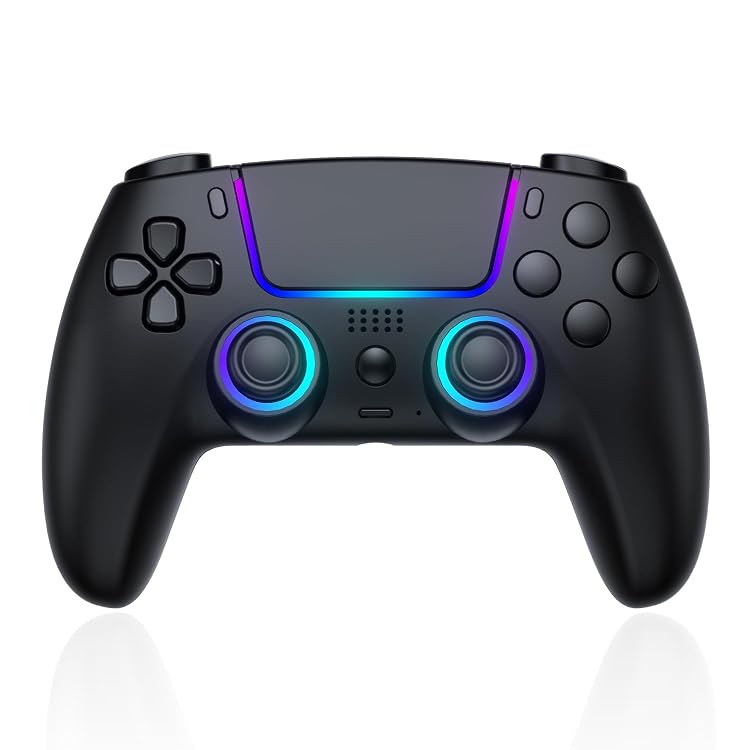
Pogriko RGB Wireless Gamepad for PS5 and PC
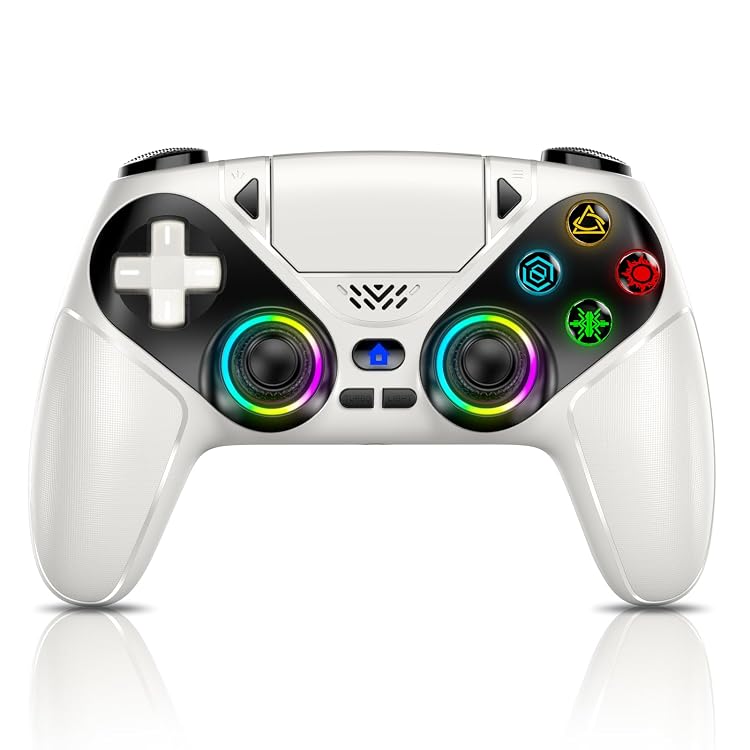
Gamrombo LED Wireless PS5 Controller, White
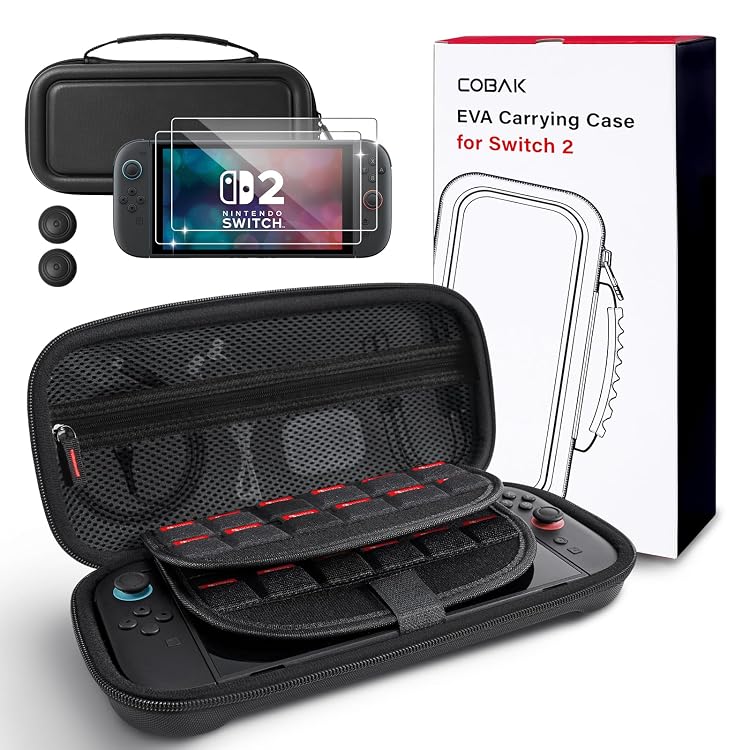
CoBak Nintendo Switch 2 (2025) Carrying Case
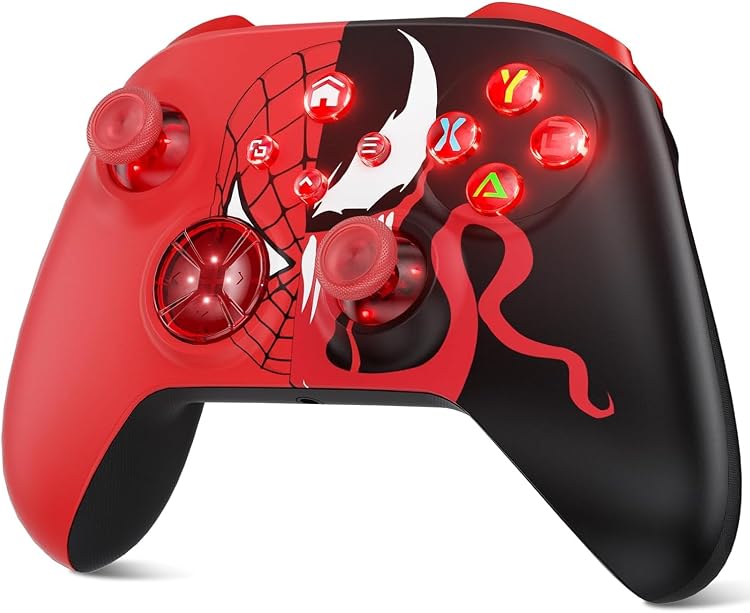
Dinosoo Wireless Xbox Controller — Bluetooth Gamepad
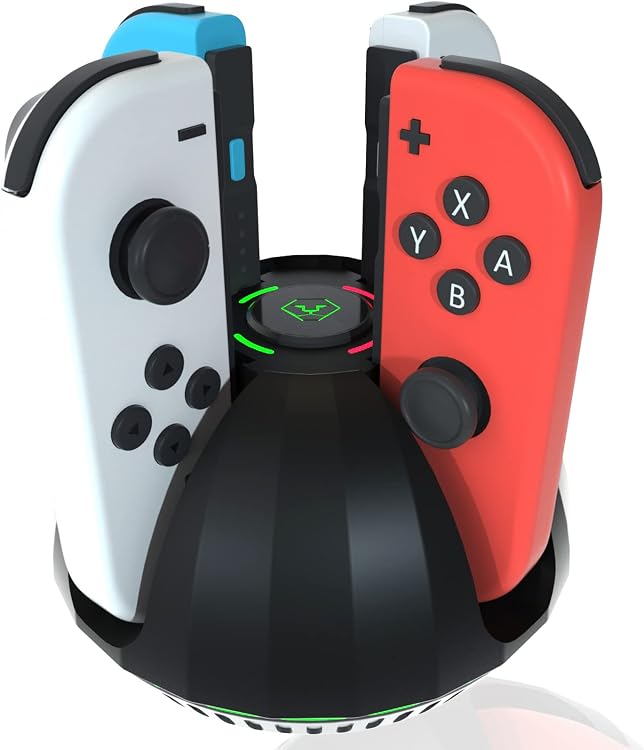
PURBHE NSC01 Joy-Con Charging Dock for Nintendo Switch
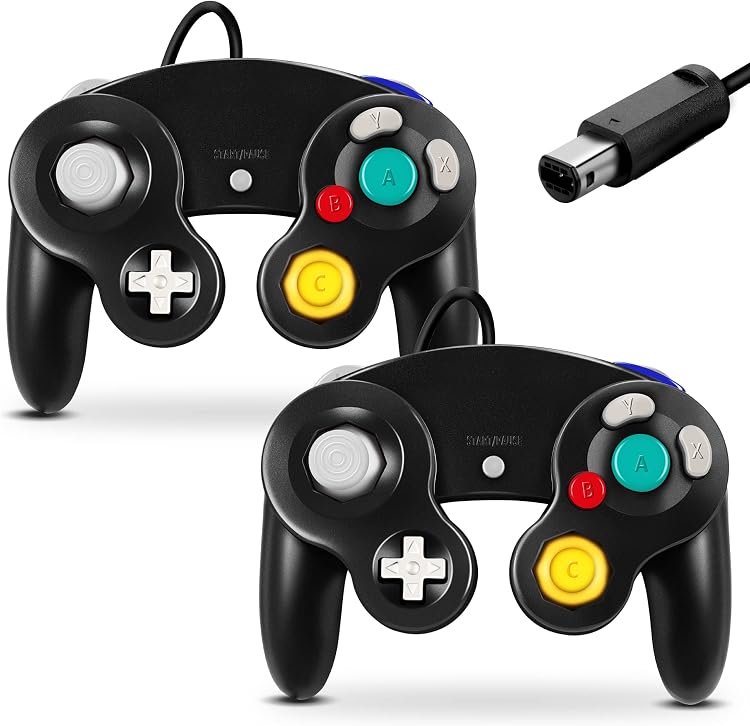
FIOTOK GameCube Wired Controller, Black 2-Pack
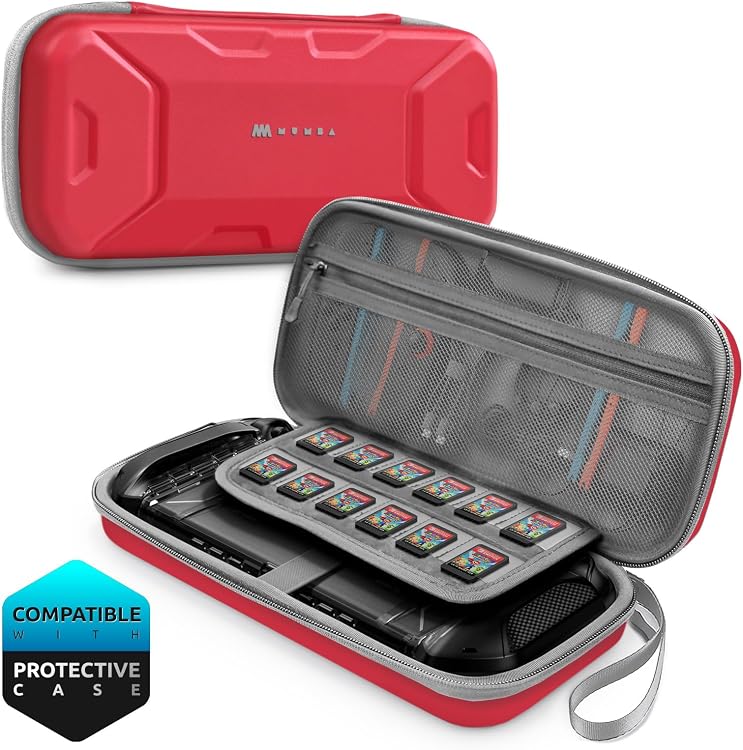
Mumba MBA-Switch2025-Carrying-Plus Switch 2 Case, 12-Card Storage
Top deals in Video Games
Big discounts across a variety of models and stores.
JSAUX 3-Pack Tempered Glass Screen Protector for Nintendo Switch 2
VZNEK Quest 3S PU Leather Face Cover Pad
Arshek Switch 2 7.9-Inch Tempered Glass Screen Protector, 3-Pack
CoBak Nintendo Switch 2 (2025) Carrying Case
Logitech G29 Driving Force Racing Wheel and Pedals
PURBHE NSC01 Joy-Con Charging Dock for Nintendo Switch
FIOTOK GameCube Wired Controller, Black 2-Pack
Mumba Nintendo Switch 2 Hard-Shell Carrying Case, 12 Game Slots
AMZDM FPL2-B Quest 2 PU Leather Face Cushion
Pogriko RGB Wireless Gamepad for PS5 and PC
New in Video Games
Recently added or updated deals.
AXYBCOOL MV1001 10,000mAh Battery Head Strap for Meta Quest 2/3/3S
VidPPluing Wireless Game Controller with RGB Lighting and Programmable Back Buttons
AMZDM Meta Quest 3S Face Cover with PU Leather Foam Cushion
MARSDOCK 45W USB-C Charger for Nintendo Switch
EasySMX X05Pro Wireless Gaming Controller
NinABXY Switch 2 Dockable Protective Case
Spican Hall Effect Wireless Switch Controller
GammeefyPro 65W GaN3 USB-C Charger with 2 m Cable
KOVA 60W USB-C Charger with 6.6FT/2M Cable
CoBak Hard Carrying Case for PlayStation Portal
Gamrombo LED Wireless PS5 Controller, White
Dinosoo Wireless Xbox Controller — Bluetooth Gamepad
Mumba MBA-Switch2025-Carrying-Plus Switch 2 Case, 12-Card Storage
Video games: choose how you want to play before buying equipment
Shopping for gaming can mean joining a platform, expanding a game library or fixing a limitation in equipment you already own. Separating these decisions helps you avoid buying a console, headset or accessory that does not fit your games or the people you play with.
Start with the games you actually want
List a few titles you genuinely intend to play and check their platforms, editions and modes. A series appearing on two systems does not mean both receive the same instalment or allow players to play together. If friends matter to your choice, confirm cross-platform play and multiplayer requirements before choosing a console. Existing purchases can influence the decision, but access on a different console generation needs checking for each title individually.
Consoles and virtual reality offer different experiences
A home console suits playing on a separate screen; a handheld console lets you take games with you, with trade-offs in battery life, screen size and controls. These are consoles, not gaming laptops. A virtual-reality headset offers a different kind of interaction and calls for checking available space, fit and its game library. Some headsets work independently while others require a compatible system, so the headset price may not cover everything needed.
Know exactly what the game purchase contains
Distinguish a full game from an expansion, a collected edition or virtual currency. An add-on may require the base game and a particular edition. For physical products, check whether a disc or cartridge is included and what still requires downloading. For digital codes, check the accepted account and region. Subscription access is subject to conditions and a changing catalogue, not equivalent to owning every title permanently. Consider whether your connection can handle the expected downloads.
Add accessories to solve a specific problem
A second controller helps with games supporting local multiplayer. A racing wheel makes sense when your chosen simulations recognise it and you have somewhere to mount it. Cases and chargers must match the exact hardware model. Do not count every bundled accessory as valuable: identify what you will use and what duplicates included equipment. Headphones, keyboards and mice have separate categories. Allow for compatible storage or required services without treating every optional upgrade as essential.