Computer Cooling
Products · Computer Cooling
3 active deals
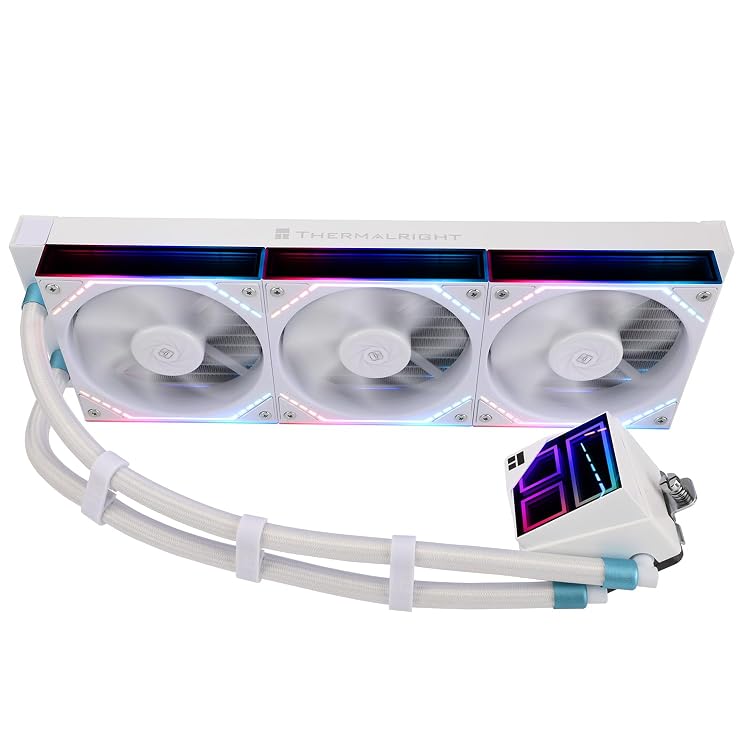
Thermalright Frozen Infinity 360 White FI360 WHITE AIO CPU Cooler
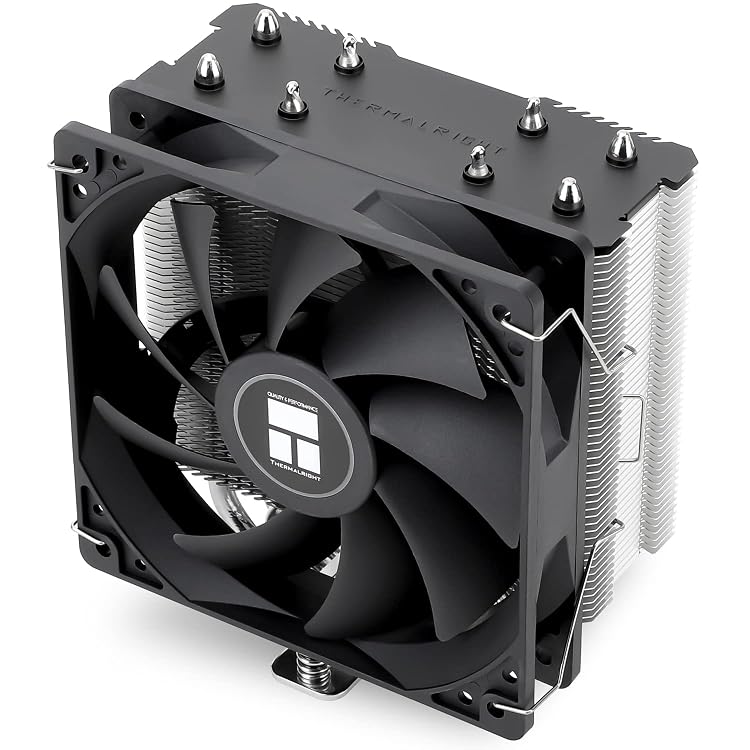
Thermalright Assassin X120 Refined SE CPU Air Cooler, 4 Heat Pipes
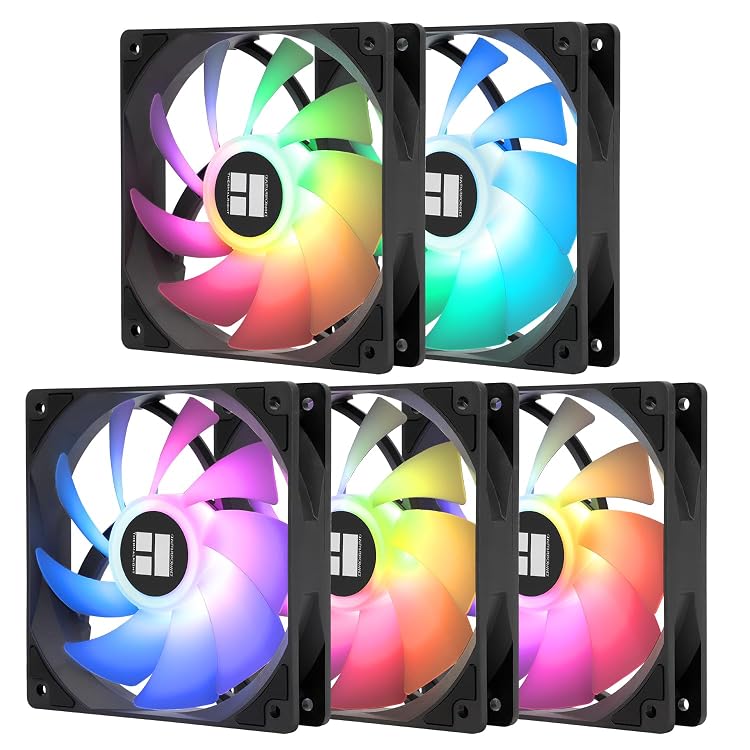
Thermalright TL-C12C-S X5-D2 120 mm ARGB PWM Fan 5-Pack
Computer cooling that fits your case and your noise tolerance
A computer does not need the most striking cooling system; it needs one that can remove heat inside its particular case. Before choosing a heatsink, internal fans or a sealed liquid cooler, establish which component gets hot and what space and connections remain available.
Measure the installation, not the photograph
For a CPU cooler, check the supported socket and whether the relevant mounting kit comes in the box. Then compare its height with the case limit and the fan position with your RAM modules. Raising a fan to clear tall memory also increases the cooler's overall height.
An advertised radiator mounting position does not guarantee clearance around the motherboard, cables or graphics card. Check the combined thickness of radiator and fans, as well as the assembly's length.
Choose air or liquid for the sustained workload
Air cooling offers a relatively straightforward arrangement with fewer active parts to maintain. A sealed liquid cooler can move heat to another part of the case and free space around the processor, but it introduces a pump and needs an appropriate radiator location.
Do not compare coolers solely by their TDP ratings: manufacturers do not necessarily calculate them consistently. Look for declared support for your processor and distinguish lengthy rendering workloads from short bursts of office work.
Match the fan to the obstruction
An open grille and a dense radiator make different demands. Static pressure matters for radiators or restrictive filters; airflow matters when moving air through an unobstructed area. Individual headline figures do not describe noise at the speed you will actually use.
Check diameter, thickness and connector. A fan with a four-pin PWM connector allows speed regulation with a compatible controller; lighting connectors serve a different purpose. Check the manufacturer's current limits for the fan header or hub and the specified lighting voltage. Do not interchange RGB and ARGB connections or assume that a hub can power every combination.
Allow for dust and future maintenance
Adding fans without a clear intake and exhaust route can increase noise without fixing a local pocket of heat. Keep filters accessible and establish whether you can clean them without dismantling the whole computer.
Include replacement-fan availability and the liquid assembly's warranty terms in your purchasing decision. If silence is the aim, favour stable control and thermal headroom; chasing the lowest temperature with maximum fan speed usually works against that goal.