Game Controllers
Products · Game Controllers
7 active deals
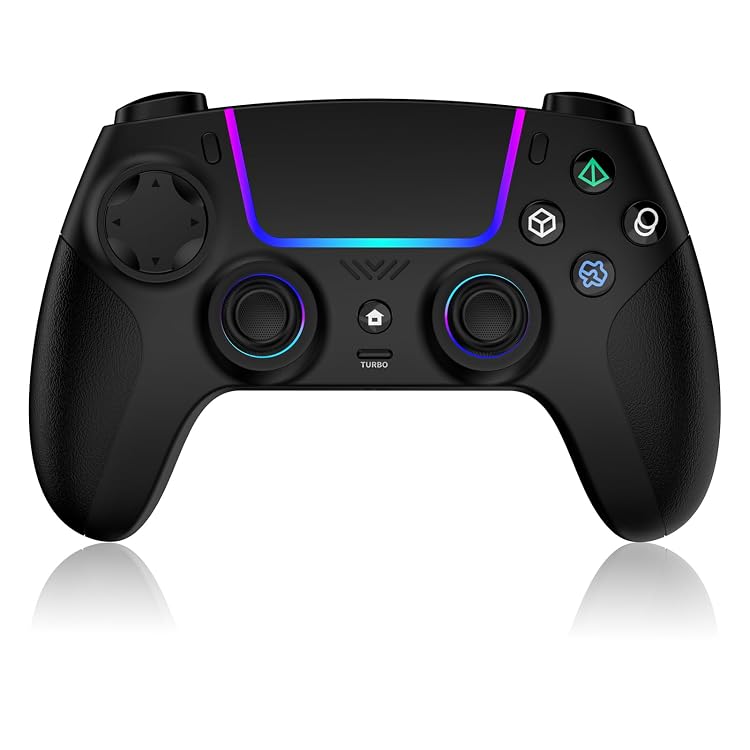
VidPPluing Wireless Game Controller with RGB Lighting and Programmable Back Buttons
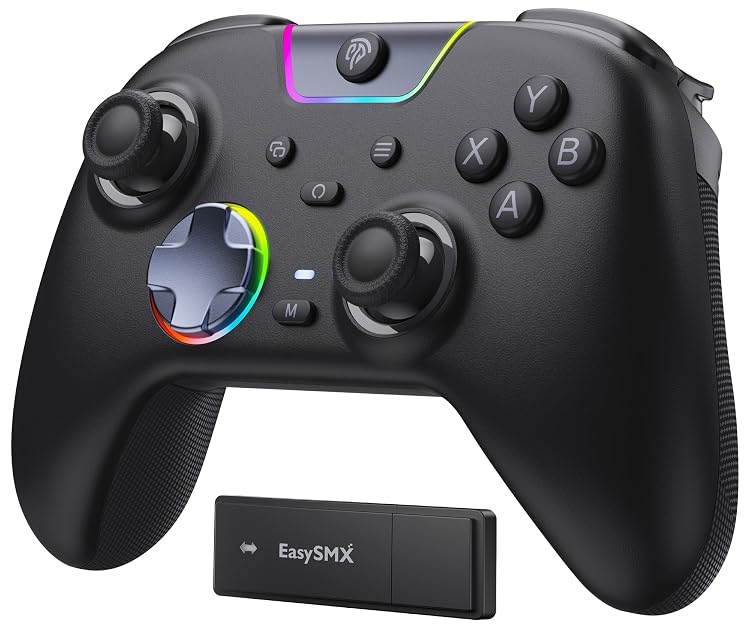
EasySMX X05Pro Wireless Gaming Controller
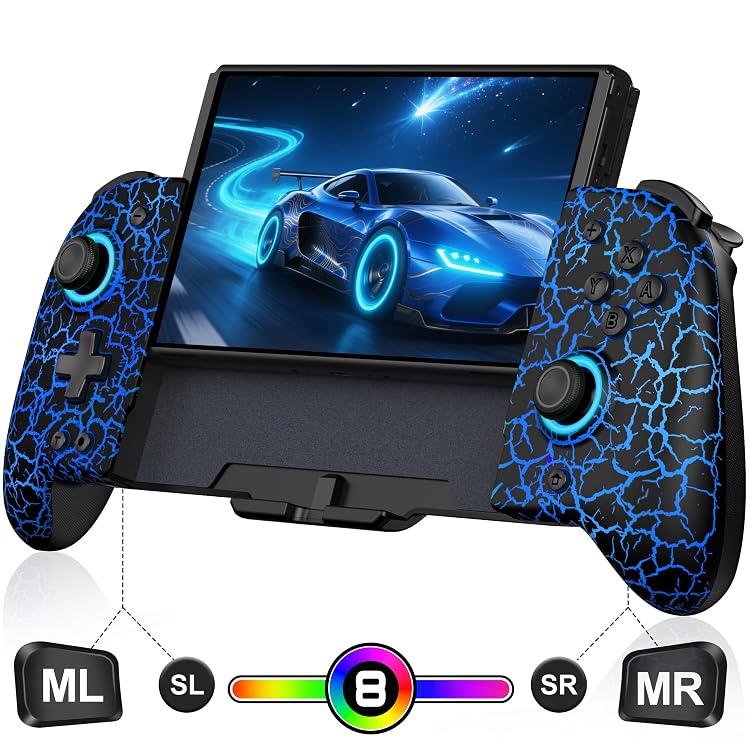
Spican Hall Effect Wireless Switch Controller
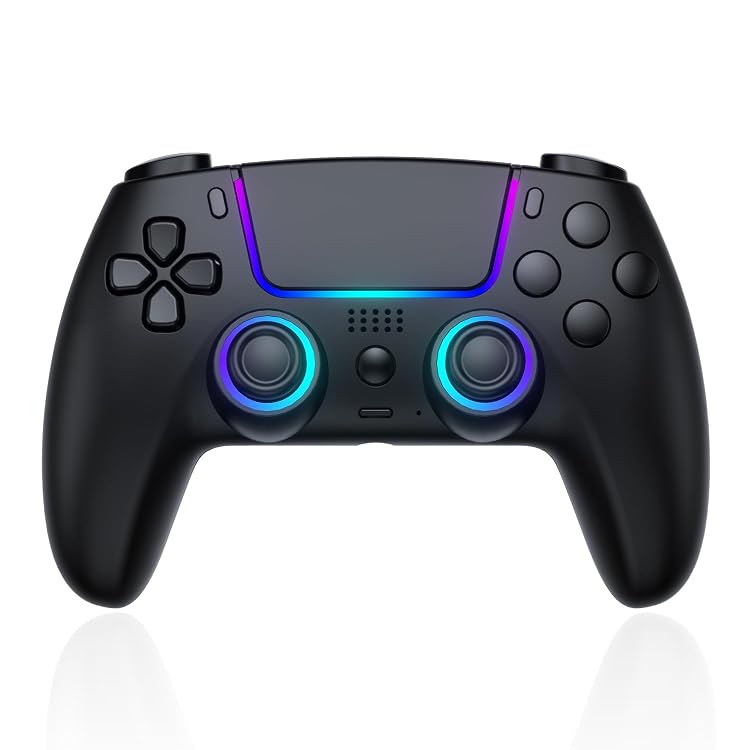
Pogriko RGB Wireless Gamepad for PS5 and PC
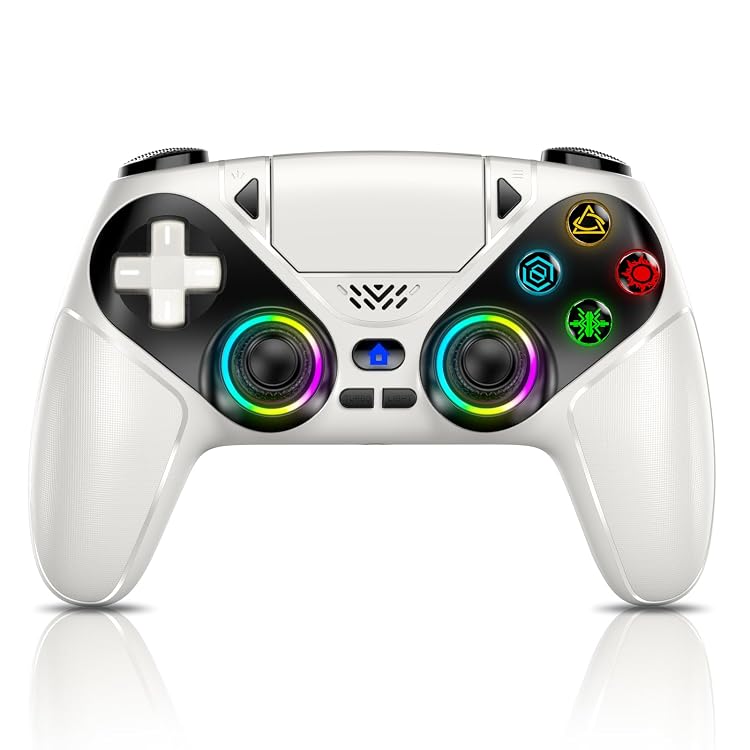
Gamrombo LED Wireless PS5 Controller, White
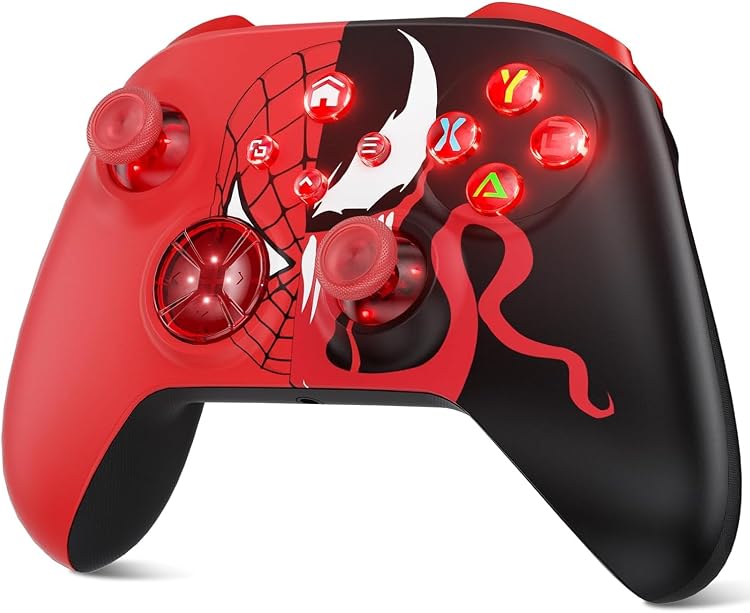
Dinosoo Wireless Xbox Controller — Bluetooth Gamepad
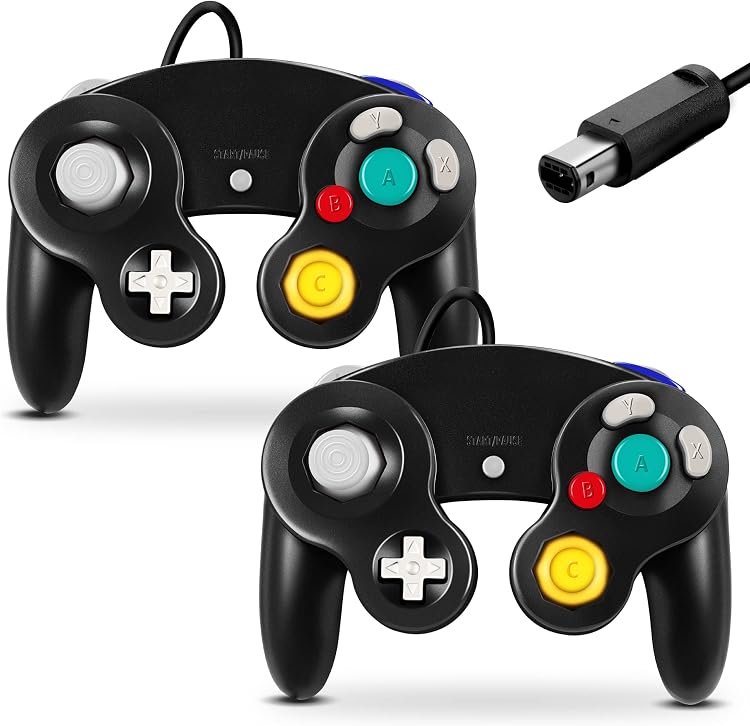
FIOTOK GameCube Wired Controller, Black 2-Pack
New in Game Controllers
Recently added or updated deals.
VidPPluing Wireless Game Controller with RGB Lighting and Programmable Back Buttons
EasySMX X05Pro Wireless Gaming Controller
Spican Hall Effect Wireless Switch Controller
Pogriko RGB Wireless Gamepad for PS5 and PC
Gamrombo LED Wireless PS5 Controller, White
Dinosoo Wireless Xbox Controller — Bluetooth Gamepad
FIOTOK GameCube Wired Controller, Black 2-Pack
Game controllers: compatibility, feel and controls you will actually use
The best controller for one person may feel awkward for another. Extra buttons or a new stick-sensing technology cannot compensate for an uncomfortable hand position. Choose around your platform, the movements repeated in your games and the opportunity to try the grip for yourself.
Compatible does not mean identical to the original
Look for your system and generation in the documentation. A controller may work on computers but not your console, or support only certain connections. Check whether motion sensors, vibration, a speaker or audio output are retained when your games use them. Do not assume an adapter will work without specific confirmation. For computer use, also check how the game recognises the buttons: connecting the device does not guarantee the expected layout.
Match grip, directional pad and travel to the games
Fighting games make directional-pad diagonals and combinations important. In driving games, trigger travel can help regulate acceleration and braking, while a short-travel trigger serves a different response. Examine stick spacing, button reach and finger support, not just overall dimensions. If users with different-sized hands will share it, prioritise a grip both can manage. A short trial can reveal discomfort, but it is not a durability test or proof of long-term comfort.
Cable, wireless connection and power during normal play
When wired play is supported, you can play without waiting to recharge. Check that the cable reaches your seat and, if detachable, carries data. For wireless use, verify the supported receiver or protocol, whether playing while charging is possible and the battery type. Replaceable cells and an integrated rechargeable battery call for different routines. Avoid comparing latency claims without their measurement conditions. To alternate between devices, check how connections switch and whether your settings profiles are retained.
Customisation and wear without absolute promises
Rear buttons and remapping help when they prevent awkward movements. Check how they are configured and whether software is required. Distinguish assigning buttons from automating sequences, which a game's rules may restrict. A particular stick-sensing technology does not guarantee that every component is free from wear. Examine replacement parts, cleaning guidance and return conditions. Pay for adjustments you can connect to a specific action, not a feature list you will leave unchanged.