Televisions
Products · Televisions
3 active deals
Televisions: choosing the right screen, picture and connections
A television that looks spectacular in a shop can feel wrong at home because of reflections, its size or too few connections. Start with your usual seat, the light in your living room and what you actually watch.
Decide where to invest: a larger screen, better contrast, cleaner motion or gaming features. None of these improvements automatically replaces the others.
Size: decide from the sofa, not with a formula
There is no single screen size for each viewing distance. Moving from 55 to 65 inches changes both immersion and how much the television dominates the room. Mark out both sizes on the wall and consider whether you can comfortably take in the picture and read subtitles without effort.
A large screen benefits films and games, but also makes compression and low-resolution broadcasts more obvious. If you mainly watch conventional television, do not sacrifice processing quality for extra inches. With good 4K content, you can sit closer without losing sharpness.
OLED, LCD and what their labels mean
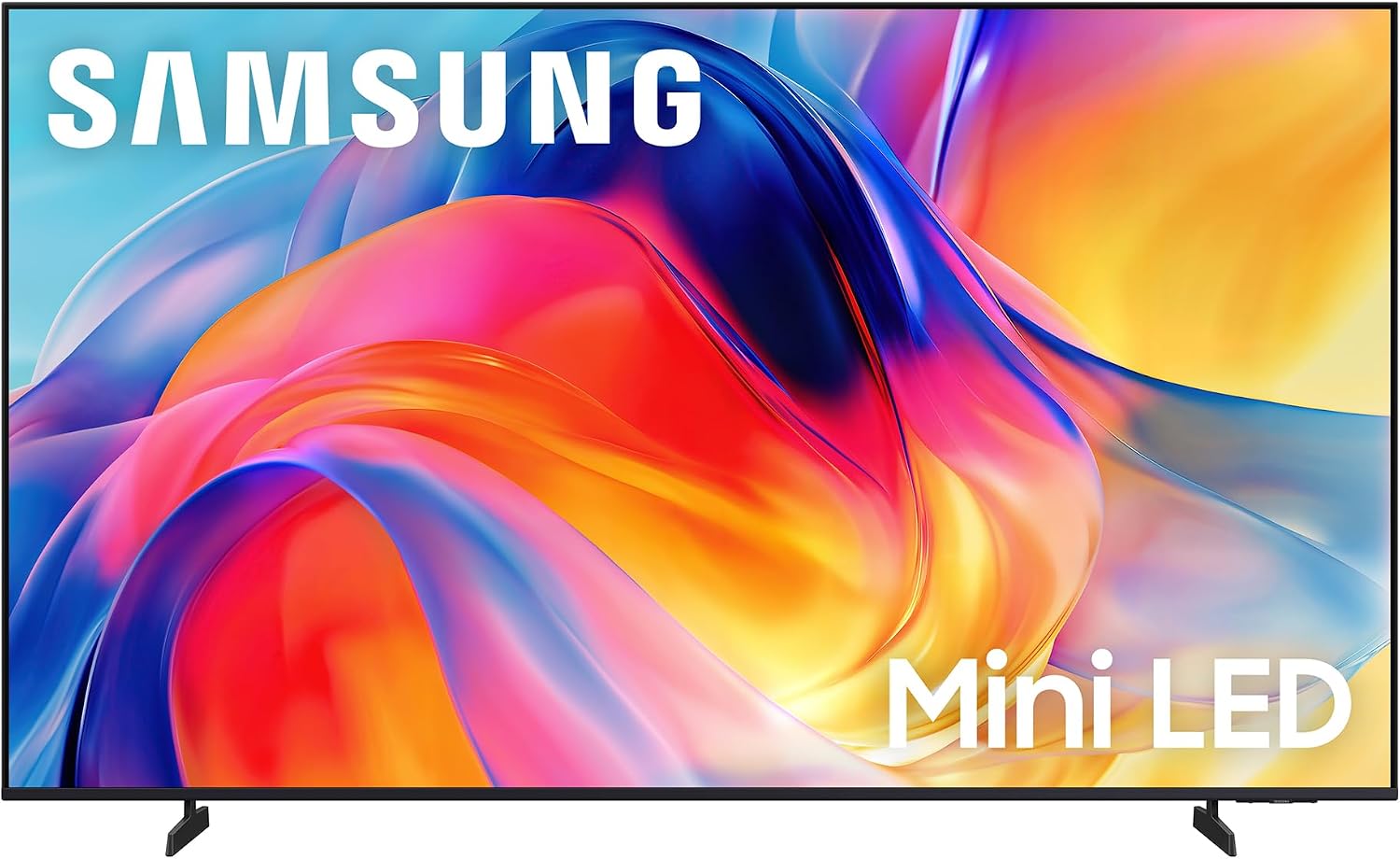
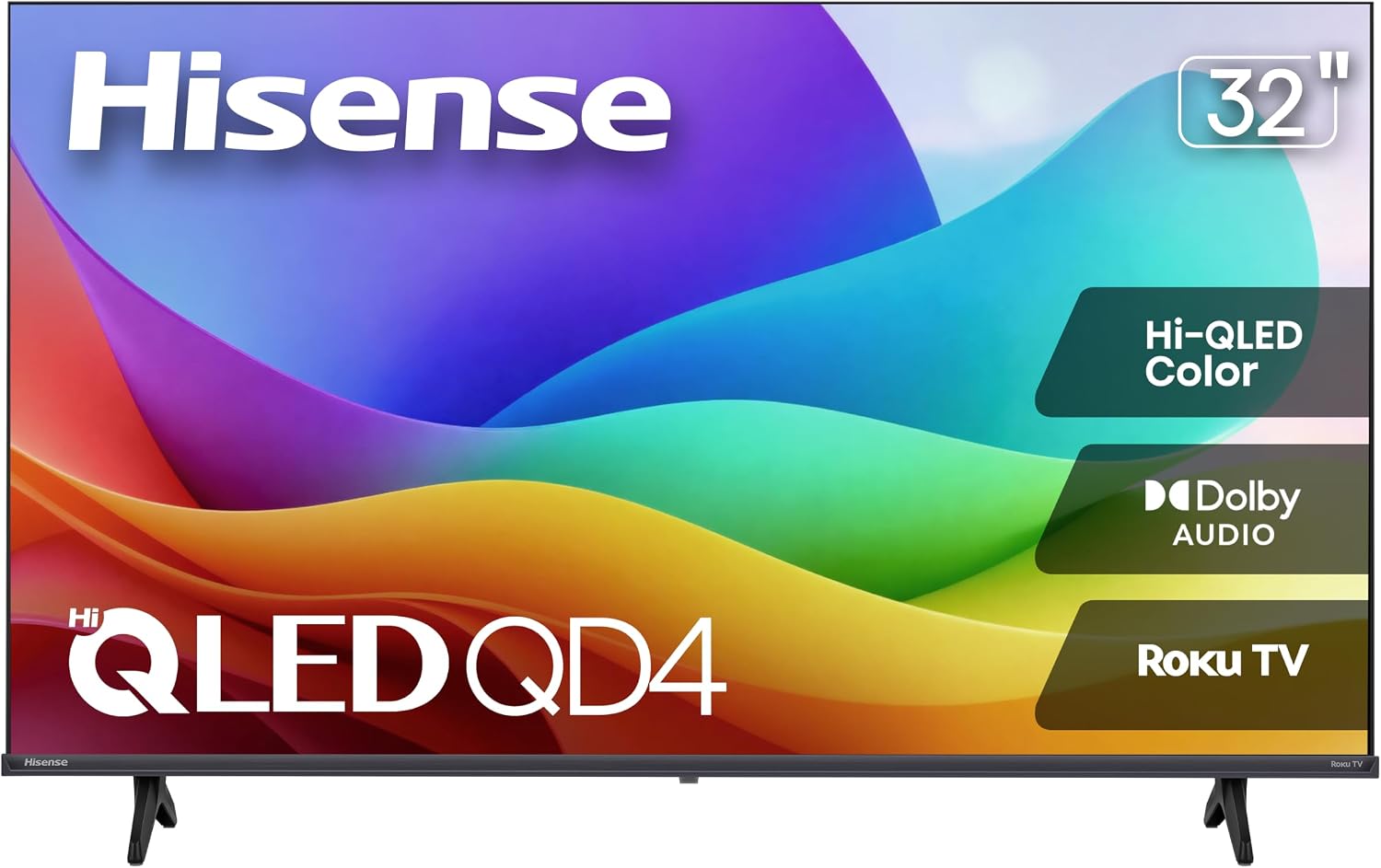
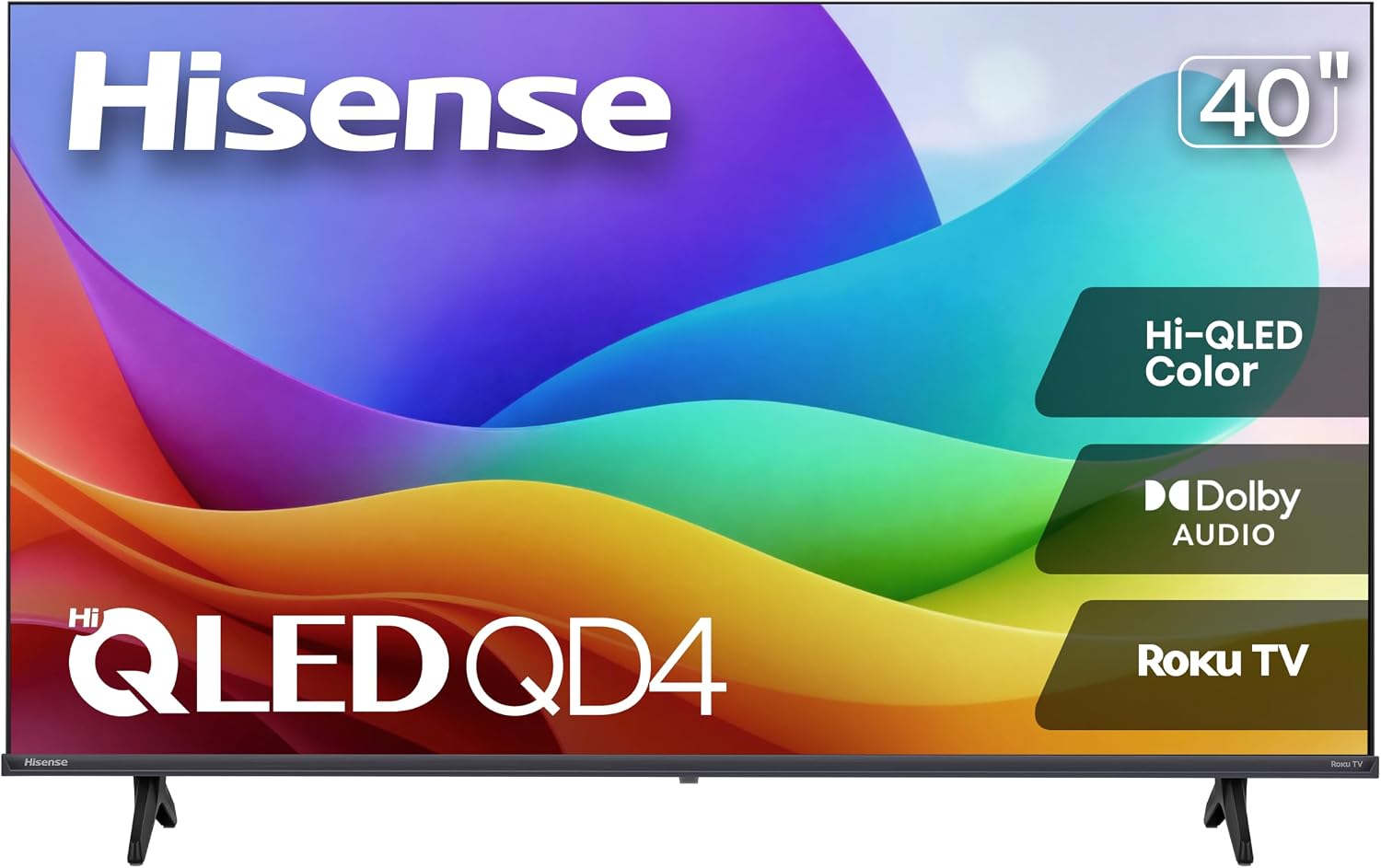
OLED controls light at pixel level, producing deep blacks without halos. LCD uses a backlight. LED, QLED and Mini LED are not three equivalent alternatives. QLED refers to quantum dots used for colour, while Mini LED describes a backlight with smaller diodes.
On LCD televisions, local dimming can improve contrast, but the zones and how they are controlled matter, not just their number. Edge lighting usually offers less control. With OLED, many hours of static elements every day increase the risk of permanent image retention. LCD deserves consideration for that use.
Room lighting, reflections and off-centre seating
In a bright living room, look for sustained brightness together with effective reflection handling: a brief peak does not guarantee consistently clear pictures. No finish eliminates a direct window reflection. Changing the television’s orientation can make more difference than moving up a product range.
For films in the dark, black levels and light leakage matter more. With off-centre seating, preserving contrast and colour is important: OLED usually does this well. Among LCD panels, VA tends to favour straight-on contrast, while IPS/ADS favours wider viewing angles.
Real HDR: more than recognising a logo
A television accepting HDR does not mean it reproduces it well. It needs sufficient brightness, controlled blacks and a wide colour gamut. On LCD, local dimming helps maintain bright highlights without lightening the background. A basic model can display HDR with little sense of depth.
Peak brightness in a small area does not describe performance across an entirely bright scene. Tone mapping also matters: it adapts the content to preserve details in clouds or shadows. Dolby Vision and HDR10+ provide dynamic metadata, but support for them is no substitute for a good panel.
Sport, films and upscaling need different things
For sport, a native 100/120 Hz panel offers more scope than a 50/60 Hz panel, although the source signal and processing also count. Marketing figures for motion are not equivalent to actual refresh rates. Good panel uniformity helps avoid visible blotches on grass or ice.
For films, the priority is correct playback at 24 frames per second without forced interpolation: excessive smoothing changes the texture and can create artefacts. Upscaling improves the presentation of HD channels, but cannot recover missing detail or remove all the compression from a broadcast.
Gaming: native refresh rates and genuinely useful ports
For gaming at 4K and 120 Hz, you need a 120 Hz panel and an input that accepts that signal. An HDMI 2.1 label is not enough: confirm simultaneous support for the resolution, refresh rate and HDR. For slower-paced games or consoles limited to 60 Hz, paying for 120 Hz may add little.
VRR reduces screen tearing and stuttering within its supported range. ALLM automatically activates low-latency mode. Count the inputs with these features, as only some may support them. If one also serves the soundbar through eARC, you will have one fewer available for consoles or a computer.
Apps and audio that suit how you watch
Prioritise the apps you use and a responsive operating system, rather than its collection of icons. Service availability and features can vary by country. An external streaming player lets you change platforms later, but occupies an HDMI input and adds another device.
For dialogue, clarity at moderate volume matters more than advertised wattage. A soundbar can improve voices and bass. Leave space without blocking the screen or remote-control receiver. eARC enables advanced audio formats, provided the television, app and sound system are compatible.
Stand, wall mounting and power consumption: the final fit
The distance between the feet may prevent installation even when the screen itself fits. A central stand can also require more depth than expected. For wall mounting, the VESA pattern, weight capacity and fixings appropriate to the wall must all match. Leave access to connections and ventilation.
Power consumption depends on screen size, technology, brightness and content. HDR can use more energy than SDR. Compare figures obtained using the same method and distinguish between the two modes when listed. When weighing up offers, identify the exact variant: size, panel, ports and stand can change within the same family.