Network Switches
Products · Network Switches
3 active deals
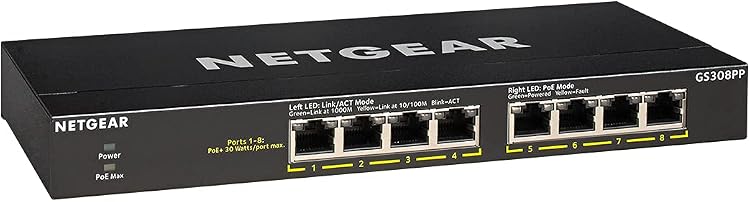
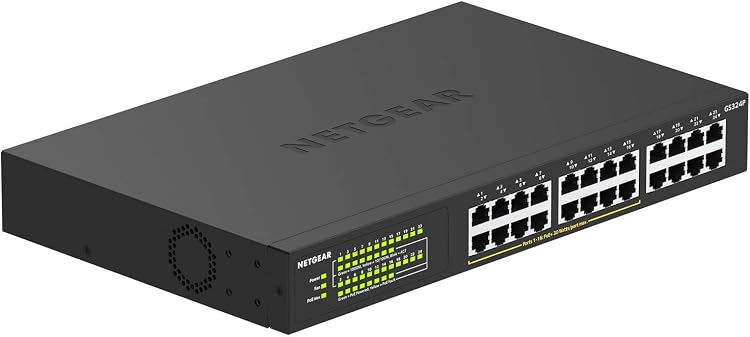
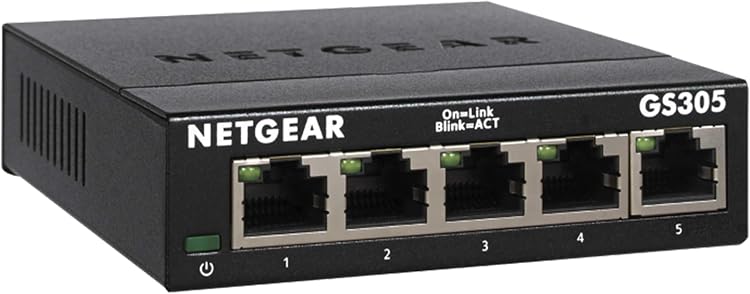
Network switches: choose the ports, speed and power your network needs
An Ethernet switch adds wired connections to an existing network; it neither replaces a router nor creates Wi-Fi. Sketch the devices you will connect, the link to the rest of the network and anything that needs power through its cable. This gives you a useful specification without buying capabilities you will never use.
Count connections, including the uplink
Allow one port for the connection to your router or another switch unless a suitable dedicated uplink is provided. Add fixed devices and realistic planned additions, not unlimited hypothetical growth. Check the speed of every relevant port, because some models mix rates. SFP sockets are not ordinary copper Ethernet sockets: check the model's documentation for supported modules or direct-attach cables. Their price and operating requirements belong in your buying calculation.
Find the actual speed bottleneck
Individual port speed and uplink speed are different choices. Several computers may share an uplink slower than their separate connections. For transfers to network storage, also check the server's ports and the cabling. A faster switch does not increase your internet subscription speed. Published switching capacity is not the throughput available between two particular devices, so avoid treating that large figure as a direct file-transfer promise.
- For multigigabit ports, confirm supported intermediate rates as well as the highest advertised speed.
PoE standards and a shared power budget
For Ethernet-powered cameras or access points, match their required PoE standard to what the switch provides. Distinguish the maximum power of one port from the total budget shared across all ports. A model can have enough sockets yet lack power for every connected device at once. Do not confuse negotiated PoE with passive power. Passive arrangements require explicit compatibility and should never be chosen simply because the connectors look the same.
Management and noise suited to the location
An unmanaged switch keeps a basic network straightforward. Separating devices with VLANs or controlling ports requires suitable management, compatibility elsewhere in the network and time for configuration. Check update availability and whether the interface works without mandatory external services. Fan noise matters on a desk; ventilation and mounting matter in a cupboard. Review dimensions, the power supply and expected heat before putting the switch inside an enclosed space.