Antivirus & Security
Products · Antivirus & Security
5 active deals
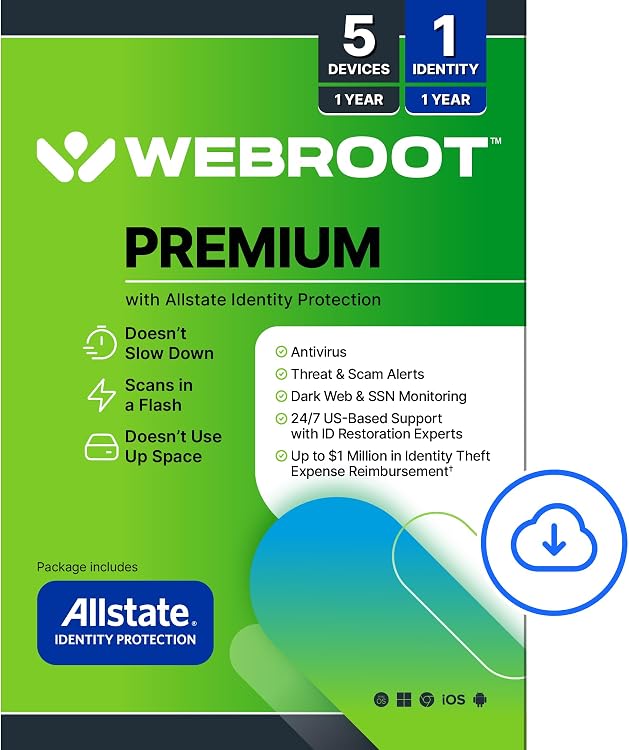
Webroot Premium 2026 with Allstate Identity Protection — 5 Devices, 1 Year

Norton 360 for Gamers 2027, 3 Devices
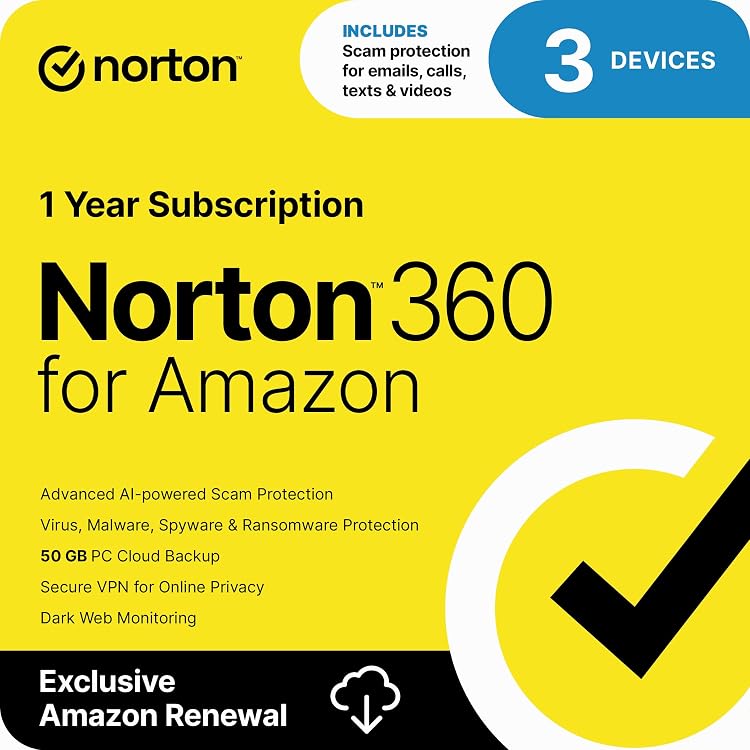
Norton 360 Antivirus for 3 Devices
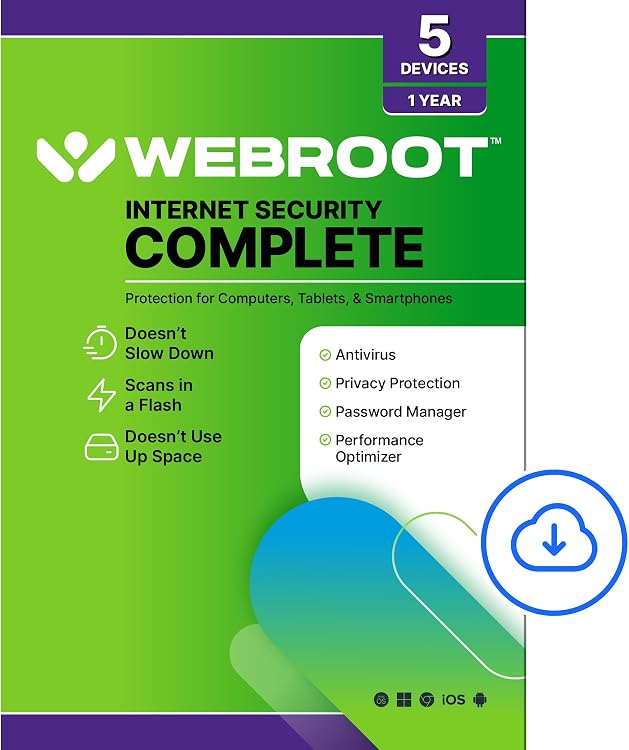
Webroot Internet Security Complete, 5 Devices, 1 Year
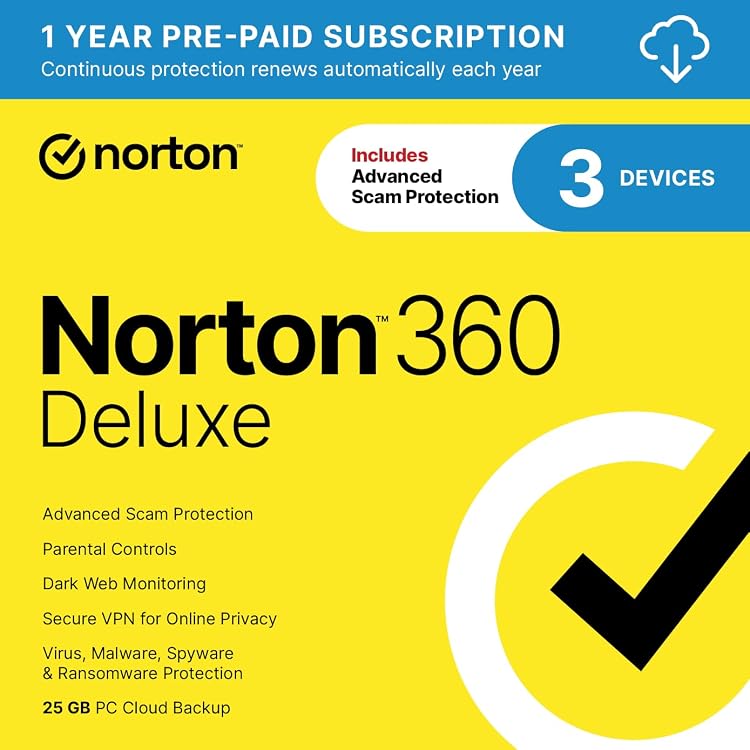
Norton 360 Deluxe 2027 Antivirus, 3 Devices
Antivirus and security: fill protection gaps without confusing features
A security suite is worth considering when it adds protection or management you actually need, not because it displays more icons. Review the safeguards already built into your system and the devices requiring coverage. No program removes every risk or replaces updates and careful everyday behaviour.
Different protection layers address different risks
Malware protection, fraudulent-site warnings and connection controls perform different jobs. Establish which ones your chosen edition includes and how they stay updated. A VPN protects aspects of a connection, but does not make a website trustworthy or replace antivirus protection. Recoverable backups and multifactor authentication remain separate safeguards that still deserve attention when buying a suite.
- Distinguish prevention, detection and recovery; none means absolute protection.
Coverage must match each platform
List your devices, operating systems and versions. A multiplatform licence may provide different features on computers and phones because each system permits different capabilities. Check memory, processor and supported-system requirements before committing. A new antivirus does not, by itself, compensate for the absence of updates on an abandoned operating system, even if installation is technically possible.
- Confirm covered users and devices, and whether professional use is allowed.
Assess behaviour during ordinary work
If an official trial exists, observe the device with your usual programs and harmless files. Scan duration, understandable alerts and support responses matter alongside feature lists. False positives can interrupt legitimate work. Check compatibility with existing protection: do not add two resident engines on the assumption that effectiveness adds up, or disable safeguards without compatible manufacturer guidance.
Extras count only if you can use them
For suites including a VPN, check data allowances, available destinations and supported devices rather than assuming unlimited access. If a password manager is included, review account recovery and secure vault export. Examine what information the service collects and who administers a household or business account. Sharing a subscription should not be confused with sharing personal login credentials.
Preserve protection and access when the contract ends
Check duration, automatic renewal, the amount applicable at renewal and cancellation procedures in the current terms. If a perpetual licence is offered, establish which protection updates and services remain included. Before switching, confirm how stored information can be exported and when coverage ends. Plan a compatible alternative so you do not rely on an expired licence or lose information held in the suite's extras.