Electronics Cleaning
Products · Electronics Cleaning
5 active deals
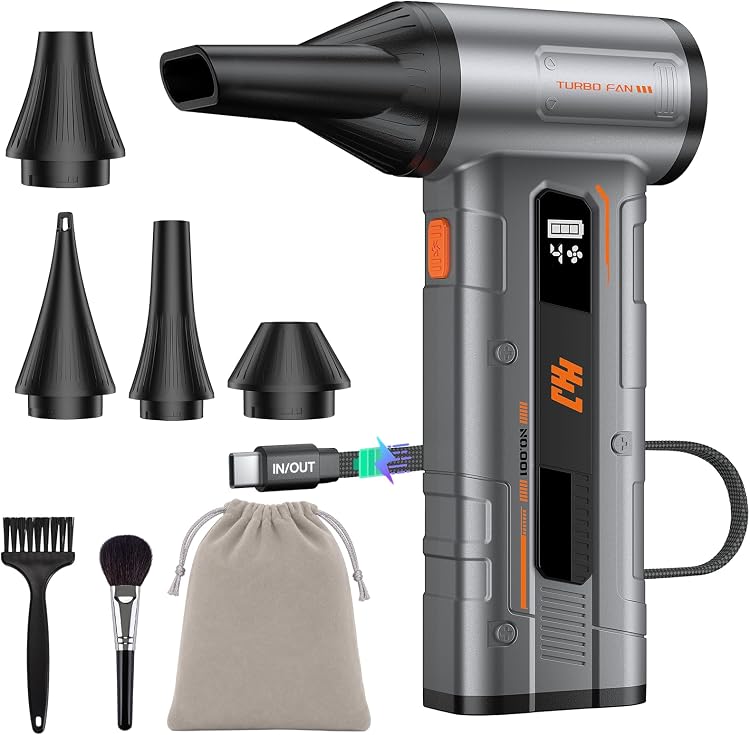
HHJ BC07 Cordless Air Duster, 4-Speed
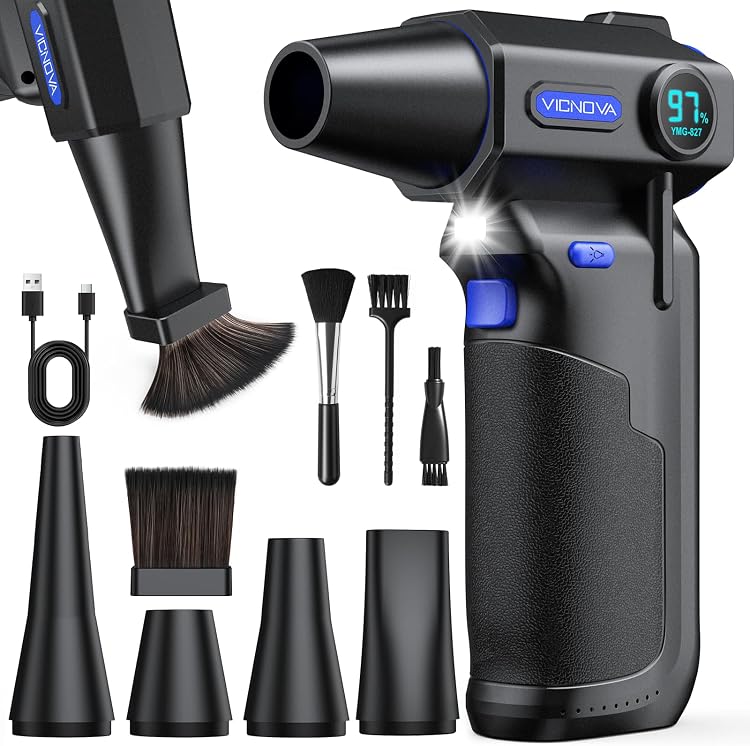
VICNOVA YMG-827 Cordless Air Duster, 3 Speeds
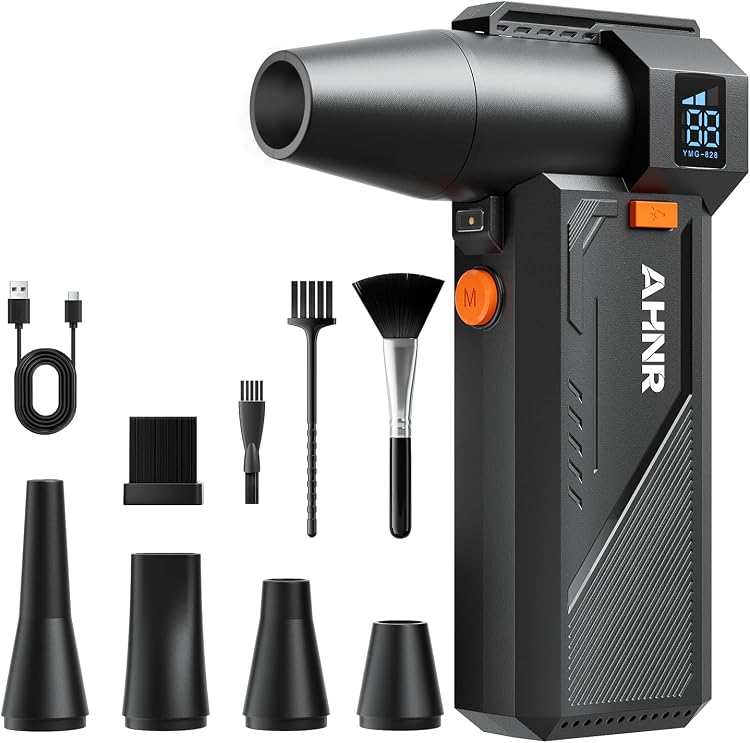
AHNR YMG-828 Rechargeable Air Duster, 3 Speeds
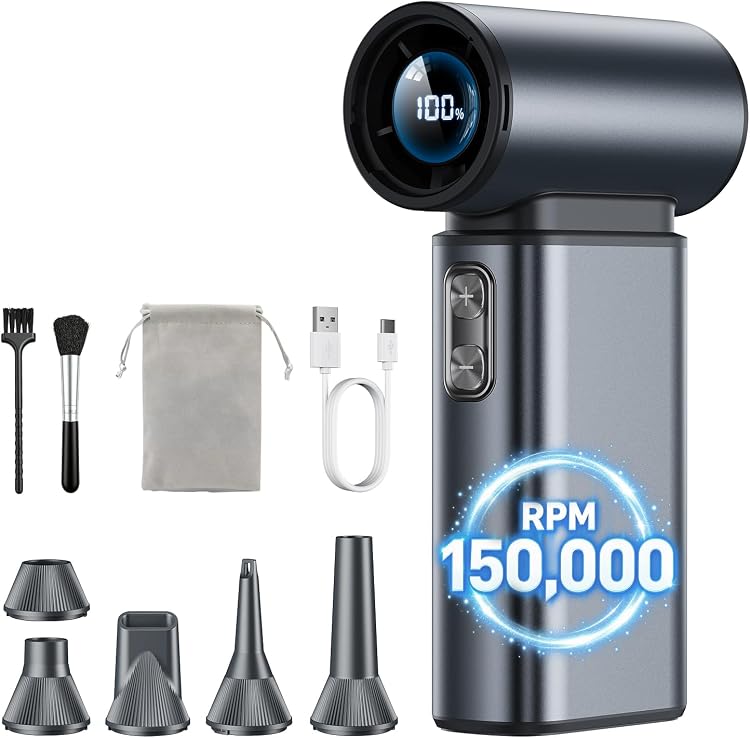
SKTFFR A12 Cordless Electric Air Duster, 150,000 RPM
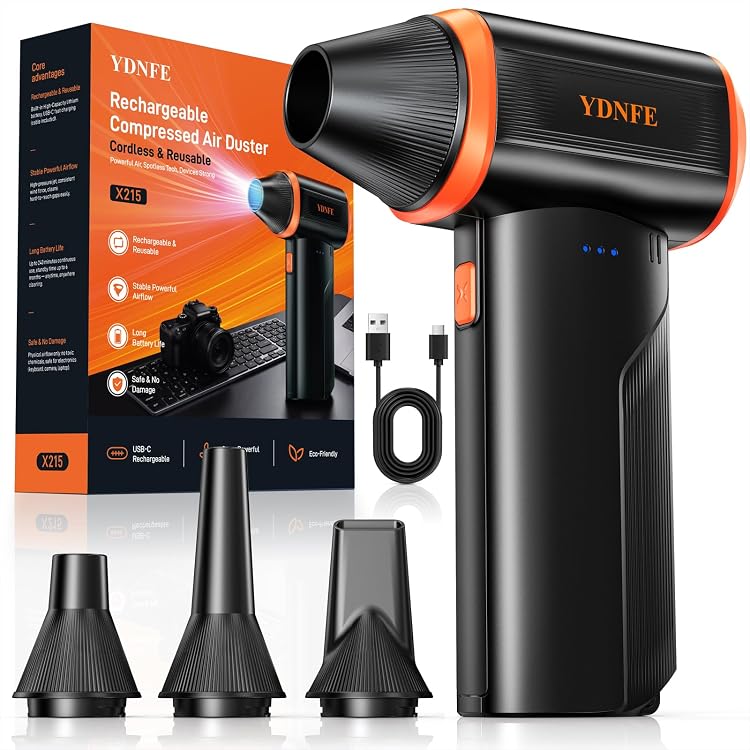
YDNFE Cordless Compressed Air Duster, 3-Speed
Electronics cleaning: choose tools that respect delicate surfaces
A keyboard cleaning kit is not necessarily suitable for a screen. Before buying, identify where dirt collects and read the device instructions. The aim is to remove it using an approved method, not to apply the strongest product available to every surface in your workspace.
Distinguish dust, fingerprints and problems needing professional care
External dust, fingerprints on a display and a spill inside a computer are different problems. The first two may allow routine care at home; liquid ingress or residue on components may require a technician. Choose tools for accessible surfaces rather than assuming that a cleaning accessory makes dismantling the device appropriate.
- Note the device model and the surface you intend to clean.
- Switch off, disconnect and allow cooling as directed by the manufacturer.
Match the cloth to the screen finish
Look for a soft, lint-free cloth without edges that could rub against the panel. Anti-glare treatments and other coatings can have specific care restrictions. A solution marketed for electronics is not automatically compatible with your display. Only consider liquids explicitly permitted by both the device and the cleaning product instructions, using the prescribed application method. Never improvise mixtures.
- Do not spray the device directly or allow liquid to reach openings.
Brush between keys without levering parts
For keyboards, soft bristles and a size that reaches gaps without levering are useful. An overly stiff brush may mark surfaces; a bulky one can simply move dust around. Do not remove keycaps or insert tools into ports unless the manufacturer authorizes that maintenance. An antistatic label does not make every brush suitable for internal circuitry.
Air dusters need controllable airflow, not just power
Compare airflow adjustment, nozzles, noise, power supply and filter maintenance. Control matters for short sessions; frequent use also makes battery runtime or cable arrangements relevant. Use airflow only where the device manufacturer permits it, following the duster instructions. Do not aim a jet at fans to make them spin or assume that higher pressure produces better cleaning.
- A household vacuum or cooling fan is not a substitute for an electronics air duster.
A useful kit keeps its own accessories clean
A small kit may be sufficient if its tools are genuinely compatible. Keep the screen cloth separate from one used on cases or keyboards: dragging particles across a panel is an avoidable risk. Check replacement availability and how cloths and filters should be washed or replaced. Store everything dry and protected; reconnect the device only once its specified drying conditions are met.