 1 / 7
TIGKTING XYUS-SW222 Dual-Monitor KVM Switch, 8K@60Hz / 4K@120Hz
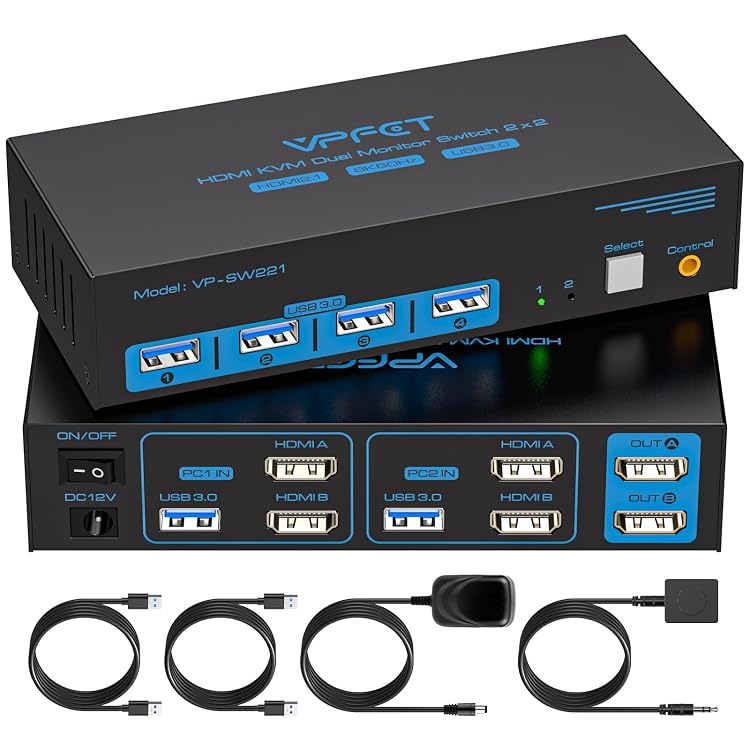
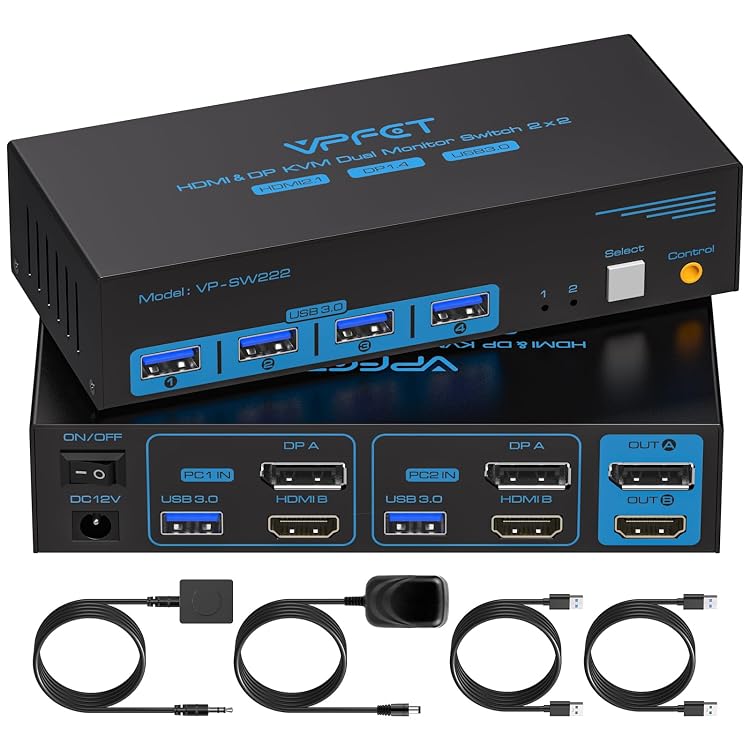
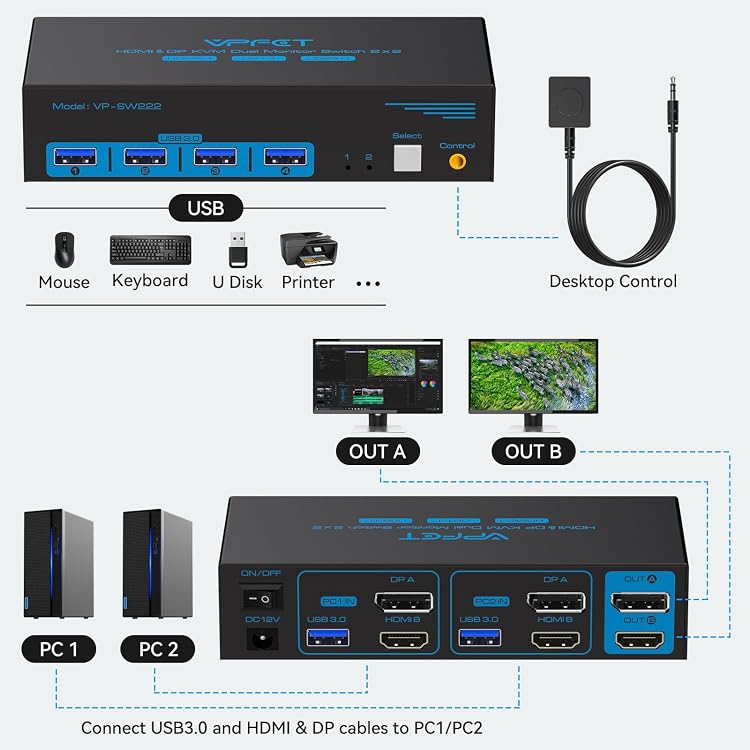
Dual-Monitor: The TIGKTING XYUS-SW222 KVM switch is listed for sharing two monitors and four USB 3.0 peripherals between two computers. Its HDMI and DisplayPort inputs and claimed high-refresh support suit a dual-display setup, provided the computers, displays, and cables meet the requirements.
At a glance
- Switches two computers across two monitors and shares four USB 3.0 peripheral ports, according to the listing.
- The manufacturer claims support up to 8K@60Hz or 4K@120Hz, subject to compatible cables and monitors.
- Provides button switching on the unit and a wired extension button for desk-side access.
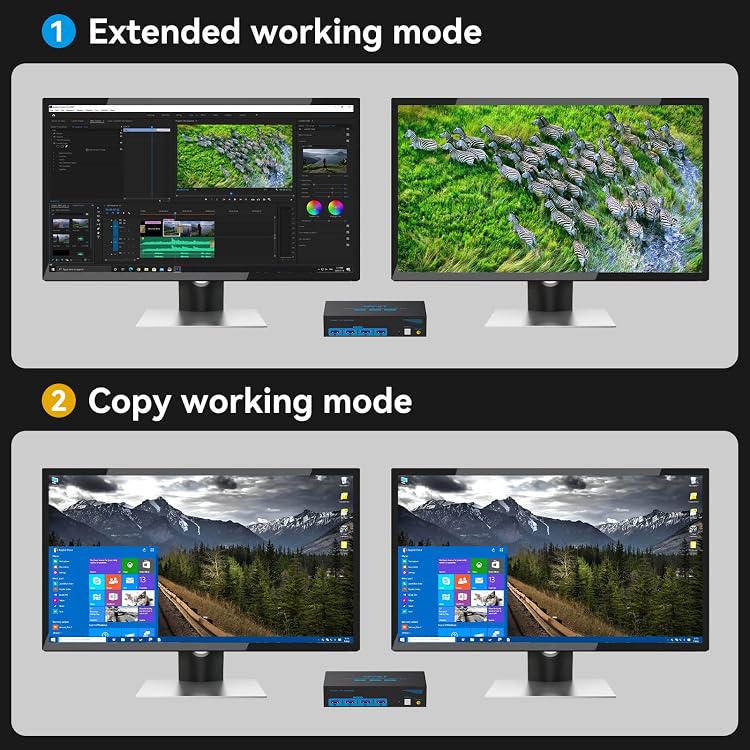
- The listing says extended or copy display modes depend on the computer's capabilities.
Reference price: $69.99
Price checked: Nov 12, 2026
View offerAhead of Black FridayExplore the selectionPros and cons
Pros
- Four USB 3.0 ports allow a keyboard, mouse, and other USB devices to be shared between the connected computers.
- A wired remote button offers a switching option without reaching the main unit.
- The listing describes USB 3.0 compatibility with USB 2.0 devices.
Cons
- Hotkey switching is not supported, so changing computers requires using the unit's button or wired extension button.
- The switch requires an external DC 12V adapter to function.
Technical specifications
15 specifications| Brand | TIGKTING |
|---|---|
| Model | XYUS-SW222-Deep Blue |
| USB peripheral ports | 4 USB 3.0 ports |
|---|---|
| USB data rate claim | up to 5Gbps transmission speed |
| USB compatibility | compatible with USB2.0 devices |
| Maximum display modes claimed | up to 8K@60Hz and 4K@120Hz |
| Video connections required | HDMI port and a DP port |
| Conversion cable support | the use of HDMI to DP and DP to HDMI conversion cables is not supported. |
| Switching methods | press the select button on the machine to switch the signal source; 2. Using the wired extension button |
|---|---|
| Hotkey switching | Keyboard shortcuts (hotkeys) toggles are not supported. |
| Power requirement | The KVM switch must be connected to a DC 12V adapter to function properly. |
| Peripheral power claim | maximum power of 10W |
| Mounting types listed | Panel Mount |
|---|---|
| Dimensions listed | 5.91 x 2.56 x 1.42 inches |
| Material listed | Metal |
|---|
What to know before buying
Listing details to confirm
The listing's title claims a keyboard and mouse in the kit, while the explicit included-components field names only two USB 3.0 cables. Whether a keyboard or mouse is included is therefore unconfirmed. The stated 8K@60Hz and 4K@120Hz support depends on compatible cables and monitors. Connections require HDMI and DisplayPort, and HDMI-to-DisplayPort or DisplayPort-to-HDMI conversion cables are not supported. The listing also gives a two-year warranty description but separately promises a no-charge replacement within 12 months, so the coverage terms are inconsistent.
What’s in the box
- 2 USB 3.0 cablesIncluded
- KeyboardCheck selected pack
- MouseCheck selected pack
Check which accessories are included in your selected pack before buying.
Who is it for?
A good fit for
- People switching two monitors and shared USB peripherals between two computers with native HDMI and DisplayPort connections.
- Users who want physical button switching rather than keyboard shortcuts.
- Setups where the computer, monitors, and cables can support the intended resolution and refresh rate.
Less suited to
- People who need hotkey switching.
- Systems that require HDMI-to-DisplayPort or DisplayPort-to-HDMI conversion cables.
- Buyers seeking a confirmed included keyboard or mouse.
Customer reviews on Amazon
- 5 stars
76% 76% - 4 stars
16% 16% - 3 stars
0% 0% - 2 stars
0% 0% - 1 star
8% 8%
Aggregate ratings lean positive, with many five-star ratings, but a smaller one-star share shows that experiences are not uniformly favorable. Without written feedback, the reasons for either view are unknown. The rating figures do not establish whether this particular unit reliably reaches the listed display modes, which depend on compatible source devices, monitors, and cables.
Frequently asked questions
How many computers and monitors does this KVM switch support?
The listing describes two computers or laptops sharing two monitors. Extended or copy display operation depends on the connected computer's capabilities.
What resolution and refresh rate does it claim?
The manufacturer claims up to 8K@60Hz or 4K@120Hz. It says the cables and monitor must support the chosen mode.
Can it switch computers with keyboard shortcuts?
No. The listing says hotkey toggling is unsupported. It describes switching with the unit's select button or the wired extension button.
Does it include a keyboard and mouse?
That is unconfirmed. The title mentions a keyboard and mouse, but the explicit included-components field lists two USB 3.0 cables.
Does the switch require external power?
Yes. The listing says a DC 12V adapter must be connected for the switch to function properly.
Alternative options
AV Access 8K KVM Switch 3 Monitors 2 Computers, DP KVM Dock for Desktop PCs | 8K@60...
$203.99
KVM Switch 2 Monitors 2 Computers 4K@60Hz HDMI DisplayPort Dual Monitor | KVM Switc...
$79.99
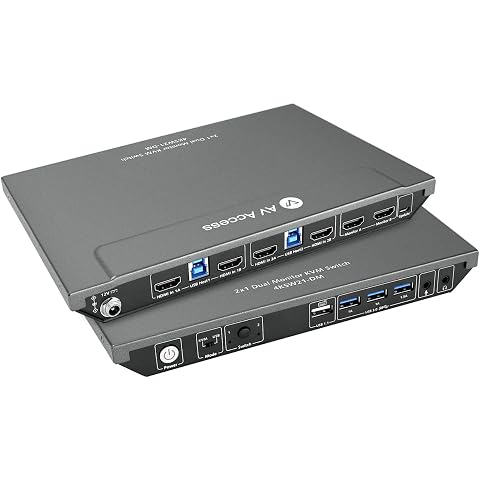
AV Access KVM Switch 2 Monitors 2 Computers, 4 USB, EDID, Hotkey Switch | 4K@60Hz H...
$119.99
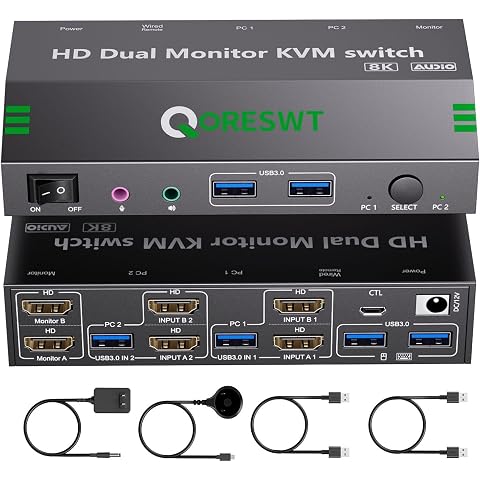
KVM Switch with Audio for 2 Computers 2 Monitors, 8K 60Hz/4K120Hz 2 Port HDMI Dual ...
$65.99
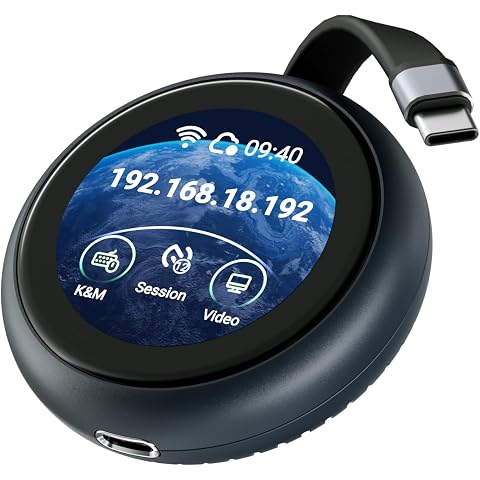
GL.iNet Comet Q (GL-RMQ1) Pocket KVM, Plug & Play Remote for Laptop iPhone | No app on target, browser based control, USB-C one cable, Wi-Fi 6, touchscreen, pocket size, for remote family tech support
$139.99
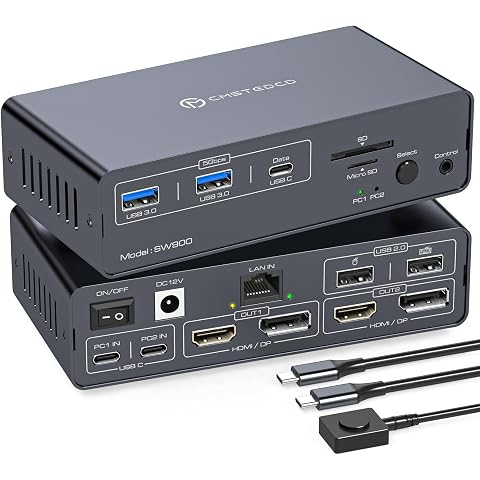
Thunderbolt 4 kvm Switch Docking Station for 2 Monitors 2 Laptops/Macbooks | Extend...
$197.99
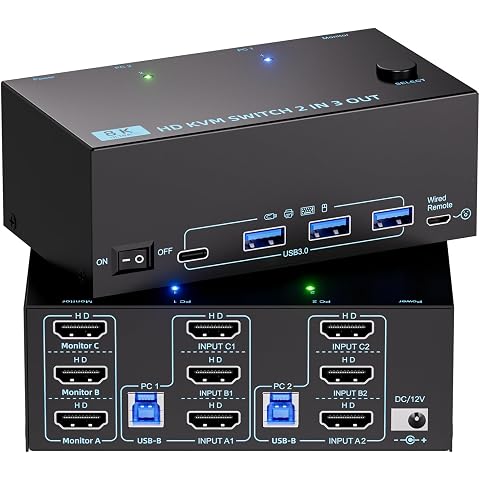
8K HDMI KVM Switch 3 Monitors 2 Computers 4K120Hz Triple Monitor KVM Switch | with ...
$75.99
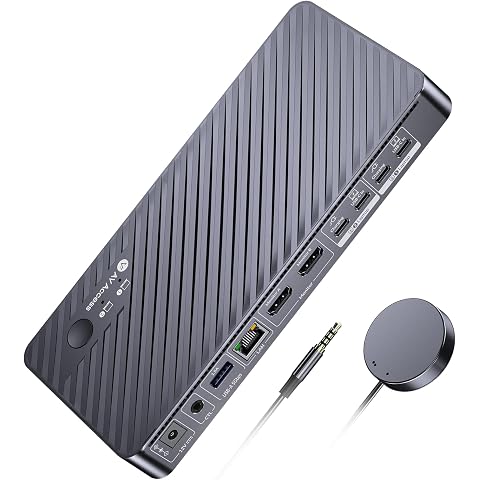
AV Access KVM Switch Docking Station 2 Monitors 2 Laptops, 4K Dual Display | 100W P...
$199.99
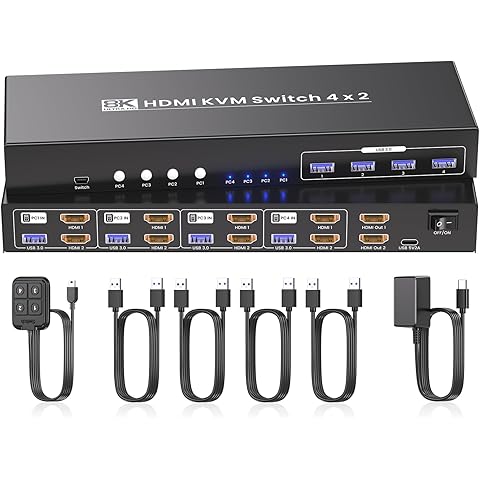
8K@60Hz 4K@120Hz HDMI KVM Switch 2 Monitors 4 Computers,USB 3.0 Hub
$99.99
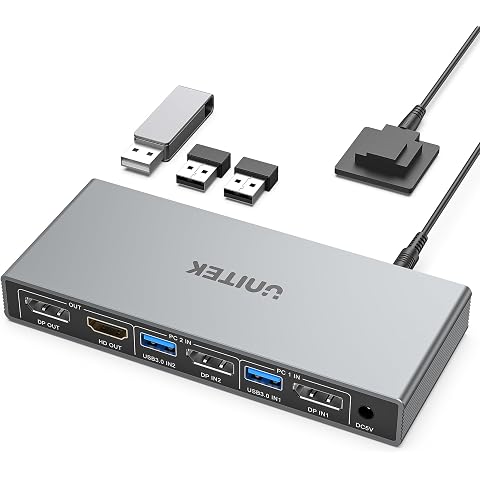
Unitek KVM Switch 2 Monitors 2 Computers DisplayPort Dual Monitor 4K 60Hz | DP KVM Switcher 2PC 4 USB 3.0 Ports for Keyboard Mouse Hard Drives Printer Home Office Gaming Gray Aluminum(ONLY SUPPORT DP)
$51.84
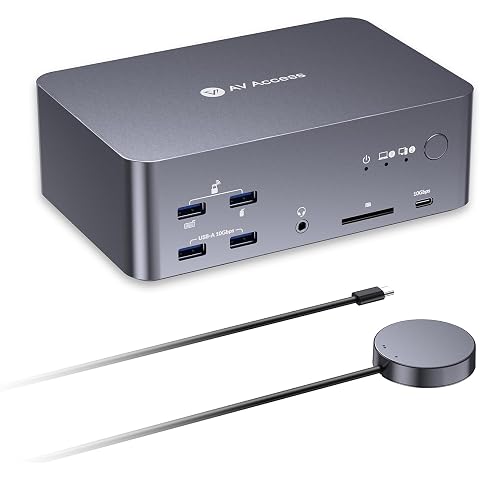
AV Access 8K KVM Switch 3 Monitors 2 Computers, KVM Docking Station | 8K@60Hz, 4K@165Hz, 100W PD, 10Gbps USB Hub, 1GbE, Triple Monitor KVM for Laptop & Desktop PC, Ideal for Work & Gaming
$299.99
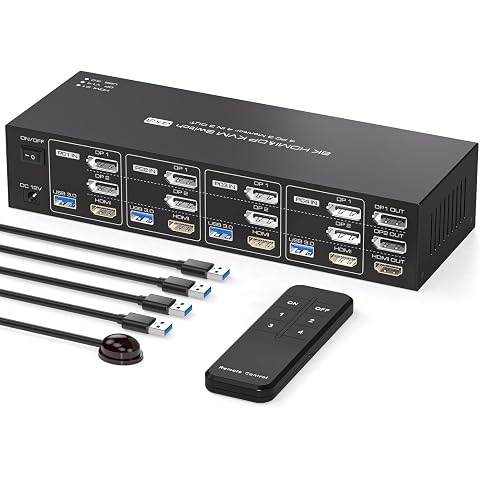
KVM Switch 3 Monitors 4 Computers 4K144Hz 2 Displayport HDMI Triple Monitor KVM for 4 PC Sharing 3 Screens and 4 USB 3.0 Port with Controller
$119.99