 1 / 7
NIIMBOT B21 Pro B21-PRO-W Bluetooth Label Maker, 300 dpi, White
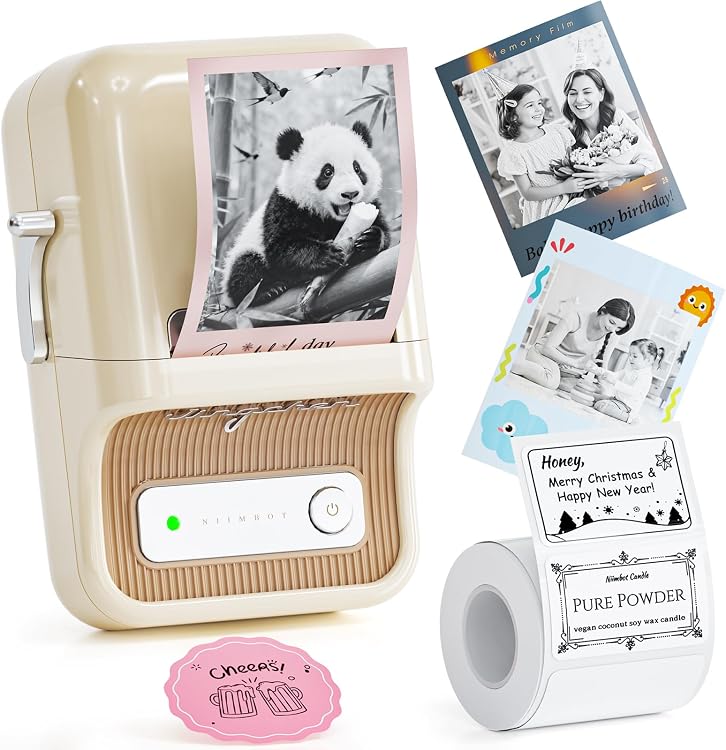
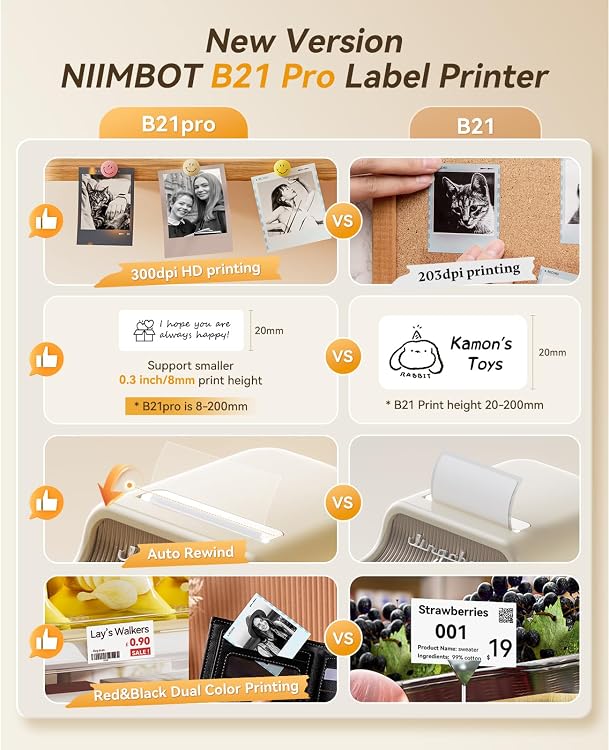
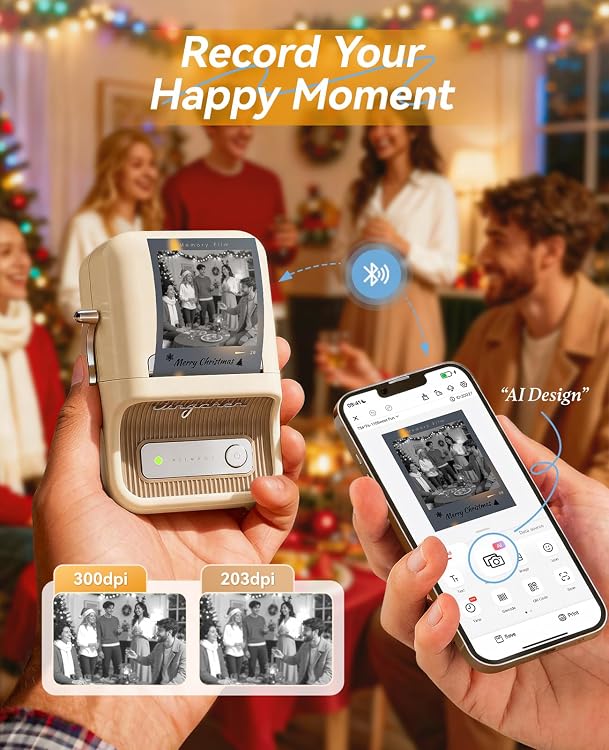
White: The NIIMBOT B21 Pro B21-PRO-W is a compact thermal label maker with Bluetooth printing and a listing claim of red-and-black output. It connects to iOS and Android through the NIIMBOT app, with USB cable printing from a PC also listed. The 300 dpi claim and dual-color printing are useful for detailed labels, but red-and-black and photo printing require special label paper.
At a glance
- The listing describes red-and-black printing and grayscale photo printing, with special label paper required for color and photo printing.
- The stated label-width range is 20mm-50mm(0.8-2 inch), with an effective printable width of 48mm and a longest supported label length of 200mm(7.87 inch).
- The included roll is listed as 50x30mm labels (230pcs/Roll).
- The NIIMBOT app offers automatic label identification and a range of fonts, borders and symbols, plus Excel, QR code and OCR printing features.
- Bluetooth printing is listed for Android and iOS. USB cable connection to a PC is also listed, using the NIIMBOT computer application.
Reference price: $69.99
Price checked: Nov 12, 2026
View offerAhead of Black FridayExplore the selectionOften bought together
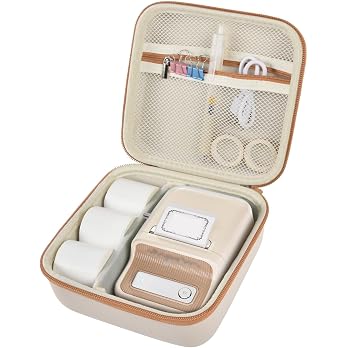
Case for NIIMBOT B21/Pro/B1, for SUPVAN T50M Pro Label Maker Accessories | Wireless Thermal Printer Holder, Labeling Tapes Roll Refills Storage, Home/Office Use, Mesh Pocket, Hard Case Only, Beige
$17.99
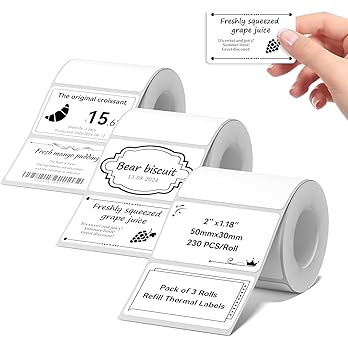
NIIMBOT Thermal Label Maker Paper 50×30 mm 230 Labels/Roll White 3Packs, for B1 B21 B31 B3S K3 Label Maker
$17.99
Pros and cons
Pros
- Thermal printing avoids the need for ink cartridges, and the listing describes red-and-black output for labels made with the required special paper.
- Compact dimensions and a listed weight of 11.36 ounces make it easier to place or carry than a larger desktop printer.
- An included label roll gives buyers paper for an initial setup, according to the listing.
Cons
- This is a label-only, simplex printer, not an all-purpose document printer.
- The advertised red-and-black and photo printing depends on separately purchased special label paper.
Technical specifications
18 specifications| Brand | NIIMBOT |
|---|---|
| Model | B21-PRO-W |
| Color | White |
| Printing technology | Thermal |
| Print media | Labels |
| Resolution | 300 x 300 |
|---|---|
| Output type | Color |
| Ink color | red, black |
| Maximum monochrome print speed | 50 |
| Maximum media size | 2 INCH |
| Paper size | 1-2 INCH |
| Duplex | Simplex |
| Wireless connection listed | Bluetooth |
|---|---|
| Hardware interface | USB |
| USB ports | 1 |
| Additional printer functions | Print Only |
| Dimensions listed | 5.12"D x 3.7"W x 2.4"H |
|---|---|
| Weight listed | 11.36 ounces |
What to know before buying
Listing details to confirm
The listing is inconsistent about resolution and media sizing: it claims 300 dpi in the title and features, gives a table value of 300 x 300, and lists both 2 INCH and 1-2 INCH for media or paper size. The stated label-width range is 20mm-50mm(0.8-2 inch). Confirm the intended label stock and supported size for your use before buying. Android Bluetooth firmware upgrade guidance is also provided for connection problems, so buyers who rely on Android should note that troubleshooting caveat.
Who is it for?
A good fit for
- People organizing home, school or office items with narrow labels.
- Small businesses or makers who want compact Bluetooth label printing and may use dual-color labels with compatible special stock.
- Buyers who want app-based label design, with PC printing available by USB cable.
Less suited to
- Anyone needing standard paper printing, duplex output or labels wider than the listed 2-inch maximum.
- Buyers expecting red-and-black or photo printing on ordinary thermal labels without buying special paper.
- Tablet users, which the listing says are not compatible and are not recommended.
Customer reviews on Amazon
- 5 stars
81% 81% - 4 stars
11% 11% - 3 stars
5% 5% - 2 stars
0% 0% - 1 star
3% 3%
Customer feedback describes the printer as easy to use and compact, while reports on print clarity differ: some find output sharp and others say letters look blurry. Feedback also mixes praise for its features and value with concerns about limited customization and price. That makes output quality and design flexibility worth considering, especially if your labels need fine detail or varied layouts. The listing's 300 dpi claim is a specification claim, not a guarantee of the results customers report.
Positive themes
- Customers describe it as easy to use and appreciate its compact size and appearance.
Mixed feedback
- Print quality is mixed, with reports ranging from sharp output to blurry lettering.
- Customers differ on whether the feature set and customization options meet their needs.
- Value opinions are mixed, with some considering it worth buying and others finding it expensive.
Frequently asked questions
Can the B21 Pro print red and black on any thermal label?
No. The listing says color printing requires special label paper, which is sold separately.
What label sizes does it support?
The feature text gives a width range of 20mm-50mm(0.8-2 inch), effective printable width of 48mm, and maximum label length of 200mm(7.87 inch). The technical details also list 1-2 INCH paper size, so check that your chosen stock is compatible.
How does it connect to phones and computers?
Bluetooth connection to Android and iOS through the NIIMBOT app is listed. PC connection is described as using a USB cable and the NIIMBOT computer application. The listing says it is not compatible with tablets.
Does everyday use require a paid app subscription?
The listing says daily use can rely on the app's existing free fonts and icons without a monthly fee. It also states that print history is saved only when logged into the app.
Alternative options
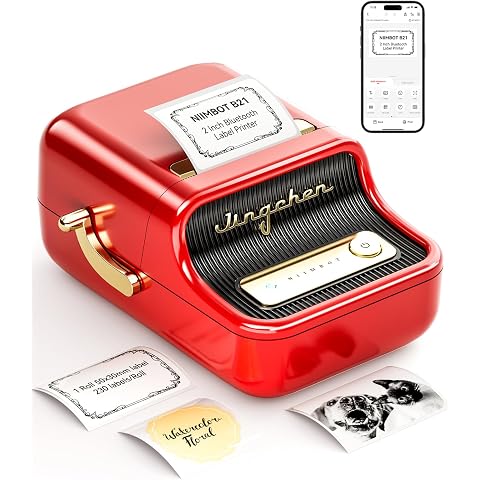
NIIMBOT B21 Label Maker, 2 Inch Bluetooth Thermal Label Printer, Red | Retro Sticker Printer, for Address, Logo, Canning Jar, Candle, Mailing,Gift, Compatible with Phones and PC
$59.38
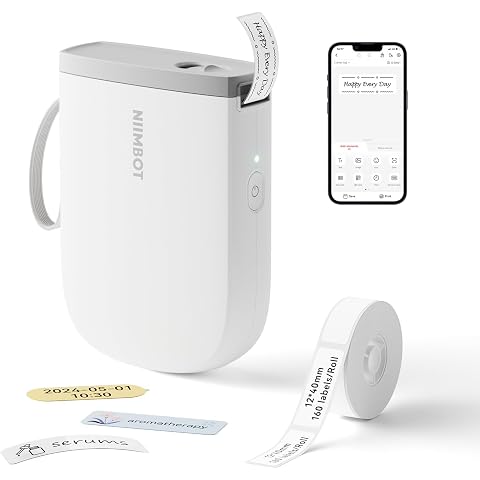
NIIMBOT D11 Label Maker, 300DPI Potable Printer for Home & Business, White | Bluetooth Label Printer, Come with 1 Roll Tape 12*40mm for Organizing Home Office School, Easy Setup
$24.99
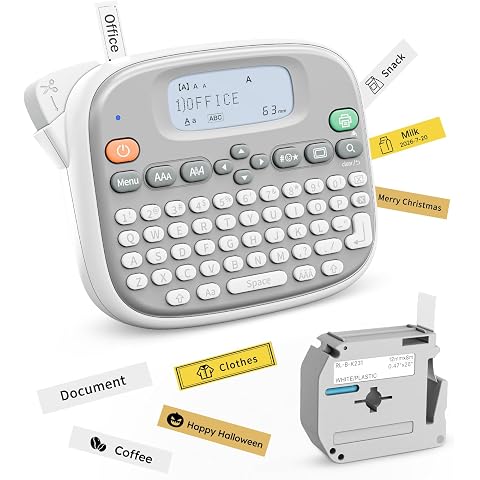
Rongta TM95 Label Maker Machine, QWERTY Keyboard, 12mm Portable Labeler | Ideal for home organization, office & school labeling supplies,White
$21.59
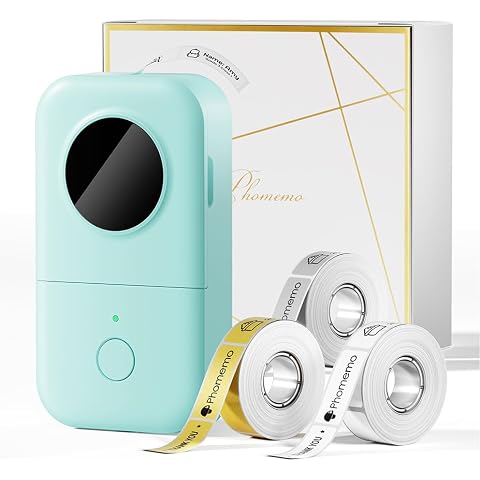
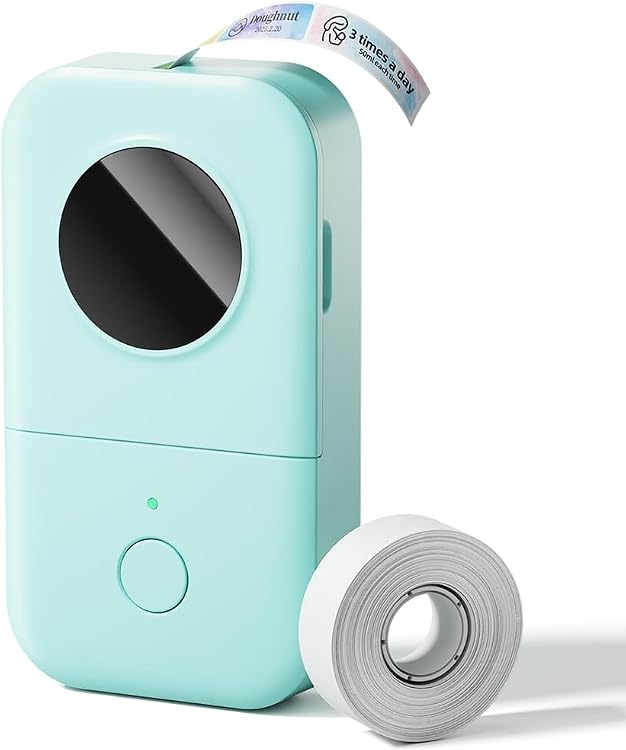
Phomemo D30 Portable Thermal Printer, Label Maker Machine with 3 Tapes | Bluetooth Mini Label Maker, Wireless Label Maker Machine Labeler for Home Office, Works with Tablet, Smartphone
$26.99
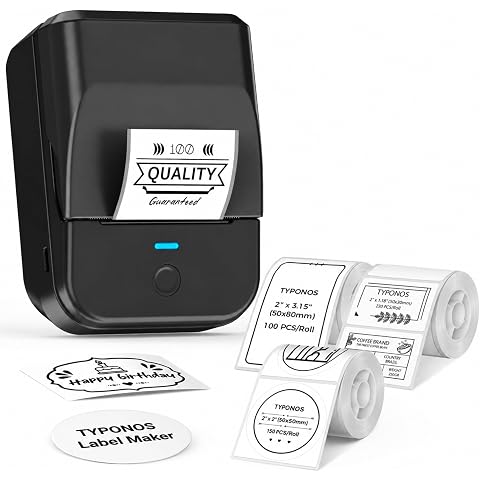
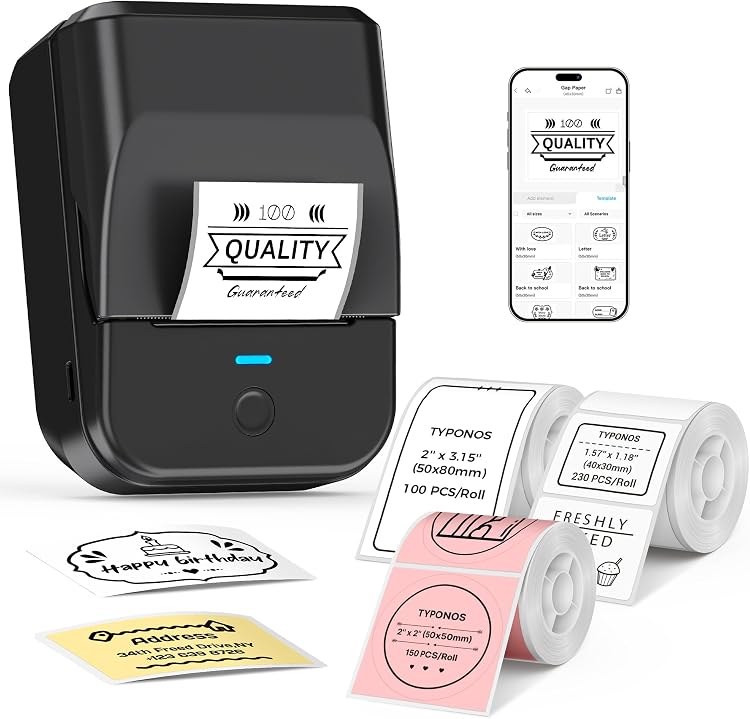
TYPONOS PM240 Label Maker Machine, Black, 3 Rolls with 50x30mm White Labels | 50x50mm White Round Labels, 50x80mm white Labels, 2'' Bluetooth Thermal Label Printer for Small Business School Home Office
$30.59
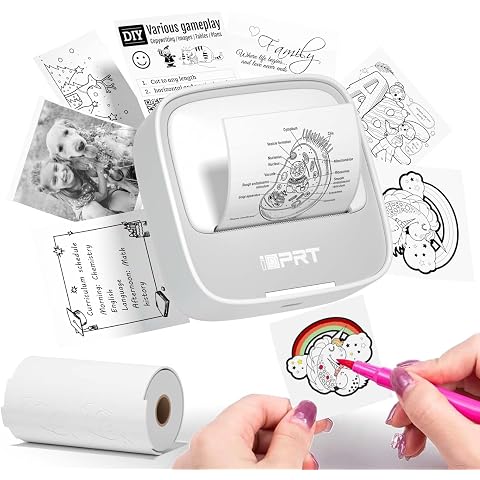
iDPRT Mini Sticker Printer Sticker, Thermal Maker Machine with 1 Roll Paper | nkless Bluetooth Thermal Printer for iPhone & Android, Pocket Printer for Labels, Barcodes, DIY Journaling, Kids Gift
$9.99
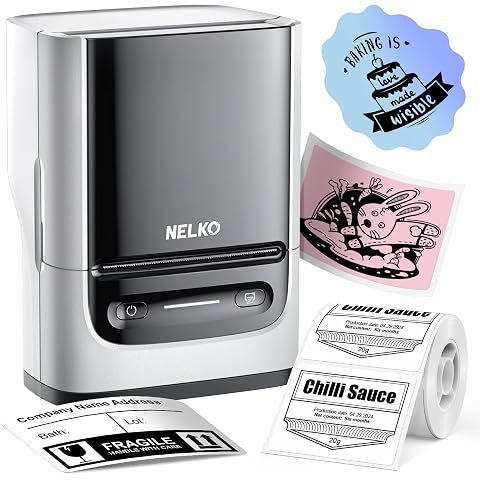
Nelko Label Maker Machine with Tape, PM220 Bluetooth Label Printer, White | High Quality & Inkless Thermal Printing, Waterproof Label, With Smart AI APP for School,Teacher Supplies,Small Business,Home
$26.99
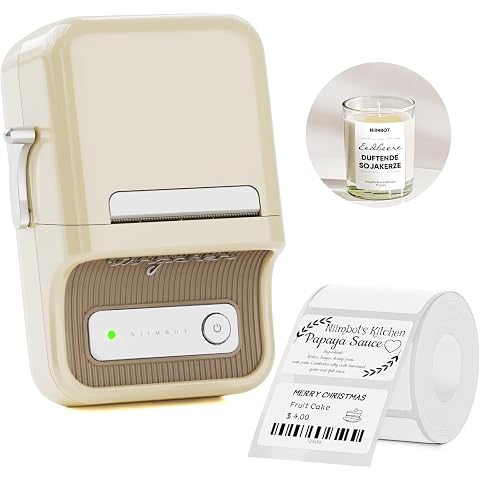
NIIMBOT B21 Label Maker, Thermal Label Printer, Portable Inkless Label Makers for Home/Office/Business, with 1 Pack 50x30mm White Label, Compatible with iOS & Android, (White)
$59.39
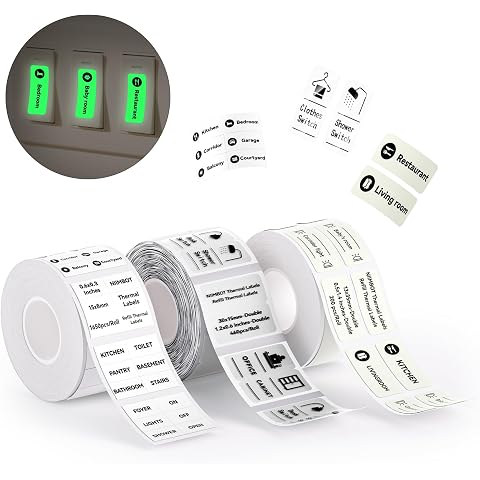
NIIMBOT 3 Rolls Switch Labels for B1/B1 Pro/B21/B21 Pro/B3S Label Maker | Switch Labels Stickers for House/School/Office/Shop, White, Transparent, and Light Green
$17.99
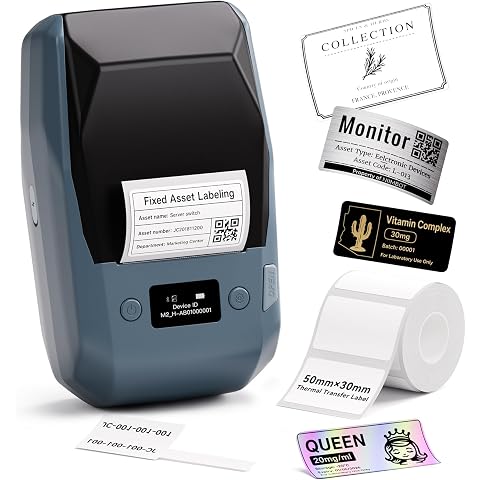
NIIMBOT M2 Label Maker with Tape 2Inch Thermal Transfer Label Printer, Blue | Support Color Ribbon Printing 300DPI Bluetooth Sticker Printer for Office Small Business Lab Cable Use, Work with Phones & PC
$99.99
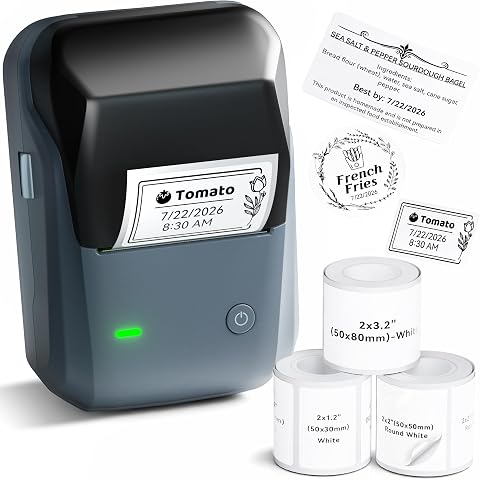
NIIMBOT B1 Label Maker Came with 3 Rolls of White Labels(Blue) | Thermal Label Printer Easy to Use for Office, Home, Business, Support Smartphones & PC
$39.99
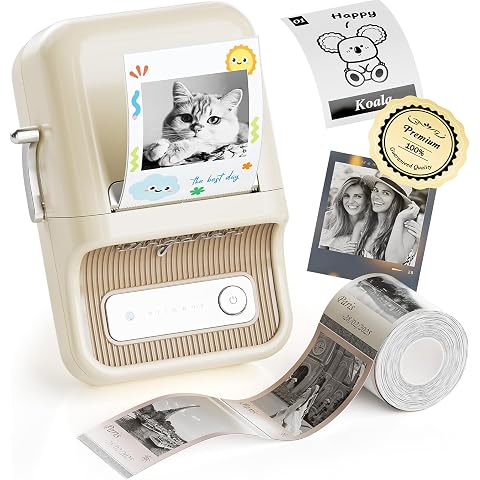
NIIMBOT Label Maker, B21 Pro 300DPI HD Sticker Printer for Photos, White | Red&Black Dual-Color Printer, Bluetooth Sticker Maker for Notes, Study Graphics, Memo Maker, Come with 2'' x 1.2'' Label Tape
$62.99
Products with discounts that might interest you
Offer details
- The listing states that the app's daily-use fonts and icons are available without a monthly subscription.