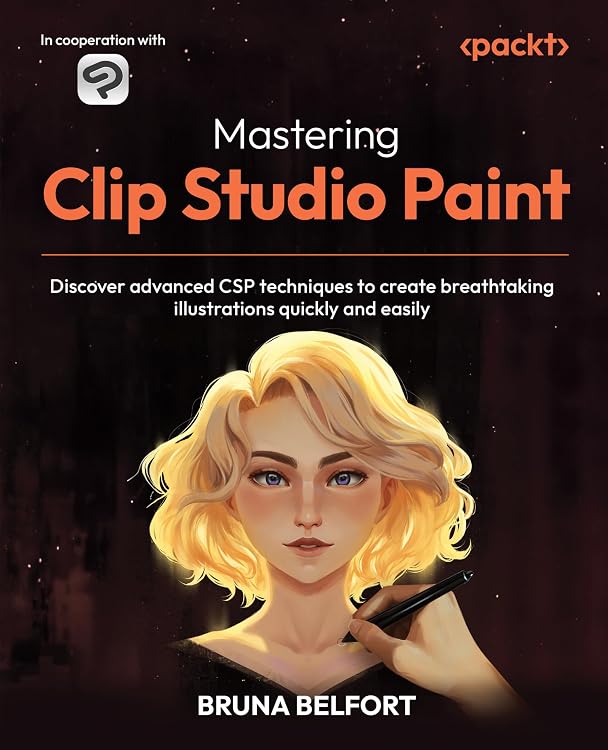
Mastering Clip Studio Paint: Advanced CSP Techniques
Mastering Clip Studio Paint is a 448-page guide to refining digital illustration workflows with CSP's brushes, layers, vector tools, selection techniques, and 3D features. The listing targets intermediate to advanced artists, while another description says it suits beginners too, so readers should review the contents to judge the level.
At a glance
- Covers workspace customization, workflow shortcuts and actions, materials, and project organization.
- Explains brush settings, vector layers, rulers, selections, layers, and blending modes.
- Includes topics on color adjustments, finishing effects, 3D objects and figures, lighting, and backgrounds.
- Listing says print or Kindle purchases include a free PDF eBook, with email sign-up and proof of purchase required.
Often bought together
Pros and cons
Pros
- Broad coverage connects CSP tools to workflows for line art, coloring, and illustration projects.
- 3D objects, posed figures, lighting, and backgrounds are covered alongside core layer and brush techniques.
- The 448-page length offers room for several tool and workflow topics.
Cons
- Readers looking for software-neutral art instruction may find the guide's focus on Clip Studio Paint too specific.
Technical specifications
8 specifications| Publisher | Packt Publishing |
|---|---|
| Publication date | May 30, 2025 |
| Language | English |
| Print length | 448 pages |
| ISBN-10 | 180512403X |
| ISBN-13 | 978-1805124030 |
| Weight listed | 1.69 pounds |
|---|---|
| Dimensions | 7.5 x 1.02 x 9.25 inches |
What to know before buying
Listing details to confirm
The audience descriptions conflict: one identifies intermediate to advanced CSP users, while another says the guide is suitable for beginners and experienced users. The included PDF requires email sign-up and proof of purchase, and the listing also claims a custom brush pack, so check the selected edition's access details.
Who is it for?
A good fit for
- Intermediate Clip Studio Paint users seeking more control over brushes, layers, vector lines, and selections.
- Digital illustrators working on characters, environments, props, or comics who want to explore CSP's 3D tools.
Less suited to
- Readers seeking a general digital-art guide that is not tied to Clip Studio Paint.
- Complete beginners who want a clearly beginner-focused book, given the conflicting level descriptions.
Customer reviews on Amazon
- 5 stars
78% 78% - 4 stars
15% 15% - 3 stars
7% 7% - 2 stars
0% 0% - 1 star
0% 0%
Aggregate ratings skew positive, with many five-star ratings and some three-star ratings. Without written customer feedback, these figures do not show which aspects readers liked or what prompted lower ratings, so they offer limited guidance on the book's teaching style or usefulness for a particular skill level.
Frequently asked questions
What Clip Studio Paint topics does the book cover?
The listing describes workspace and workflow setup, brush customization, vector layers, rulers, selections, layer modes, color adjustments, and 3D objects, figures, lighting, and backgrounds.
Who is the book intended for?
One listing section names intermediate to advanced digital artists familiar with CSP, while another describes it as suitable for beginners and experienced users. The intended level is therefore not consistent across the listing.
Does the purchase include a PDF?
The listing says print or Kindle purchases include a free PDF eBook, but states that email sign-up and proof of purchase are required.
Alternative options
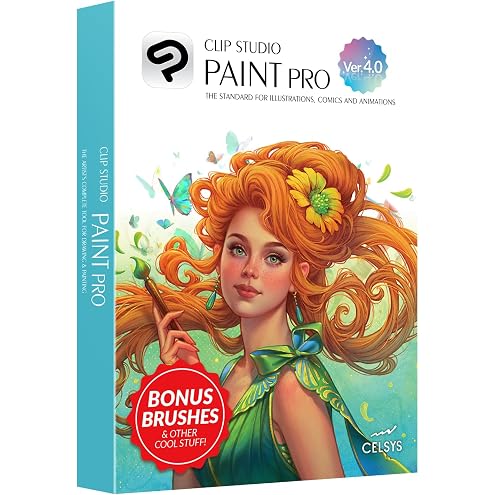
CLIP STUDIO PAINT PRO - Version 4 | Perpetual License | for Windows and macOS
$39.99
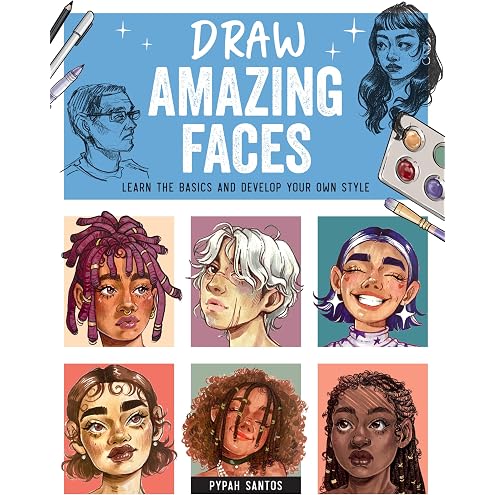
Draw Amazing Faces: Learn the Basics and Develop Your Own Style
$22.99
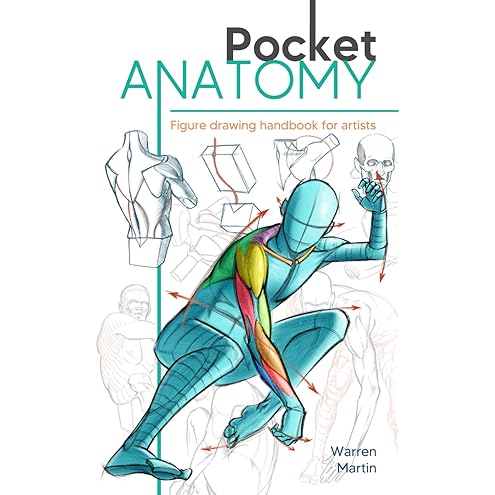
Pocket Anatomy: Figure Drawing Handbook in Color for Artists, Learning How to Draw Human Body by Simplifying the Complex Structures of the Body and Understanding the Human Form
$15.99
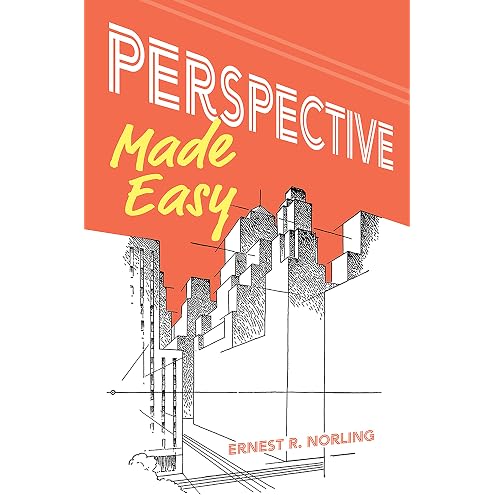
Perspective Made Easy (Dover Art Instruction)
$8.45

[LEZHIN] Point Character Drawing 2
$35.20
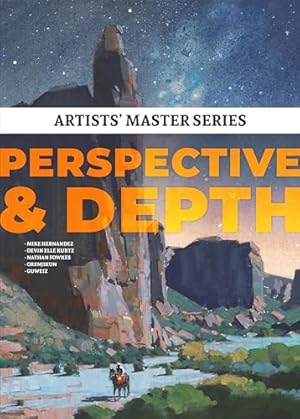
Artists' Master Series: Perspective and Depth
$27.77
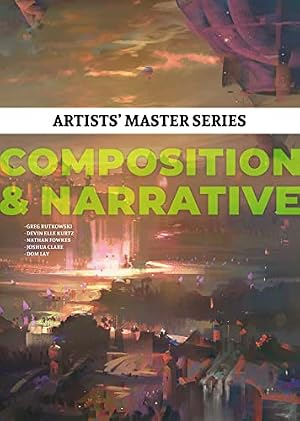
Artists' Master Series: Composition & Narrative
$29.30
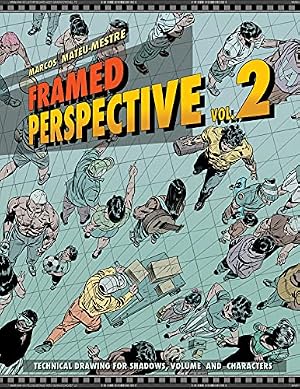
Framed Perspective Vol. 2: Technical Drawing for Shadows, Volume, and Characters
$22.73
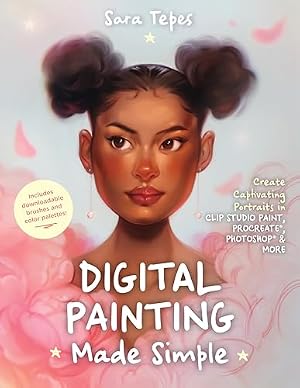
Digital Painting Made Simple: Create Captivating Portraits in Clip Studio Paint, Procreate, Photoshop & More
$13.69
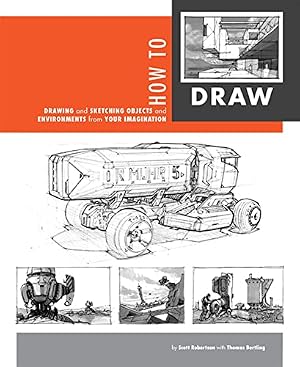
How to Draw: drawing and sketching objects and environments from your imagination
$26.58
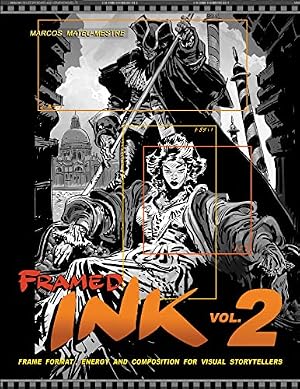
Framed Ink 2: Frame Format, Energy, and Composition for Visual Storytellers
$19.29
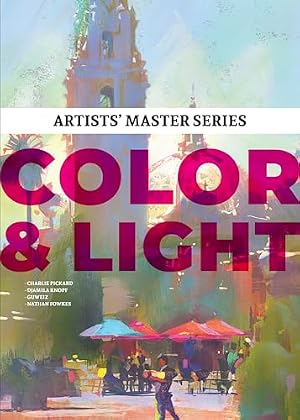
Artists' Master Series: Color and Light
$49.99