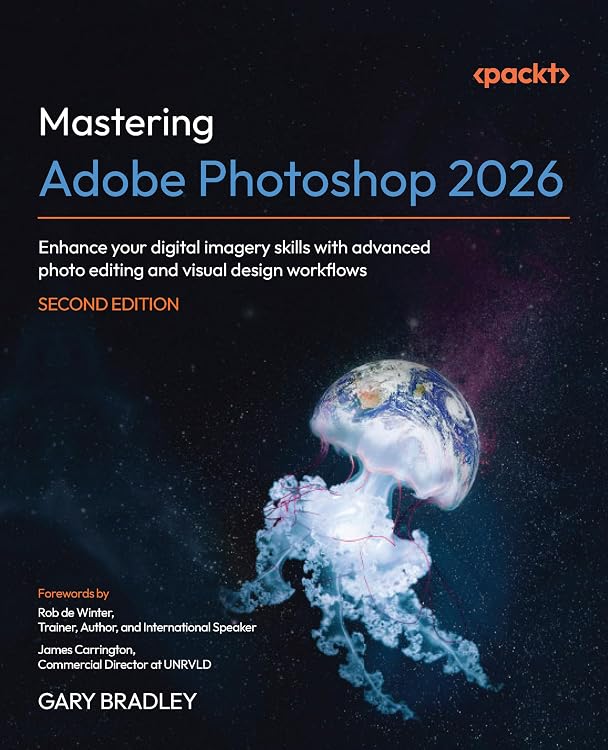
Mastering Adobe Photoshop 2026, 2nd Edition
Mastering Adobe Photoshop 2026 is a second-edition guide for Photoshop users who already know the basics and want to develop more advanced editing and design workflows. It combines illustrated, hands-on projects with coverage of non-destructive retouching, masking, automation, AI tools, print and social content, and animation.
At a glance
- Progressive instruction moves from interface and healing tools to mock-ups, composites and surrealist artwork.
- Topics include non-destructive retouching, recoloring, masking, batch automation, branding mock-ups and content for print and social platforms.
- The listing describes AI-assisted workflows involving Adobe Firefly, Generative Fill and the Harmonize tool.
- The book is described as fully illustrated and full color, with downloadable project files for hands-on examples.
- The listing claims a DRM-free PDF and access to Packt's Reader are available with the book, subject to sign-up requirements.
Reference price: $64.99
Price checked: Nov 14, 2026
View offerAhead of Black FridayExplore the selectionOften bought together
Pros and cons
Pros
- Covers both photo editing and broader design work, including branding mock-ups, print collateral, social content, GIFs and video shorts.
- Downloadable project files are described for every hands-on example, which can support practice alongside the explanations.
- Advanced material on non-destructive workflows and automation is relevant to readers seeking repeatable editing processes.
Cons
- The publisher describes the book as intended for readers with a foundational understanding of Photoshop, so it is not positioned as a start-from-zero introduction.
Technical specifications
8 specifications| Publisher | Packt Publishing |
|---|---|
| Edition | 2nd ed. |
| Publication date | December 19, 2025 |
| Language | English |
| Print length | 562 pages |
| ISBN-13 | 978-1806021710 |
| Weight listed | 2.29 pounds |
|---|---|
| Dimensions | 7.5 x 1.27 x 9.25 inches |
What to know before buying
- The claimed DRM-free PDF and Packt Reader access require email sign-up and proof of purchase. The listing does not specify access duration or regional availability.
Who is it for?
A good fit for
- Photoshop users with foundational skills who want more advanced editing workflows.
- Digital designers, photographers and visual content creators producing work for print, web or social media.
- Marketing and social media professionals interested in mock-ups, reusable content workflows and animation.
Less suited to
- Readers looking for a beginner-only introduction to Photoshop or a reference focused on software other than Photoshop.
Customer reviews on Amazon
- 5 stars
59% 59% - 4 stars
18% 18% - 3 stars
10% 10% - 2 stars
13% 13% - 1 star
0% 0%
Aggregate customer ratings lean positive overall, but the distribution also includes a smaller set of low ratings and the sample is limited. Without written feedback, the ratings do not establish what readers liked or disliked. Consider them only as a broad signal, then judge the book against its stated advanced skill level, project-based format and 562-page scope.
Frequently asked questions
Is this book aimed at Photoshop beginners?
The listing says it is for readers who already have a foundational understanding of Photoshop, so beginners may need a more introductory resource.
What topics does the book cover?
The described topics include non-destructive retouching, masking, branding mock-ups, print and social content, batch automation, AI-assisted editing, GIFs, video shorts and compositing.
Are project files included?
The listing says downloadable project files are provided for every hands-on example.
Is a digital version included?
The listing claims a DRM-free PDF and access to Packt's Reader with the book. Email sign-up and proof of purchase are required.
Alternative options
Adobe Photoshop Made Simple: From 0 to Professional | A Step-by-Step Guide to Real Graphic Projects for Social Media, Marketing, and Freelancing
$36.39
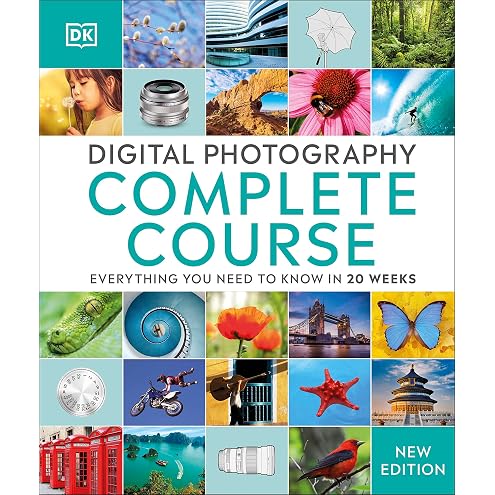
Digital Photography Complete Course: Learn Everything You Need to Know in 20 Weeks
$13.32
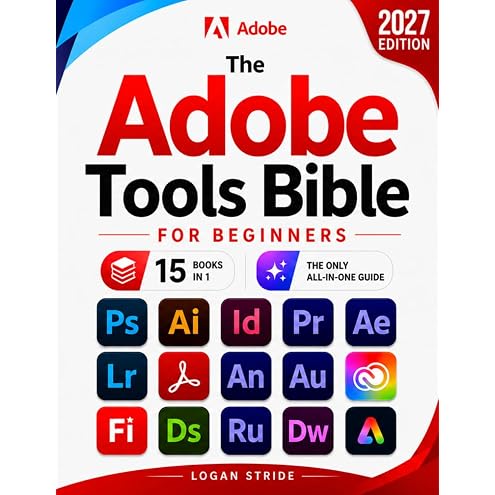
The Adobe Tools Bible for Beginners: Workflows, Templates & Time-Saving Shortcuts | The Most Complete Guide to Photoshop, Illustrator, Lightroom, After Effects, and Every Adobe App
$42.48
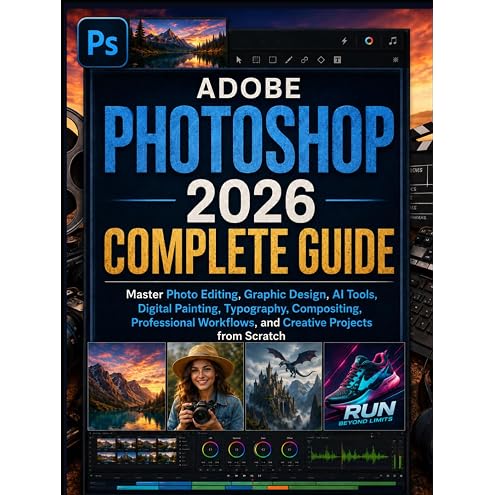
Adobe Photoshop 2026 Complete Guide: Master Photo Editing, Graphic Design, AI Tools, Digital Painting, Typography, Compositing, Professional Workflows, and Creative Projects from Scratch
$39.00
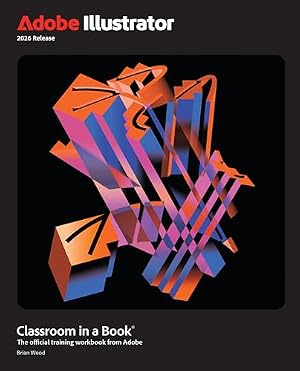
Adobe Illustrator Classroom in a Book 2026 Release
$59.12
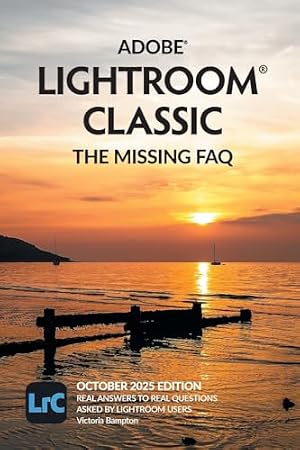
Adobe Lightroom Classic - The Missing FAQ (2025 Release)
$59.95
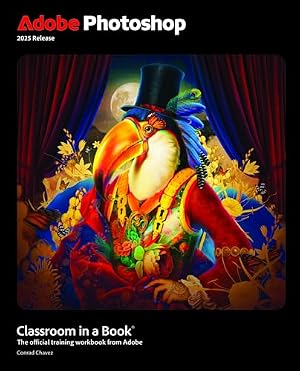
Adobe Photoshop Classroom in a Book 2025 Release
$39.75
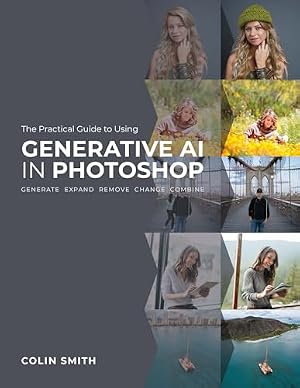
The Practical Guide to Using Generative AI in Photoshop
$23.31
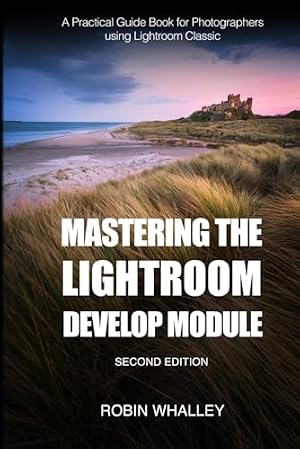
Mastering The Lightroom Develop Module: A Practical Guide Book for Photographers Using Lightroom Classic
$34.99
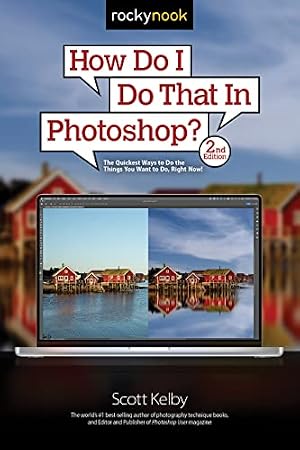
How Do I Do That In Photoshop?: The Quickest Ways to Do the Things You Want to Do, Right Now! (2nd Edition)
$18.72
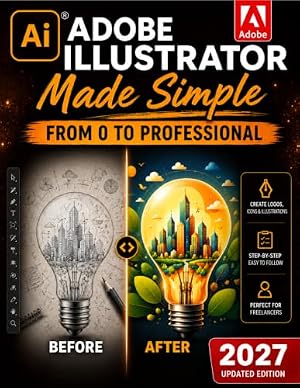
Adobe Illustrator Made Simple: From 0 to Professional | A Step-by-Step Guide to Creating Logos, Icons, Illustrations, and Web Graphics for Social Media, Branding, and Freelancing
$35.24
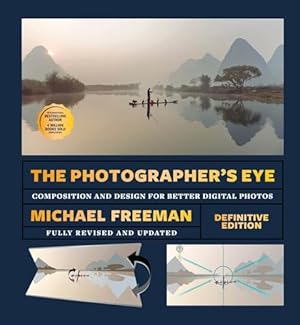
The Photographer's Eye - Definitive Edition: Composition and Design for Better Digital Photos
$27.95