 1 / 7
Loryi LR-248-U DisplayPort to Dual HDMI Adapter
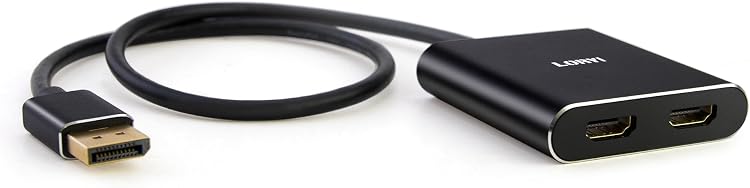
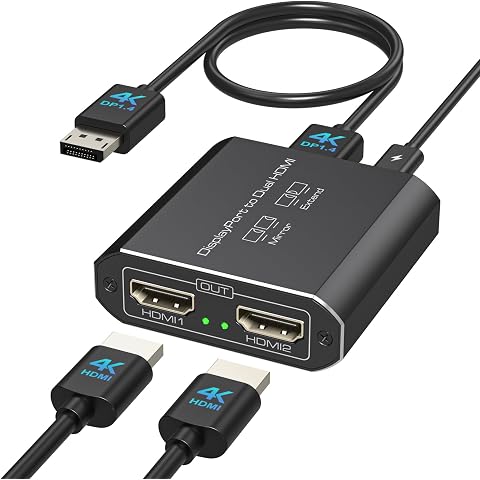
The Loryi LR-248-U DisplayPort to Dual HDMI adapter connects a computer’s DisplayPort output to two HDMI displays, with extended or mirrored modes subject to the computer’s graphics support. It is aimed at setups that need two HDMI screens, but does not support docking stations or hubs and requires separate HDMI cables.
At a glance
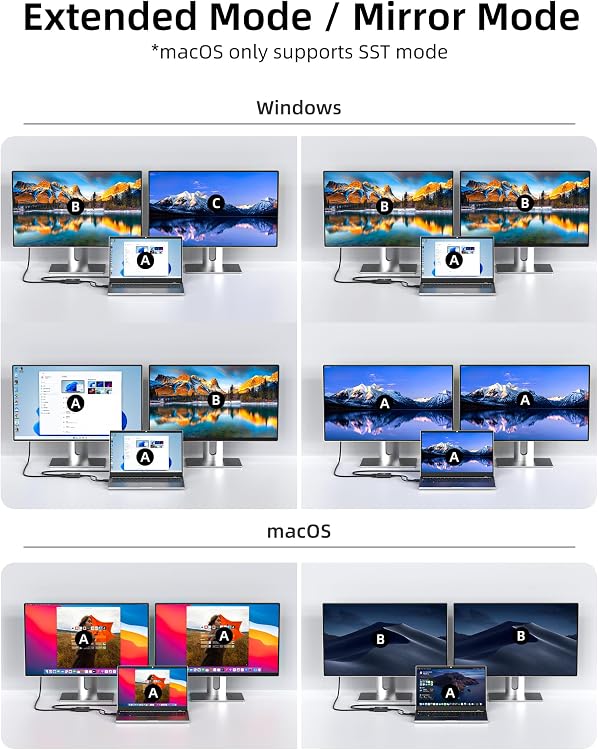
- Windows can use mirror or extended mode when the computer and graphics card support MST. macOS is described as mirror-only.
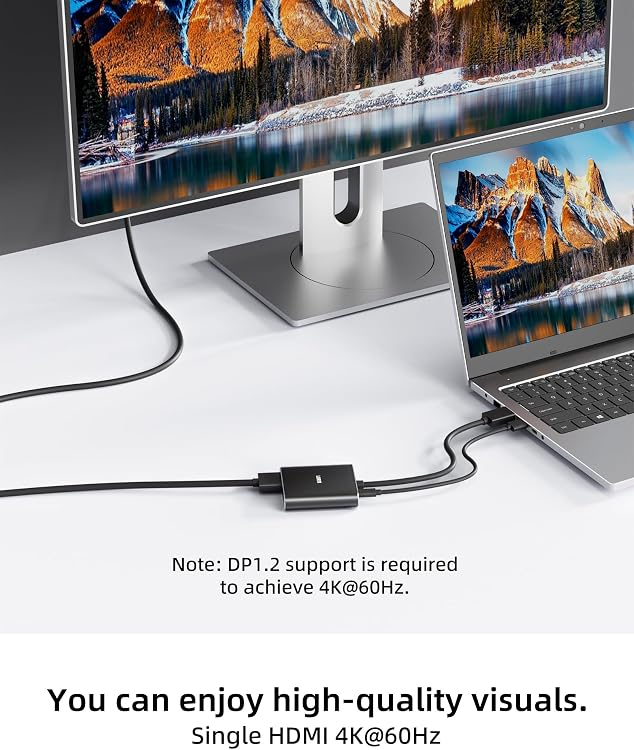
- One HDMI display is listed up to 4K at 60Hz. With two displays connected, the listed maximum is 4K at 30Hz.
- A Micro USB power cable is required. The listing says to use an additional power adapter if the computer cannot power it.
- The adapter requires a computer with DisplayPort video output and does not support use with docking stations or hubs.
Pros and cons
Pros
- Provides two HDMI outputs from one DisplayPort connection for a supported dual-screen setup.
- The stated single-screen 4K at 60Hz and dual-screen 4K at 30Hz limits clarify the expected resolution trade-off.
- No driver installation is claimed, and the 45cm cable allows some placement flexibility.
Cons
- Dual-display mode is limited to a listed maximum of 4K at 30Hz, below the single-display 4K at 60Hz claim.
- HDMI cables for connecting displays are not included, so they must be supplied separately.
Technical specifications
15 specifications| Brand | Loryi |
|---|---|
| Model | LR-248-U |
| Video interfaces | DisplayPort, HDMI, USB |
|---|---|
| Number of ports | 2 |
| Data transfer rate | 18 gigabits_per_second |
| Single HDMI display resolution | 4K@60Hz |
| Dual HDMI display resolution | 4K@30Hz |
| Cable length | Approximately 45cm/1.5ft |
| Supported modes | Mirror Mode and Extended Mode |
| Compatible devices | Desktops, Laptops, Monitors, Projectors |
|---|---|
| Operating system | Mac OS 9, Windows 10, Windows 7 |
| Minimum required operating system version | Windows 10 |
| Color | black |
| Enclosure material | Plastic |
| Additional feature | Play, Plug |
What to know before buying
Listing details to confirm
The listing describes Windows extended mode and macOS mirror-only operation, while another section says macOS supports SST mode. It also lists Mac OS 9, Windows 7 and Windows 10, but names Windows 10 as the minimum required version. Confirm OS and mode support for the intended setup. The 4K claims depend on the computer, graphics card, displays and HDMI cables. The graphics card must support bandwidth over 18Gbps for extended multi-display use. Use HDMI 2.0 or higher cables, with cable length within 3 meters, and connect the Micro USB power cable before use. Integrated graphics may only mirror displays, and the listing recommends a dedicated graphics card.
Who is it for?
A good fit for
- Windows users with a DisplayPort-equipped computer and graphics card that supports MST who want to connect two HDMI displays.
- Setups that can accept 4K at 30Hz across two displays or use one display at up to 4K at 60Hz.
Less suited to
- Anyone who needs two 4K displays at 60Hz based on the listed specifications.
- Users whose computer has HDMI output only, or who need to connect through a docking station or hub.
- macOS users who require extended desktop mode, since the listing describes macOS as mirror-only.
Customer reviews on Amazon
- 5 stars
69% 69% - 4 stars
8% 8% - 3 stars
0% 0% - 2 stars
7% 7% - 1 star
16% 16%
Aggregate ratings are mostly five-star, but a notable share are one-star, with some two-star ratings as well. This is a limited snapshot without review comments, so it does not identify causes or establish specific user experiences. For buyers, compatibility and configuration may matter: the adapter’s dual-screen limit is listed as 4K at 30Hz, and extended mode depends on graphics-card support.
Frequently asked questions
Can it run two HDMI displays in extended mode?
The listing claims Windows extended mode when the computer and graphics card support MST. It says macOS is limited to mirroring, and most integrated graphics may only mirror.
What resolution does it support with two displays?
The listed maximum is 4K at 30Hz for two HDMI displays. For one HDMI display, the listing specifies up to 4K at 60Hz. Actual output depends on the connected computer, graphics card, displays and cables.
Are HDMI cables included?
No. The listing explicitly says HDMI cables are not included. It also says to use HDMI 2.0 or higher cables and keep them within 3 meters.
Does the adapter need power?
Yes. The listing says to connect the included Micro USB power cable before use. It advises using an additional power adapter if the computer cannot connect to or power that cable.
Alternative options
Displayport to Dual HDMI Splitter Extended for Double Screen 4K@60Hz Display Port t...
$39.99
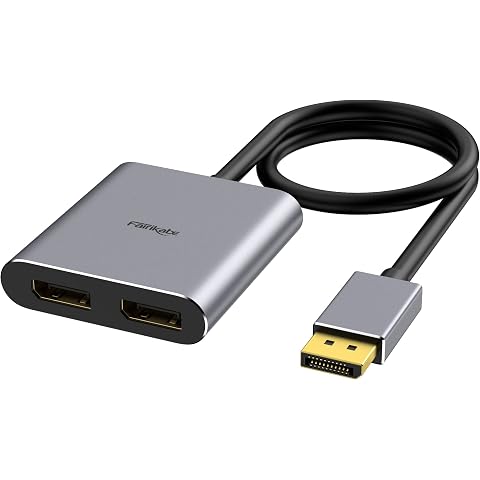
fairikabe DisplayPort to Dual DisplayPort Splitter Adapter 4K60Hz | for Dual Monitor Display, MST Display Port Adapter Extend Display 1 in 2 Out, displayport Hub for Desktop PC Laptop
$35.97
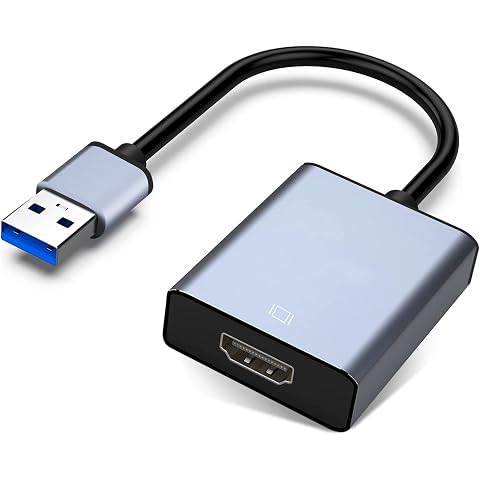
USB to HDMI Adapter, USB 3.0/2.0 to HDMI for Multiple Monitors | 1080P Compatible w...
$15.99
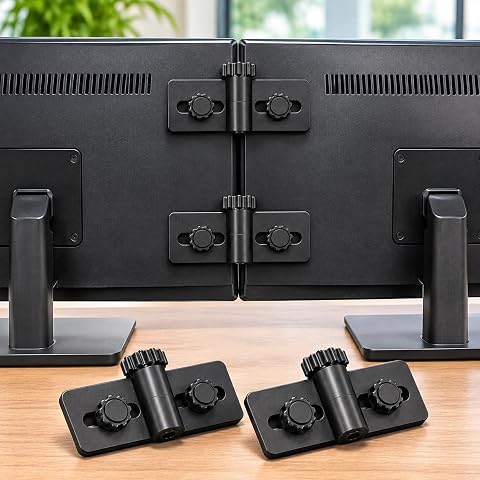
Monitor Connector – Set of 2 Clips for Dual & Multi Monitor Alignment, Gap-Fre, Com...
$24.99
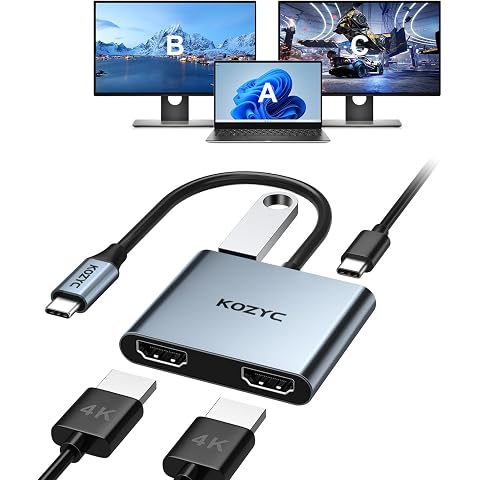
USB C to Dual HDMI Adapter 4K@30Hz, KOZYC USB C Hub Multiport Adapter with 2xHDMI, ...
$25.99
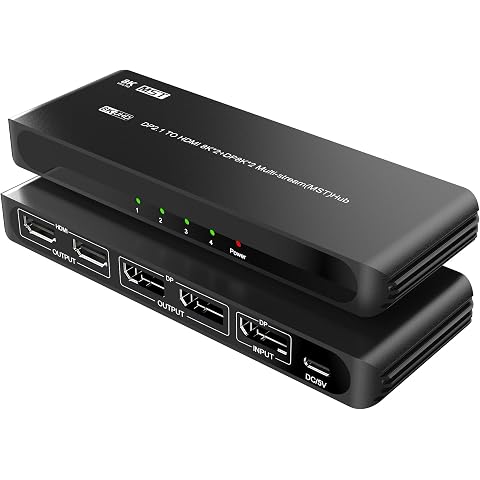
DisplayPort to Dual HDMI with Dual DP Adapter, 8K@60Hz HDMI Splitter Extended Displ...
$99.83
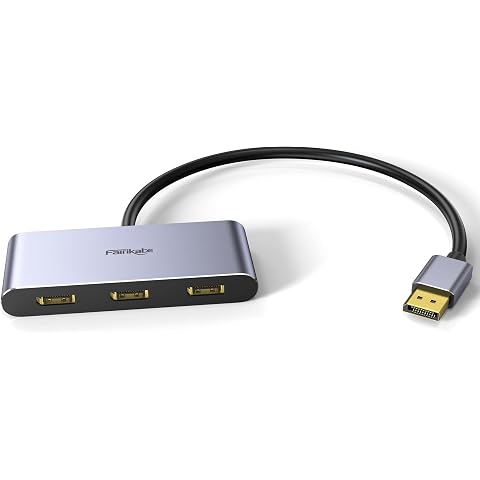
3 Port DisplayPort 1.4 Splitter - DisplayPort MST Hub Monitor Splitter | Supports Single 8K, Dual 4K 120Hz, 60Hz and 1080p 60Hz - Windows Only
$49.97
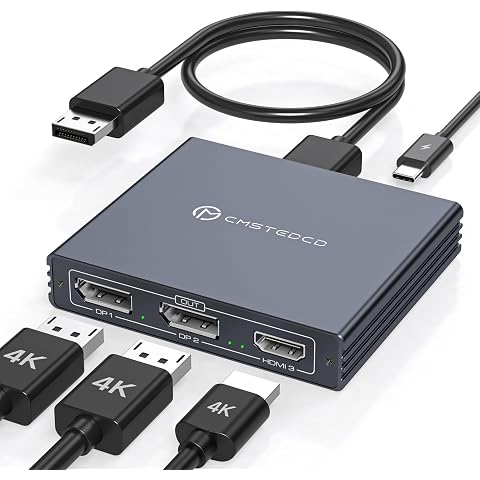
Displayport Splitter 3 Monitors Dual DP with HDMI Adapter 4K60Hz Extended Display 1...
$49.99
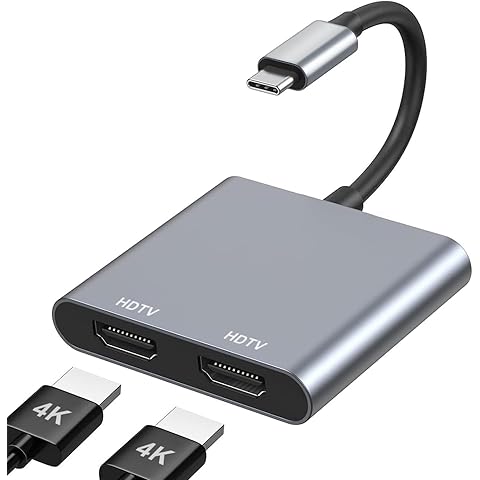
USB C to Dual HDMI Adapter 4K@60Hz, Type C to HDMI Splitter for Dual Monitors, USB ...
$12.99
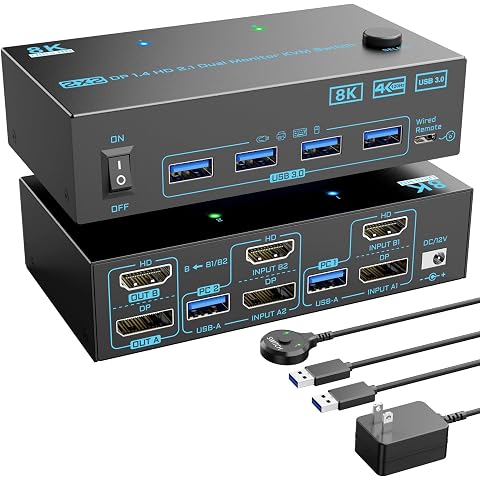
KVM Switch 2 Monitors 2 Computers 8K Displayport 1.4 and HDMI 2.1 Dual Monitor USB ...
$59.99
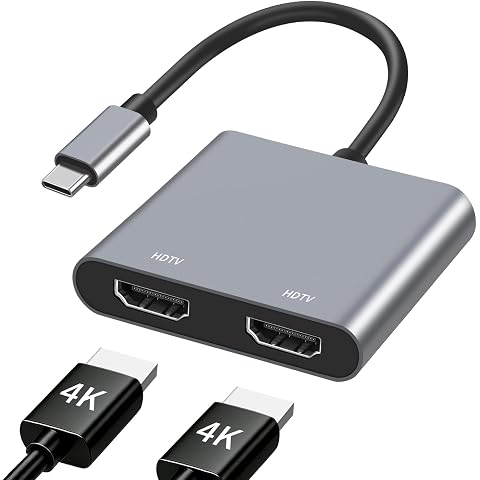
USB C to Dual HDMI Adapter 4K@60Hz, Type C to HDMI Splitter for Dual Monitors, HDMI...
$13.99
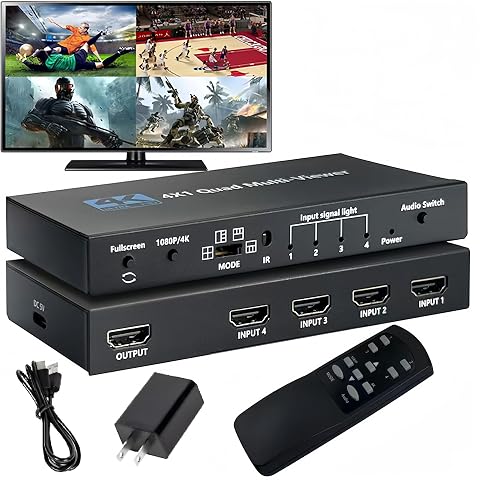
4K HDMI Multiviewer 4X1 with IR Remote SIGRAPID Screen Divider 4 HDMI in 1 Out Seam...
$38.00