 1 / 7
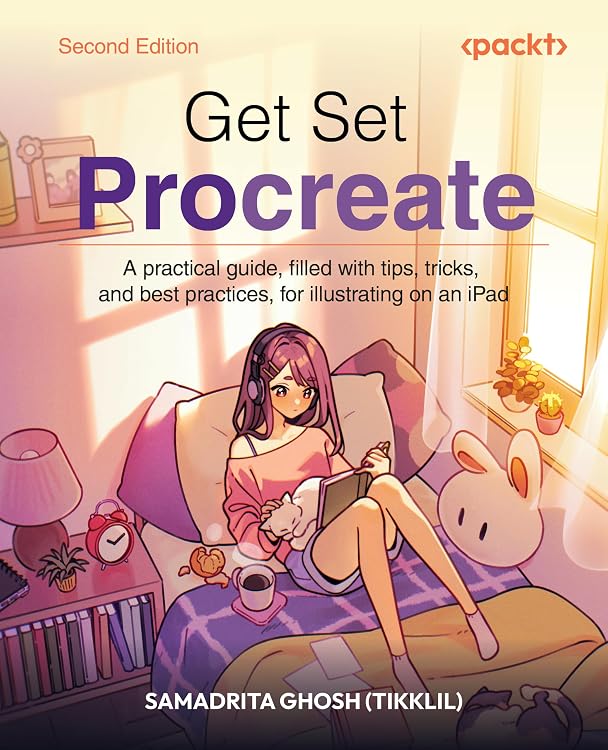
Get Set Procreate, 2nd Edition: iPad Illustration Guide
Edition: Get Set Procreate is a practical guide to learning the Procreate illustration app on iPad, with step-by-step instruction, hands-on artwork exercises, and coverage from core tools to animation and manga. Its range reaches beyond beginner basics, so readers seeking only a short introduction may find the book's breadth more than they need.
At a glance
- Walks through canvas setup, the workspace, layers, colors, brushes, and gestures.
- Includes practical tutorials using real artwork examples.
- Covers Brush Studio customization, assisted drawing, animation, Page Assist, and painting on 3D models.
- Includes a chapter on creating manga in Procreate.
- Publisher claims a free DRM-free PDF and access to its Reader with email sign-up and proof of purchase.
Reference price: $49.99
Price checked: Nov 14, 2026
View offerAhead of Black FridayExplore the selectionOften bought together
Pros and cons
Pros
- Broad progression from app fundamentals to advanced Procreate tools gives readers a single reference for varied illustration workflows.
- Hands-on exercises and real artwork demonstrations connect the tool explanations to practical use.
- The listed contents include animation, multi-page work with Page Assist, 3D painting, and manga rather than focusing only on static illustration.
Cons
- The guide is specific to Procreate on iPad, so it is not presented as a general drawing course for other apps or platforms.
- At 522 pages, it is a substantial reference rather than a brief quick-start booklet.
Technical specifications
9 specifications| Edition | 2nd ed. |
|---|---|
| Language | English |
| Print length | 522 pages |
| Publisher | Packt Publishing |
| Publication date | August 28, 2026 |
| Weight listed | 1.96 pounds |
|---|---|
| Dimensions | 7.5 x 1.18 x 9.25 inches |
| ISBN-10 | 180670501X |
|---|---|
| ISBN-13 | 978-1806705016 |
What to know before buying
- The complimentary PDF and Reader access require email sign-up and proof of purchase. The listing does not specify which Procreate app version the lessons correspond to, so readers relying on version-specific interface steps should confirm this before buying.
Who is it for?
A good fit for
- Beginners who want guided instruction in Procreate's tools and illustration workflow.
- Experienced illustrators moving from another tool who want to learn Procreate.
- iPad artists interested in brush customization, animation, Page Assist, 3D painting, or manga workflows.
Less suited to
- Readers looking for a guide to digital illustration software other than Procreate.
- Buyers who want only a brief introduction rather than a detailed book with practical exercises.
Customer reviews on Amazon
- 5 stars
69% 69% - 4 stars
31% 31% - 3 stars
0% 0% - 2 stars
0% 0% - 1 star
0% 0%
Aggregate ratings are positive, with ratings concentrated in the four- and five-star categories. The sample is small and includes no written feedback here, so it cannot show which lessons readers valued or whether the coverage suits a particular skill level.
Frequently asked questions
Does this book cover Procreate basics?
Yes. The listed topics include canvas and workspace setup, gestures, layers, painting tools, brushes, and color, alongside more advanced material.
Does it cover animation and 3D painting?
Yes. The description and contents list animation and painting on 3D models, as well as Page Assist and assisted drawing.
Is a digital copy included?
The listing claims a free DRM-free PDF and access to Packt’s Reader. Email sign-up and proof of purchase are required.
Who is this guide intended for?
The publisher describes it for beginners and for experienced illustrators who want to expand their workflow with Procreate.

Alternative options
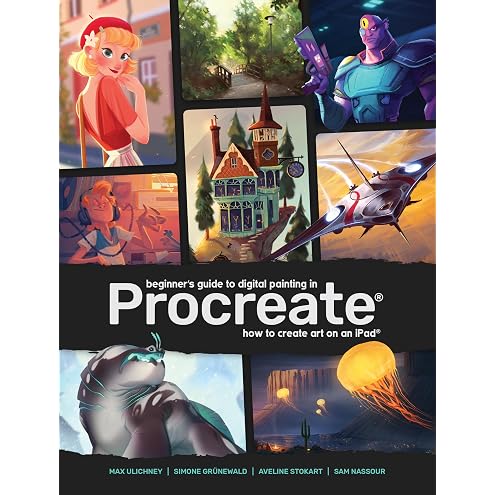
Beginner's Guide to Digital Painting in Procreate: How to Create Art on an iPad®
$17.03
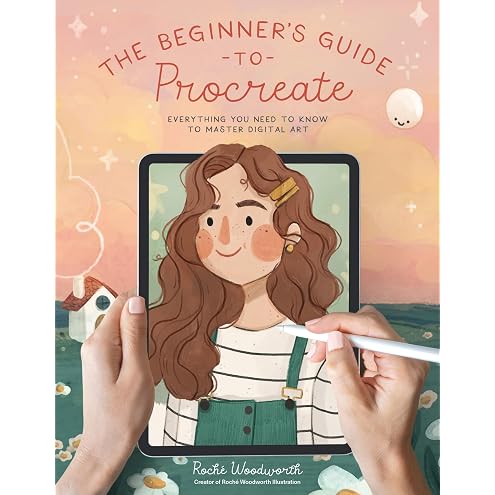
The Beginner’s Guide to Procreate: Everything You Need to Know to Master Digital Art
$17.99
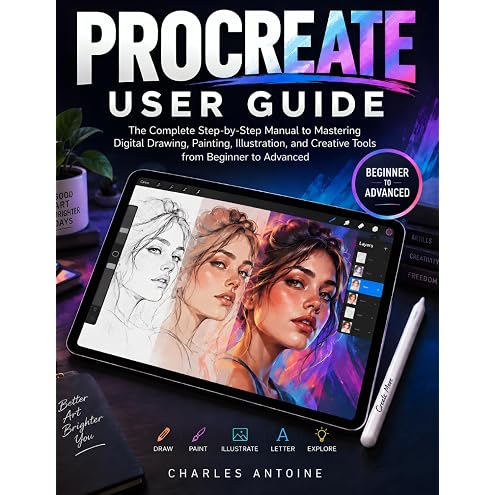
Procreate User Guide: The Complete Step-by-Step Manual to Mastering Digital Drawing, Painting, Illustration, and Creative Tools from Beginner to Advanced
$21.99
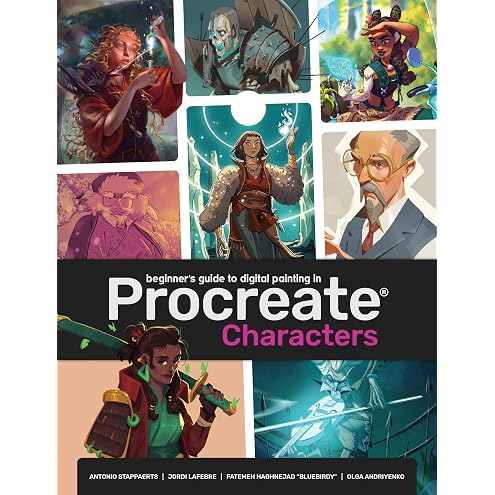
Beginner's Guide To Procreate: Characters: How to create characters on an iPad ®
$30.57
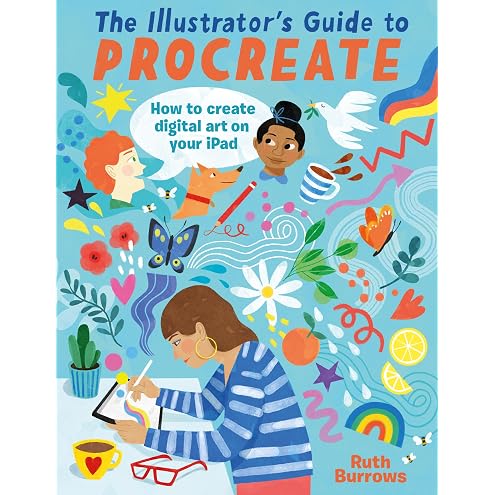
The Illustrator's Guide To Procreate: How to make digital art on your iPad
$14.49

Swift for Beginners: Create Your First iOS Apps Using Apple's Powerful Swift Programming Language
$4.99
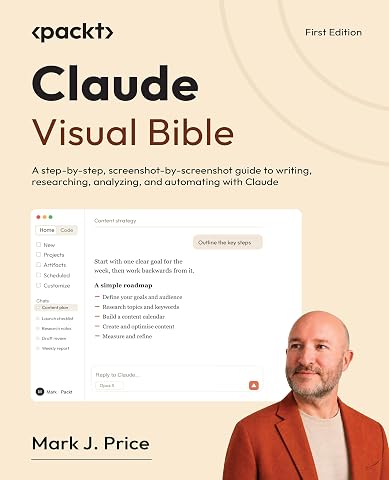
Claude Visual Bible: A step-by-step, screenshot-by-screenshot guide to writing, researching, analyzing, and automating with Claude
$29.74
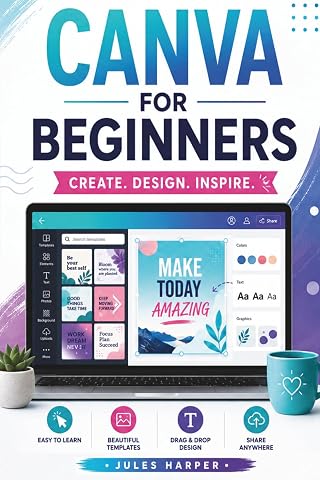
Canva For Beginners: A Step-by-Step Guide to Master Canva’s Tools and Graphic Design With Confidence, Even If You’re Just Getting Started
$15.95
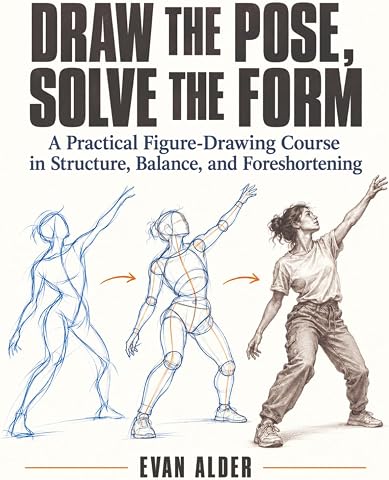
Draw the Pose, Solve the Form: A Practical Figure-Drawing Course in Structure, Balance, and Foreshortening
$19.99
Taking SketchUp Pro to the Next Level: Go beyond the basics and develop custom 3D modeling workflows to become a SketchUp ninja
$34.48

Animation Craft: For 3D and 2D Animators
$55.99
Building Claude Skills: Turn repeatable work into reusable Claude Skills
$23.74