 1 / 7
EPOMAKER Aula S102 PRO 105-Key Membrane Keyboard with TFT Screen
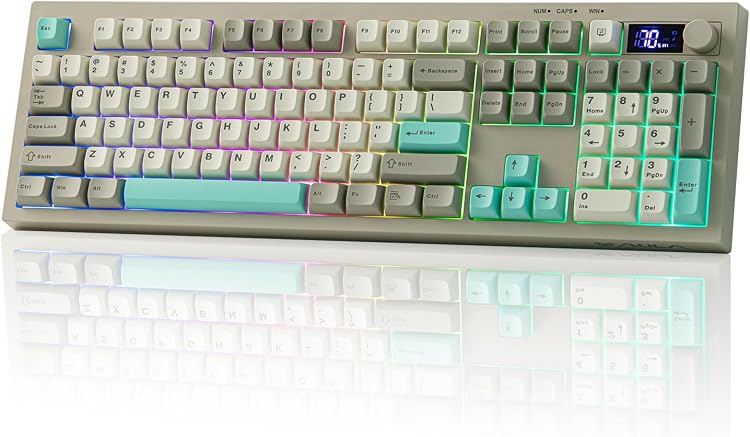
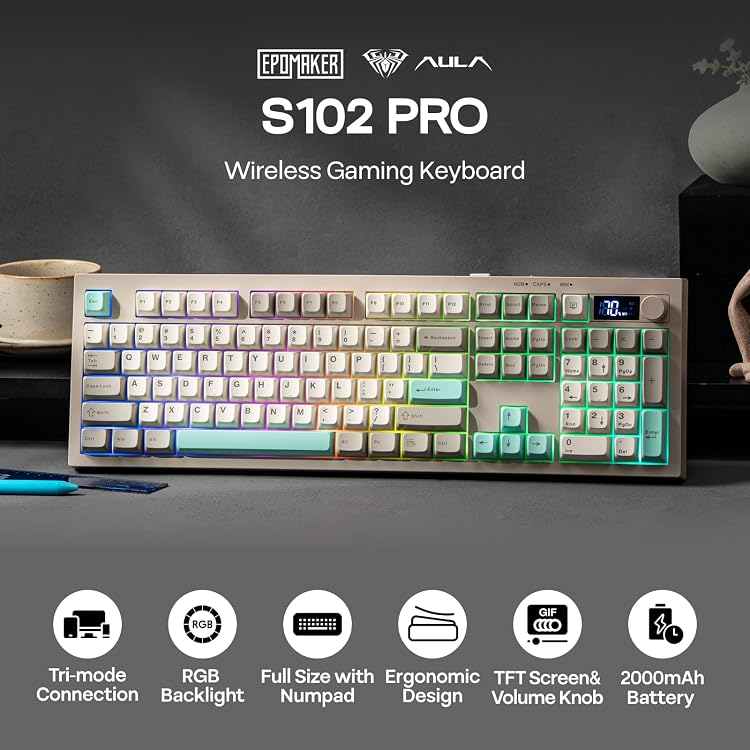
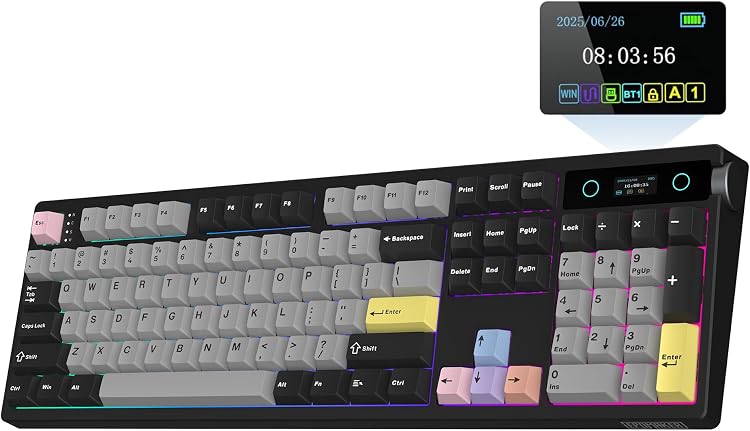
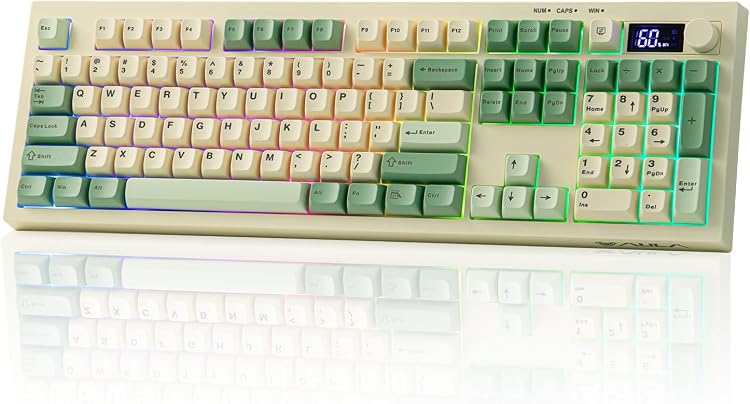
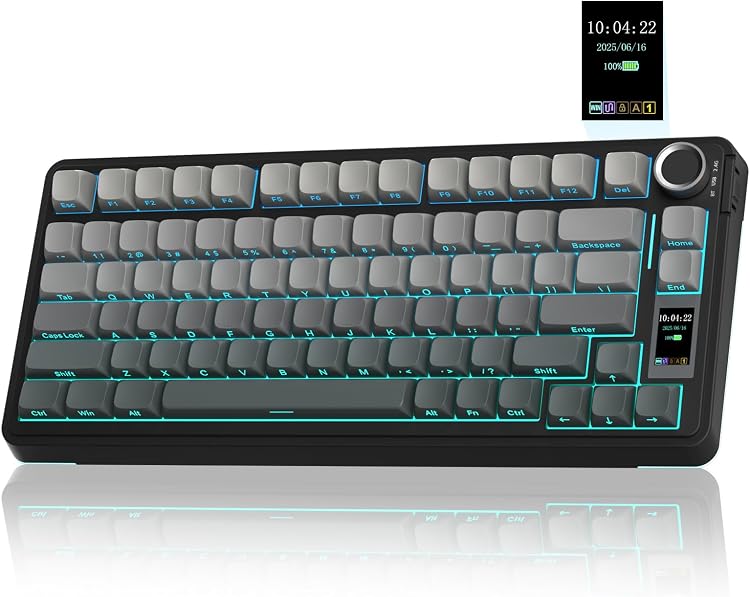
The EPOMAKER Aula S102 PRO is a full-size membrane keyboard with a numeric keypad, TFT screen, volume knob, RGB backlighting, and wired or wireless connections. Its quiet membrane design and three connection modes suit shared desks and multi-device setups, but it is not mechanical and does not support hot-swapping or custom key programming.
At a glance
- Full-size 105-key QWERTY layout includes a number pad and function keys.
- The listing describes a quiet membrane typing feel, not mechanical switches.
- Switch between USB wired, 2.4 GHz wireless, and Bluetooth connections, including Bluetooth pairing with two devices.
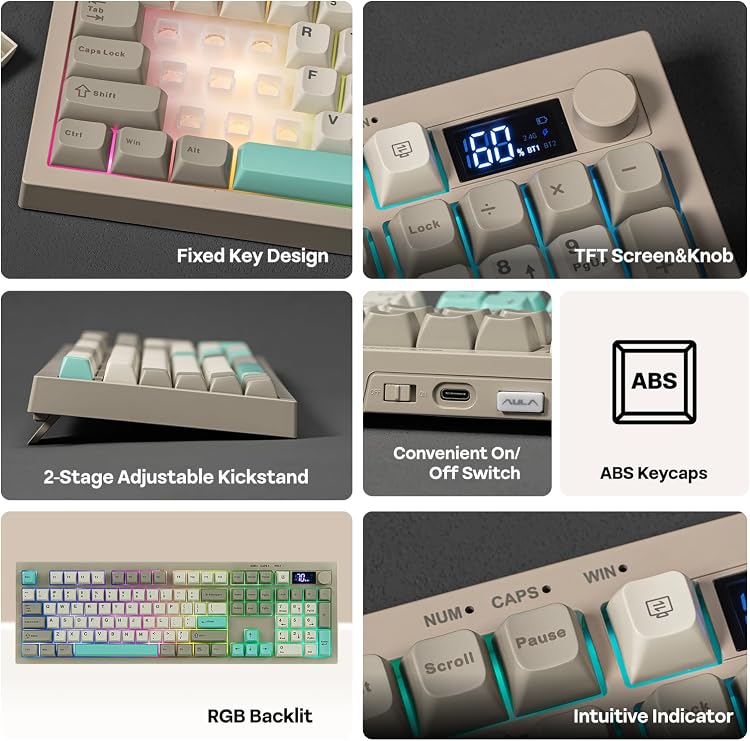
- The TFT screen is described as showing connection and battery information. The listing says the battery percentage is displayed in 10% increments and may differ by around 10%.
- The dual-function knob handles volume and backlight adjustment. RGB brightness and effects can also be controlled by key combinations.
- The listing claims up to 150 hours with backlighting off or 25 hours with it on. These are mode-specific stated figures, not a single unconditional battery-life estimate.
Reference price: $39.99
Price checked: Nov 13, 2026
View offerAhead of Black FridayExplore the selectionOften bought together
Pros and cons
Pros
- A full-size layout and number pad support data entry and general desktop work.
- Quiet membrane typing and soft key feel are highlighted in customer feedback, making it worth considering for shared spaces.
- Three connection modes allow wired use as well as Bluetooth and 2.4 GHz wireless setups.
- A screen and multi-function knob put battery and connection information and basic media or lighting controls on the keyboard.
- A rechargeable battery and adjustable kickstands add flexibility for wireless desk setups.
Cons
- It is a membrane keyboard, not a mechanical one, and the listing says its switches cannot be replaced or hot-swapped.
- The listing says it has no dedicated software, so custom key functions, macros, and personalized backlight customization are not supported.
- In wireless mode, the listing says the backlight turns off after six minutes of inactivity to save power.
Technical specifications
19 specifications| Brand | EPOMAKER |
|---|---|
| Model | S102 PRO |
| Keyboard type | Membrane Gaming Keyboard |
| Key layout | QWERTY |
| Number of keys | 105 |
| Color | Grey |
| Enclosure material | Plastic |
| Screen technology listed | TFT |
|---|---|
| Backlighting | RGB |
| Connection options | 2.4Ghz, Bluetooth, USB Wired |
|---|---|
| Compatible devices | Gaming Console, Laptop, PC, Tablet |
| Compatible operating system family | Android, Windows |
| Minimum required operating system version | Mac OS 11 Big Sur, Windows 7 |
| Battery capacity | 2000mAh |
|---|---|
| Battery life, backlight off | 150 hours |
| Battery life, backlight on | 25 hours |
| Controls | Volume Roller |
| Dimensions | 15.75"L x 15.75"W x 1.38"H |
|---|---|
| Adjustable kickstand | 2-stage Adjustable Kick-Stand |
What to know before buying
- The listed battery life depends on lighting mode: up to 150 hours with the backlight off and 25 hours with it on. The manufacturer advises charging from a computer USB port and warns that a direct power adapter may damage the battery.
Listing details to confirm
The listing describes three typing angles from adjustable kickstands, while the specification calls the stand two-stage. The exact adjustment positions are therefore inconsistent in the listing.
What’s in the box
Included- AULA S102PRO Wireless Keyboard
- Manual
- USB A-to-C Cable
Who is it for?
A good fit for
- People seeking a quiet, full-size membrane keyboard with a dedicated number pad.
- Users who want to switch among wired, Bluetooth, and 2.4 GHz connections.
- Desk setups that benefit from an onboard screen, volume control, RGB lighting, and adjustable keyboard angle.
Less suited to
- Buyers who require mechanical switches, hot-swapping, or replaceable switches.
- People who need software-based macros, custom key assignments, or personalized lighting profiles.
- Anyone who requires backlighting to remain continuously on while the keyboard is idle in wireless mode.
Customer reviews on Amazon
- 5 stars
75% 75% - 4 stars
8% 8% - 3 stars
8% 8% - 2 stars
4% 4% - 1 star
5% 5%
Customer feedback highlights quiet operation, a soft and comfortable key feel, color, battery life, and connectivity. Some customers reportedly get weeks between charges, while reliability experiences are mixed and connectivity problems are mentioned. Those reports may matter to buyers choosing among wired and wireless use, but they do not establish a cause or guarantee performance. The keyboard’s membrane construction and mode-specific battery claims provide useful context, not proof of the reported experiences.
Positive themes
- Customers praise the quiet operation and soft, comfortable typing feel.
- Feedback also appreciates the keyboard's color, battery life, connectivity, and perceived value.
Mixed feedback
- Reliability feedback is mixed, with some customers reporting no issues and others mentioning connectivity problems.
Frequently asked questions
Is the Aula S102 PRO a mechanical keyboard?
No. The listing identifies it as a membrane keyboard and says it does not support hot-swapping or switch replacement.
What connection options does it offer?
The listed modes are USB wired, 2.4 GHz wireless, and Bluetooth. The feature description says Bluetooth can pair with two devices.
How long does the battery last?
The listing claims up to 150 hours with the backlight off and 25 hours with it on. Actual duration depends on use, and the claims should be read as separate lighting-mode estimates.
Does it support custom macros or key assignments?
The listing says there is no dedicated software, and custom key functions, macros, and personalized backlight customization are not supported.
What does the screen show?
The listing describes the TFT screen as displaying information such as battery level and connection status. It says the battery display uses 10% increments and may differ by around 10%.
Alternative options
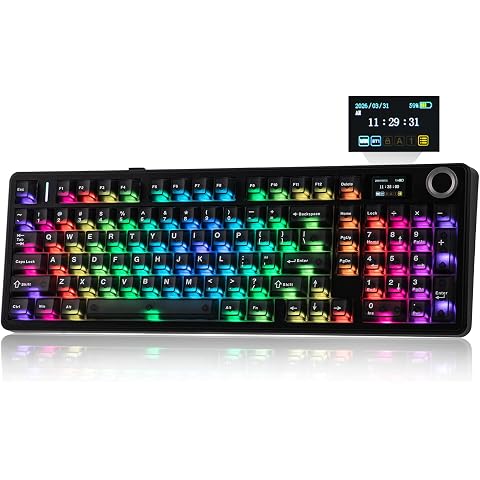
EPOMAKER Aula F99 MAX Wireless Mechanical Keyboard, Smart Screen & Knob | 8000mAh, 2.4Ghz/BT Creamy Keyboard, Pre-Lubed Switch, Hot-Swappable, RGB Backlit, Custom Software (Black)
$84.99
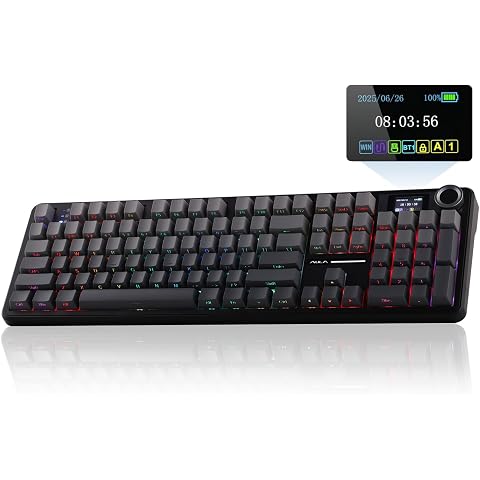
EPOMAKER X Aula F108 PRO Wireless Gaming Keyboard with Screen | 8000mAh Battery, 104 Hot-Swappable and Programmable Keys and Knob, RGB Backlight, for Mac/PC/Android (Black Gradient)
$89.99
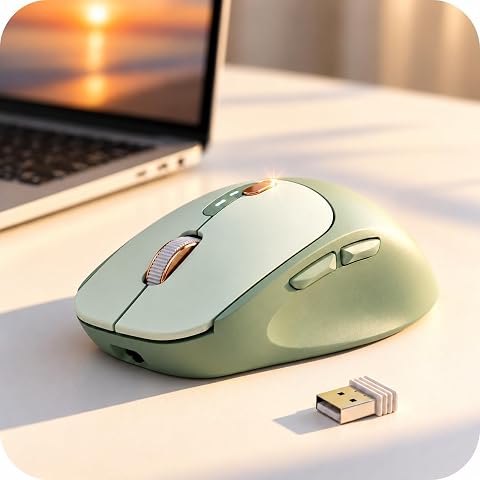
Wireless Mouse, Bluetooth 5.0 & 2.4G, Visible Battery Indicator - Green | 500mAh US...
$19.99
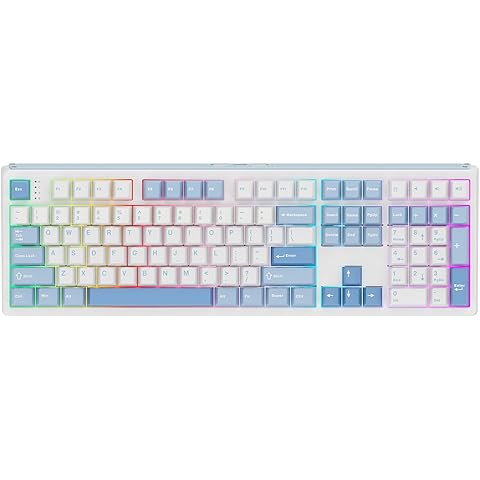
EPOMAKER TH108 Full Size Mechanical Keyboard, Wireless Gaming Keyboard with 10000mAh Battery, Creamy Gasket, 108 Keys, Hot Swap, Custom Driver, RGB Backlight (Blue&White, Sea Salt Silent)
$80.99
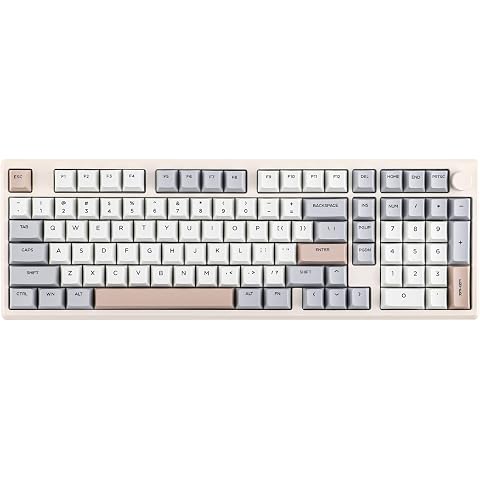
EPOMAKER Galaxy100 QMK/VIA Wireless Gaming Keyboard, Aluminum Shell, BT/2.4Ghz/USB-C, Pre-Lubed Hot-Swappable Linear Switches, NKRO, RGB Backlit (Creamy White, Wisteria Linear Switch)
$119.99
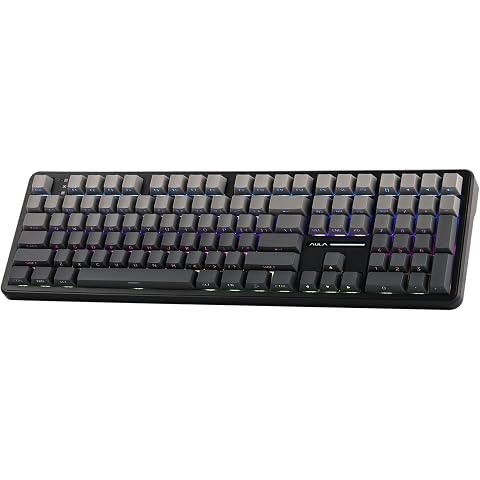
EPOMAKER Aula F108 Wireless Gaming Keyboard, Full Size Mechanical Keyboard | 4000mAh Battery, 108 Hot-Swappable and Programmable Keys, RGB Backlight, for Mac/PC/Android (Black Gradient)
$75.99
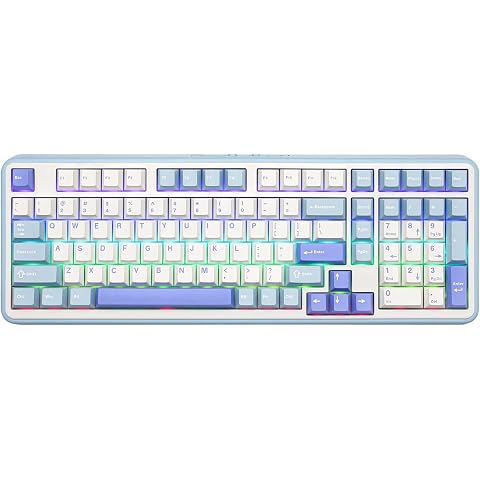
EPOMAKER TH99 Tri-Mode Wireless Mechanical Keyboard with 8000mAh Battery | Hot Swappable Custom RGB Gaming Keyboard with Numpad, Creamy Gasket Keyboard for PC/Mac/Office (Blue&White, Sea Salt Silent)
$70.54
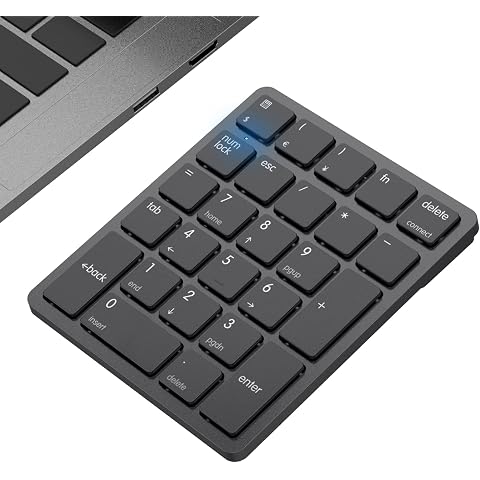
havit Bluetooth Number Pad Wireless Numeric Keypad Numpad 26 Keys Portable Mini Financial Accounting Rechargeable Numeric Pad for Windows Laptop Desktop, PC, Notebook (Black)
$19.99
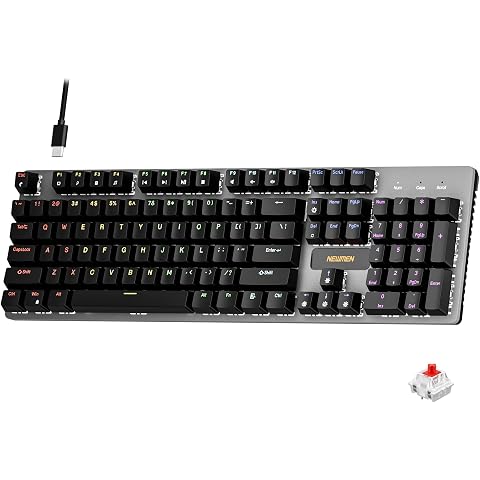
Newmen GM325Pro Mechanical Keyboard,Gaming Keyboard 104 Keys Red Switches | Rainbow LED Backlit,Metal Panel,ABS Black Keycaps,Wired Gaming Mechanical Keyboard for Windows ,Linear Red Switches,QWERTY
$24.99
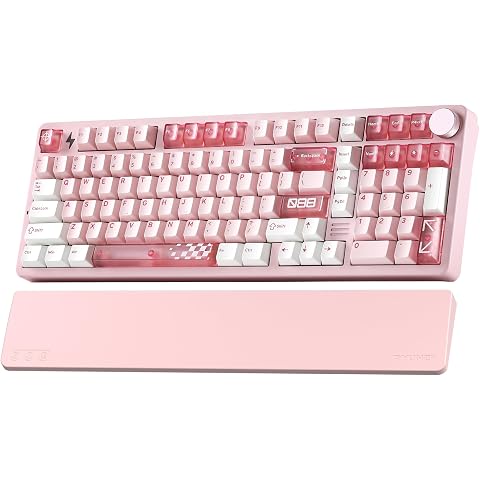
YUNZII AL98 PRO Aluminum Wireless Mechanical Keyboard(Pink,Cocoa Cream V2) | Dual 8K Keyboard with Wrist Rest, 100 Keys with Customizable Function Knob,Hot Swap Gasket Mount,RGB Web Driver for Win/Mac
$118.99
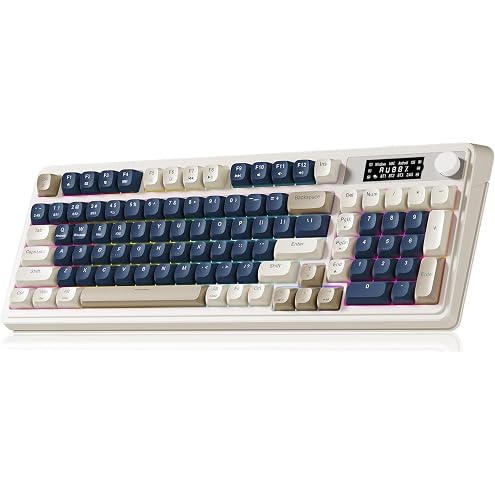
AULA S99 Pro Wireless Keyboard, Gaming Keyboards Media Knob Custom RGB Backlit, 3-Modes BT/2.4G/USB-C Membrane Cute Creamy Keyboard for Windows/MAC/PC Gamer - Blue White
$34.99
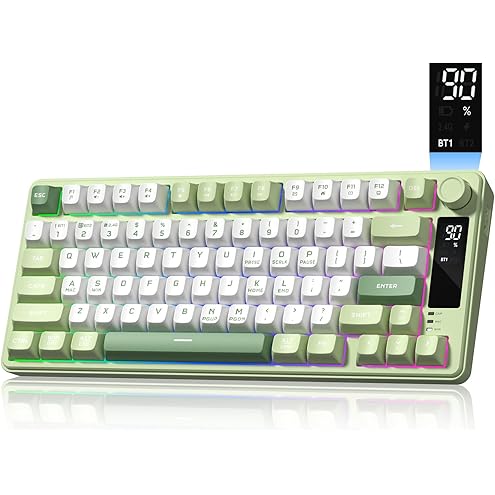
Womier DK75 75% Wireless Gaming Keyboard, Creamy Computer Keyboards, Green | Tri-Mode 2.4GHz/USB-C/BT5.0 Silent Membrane Keyboard, RGB Backlit, OLED Screen, Media Knob, Anti-Ghosting, Mac/Windows
$29.69
Products with discounts that might interest you
Offer details
- The manufacturer advises charging through a computer USB port and warns that direct power-adapter charging may damage the battery.